AI Interior Design
Upload one room photo and get it back restyled in about a minute. Windows, doors and proportions stay exactly where they are — only the furniture, colour and finishes change. Virtual interior design that starts from your actual room.
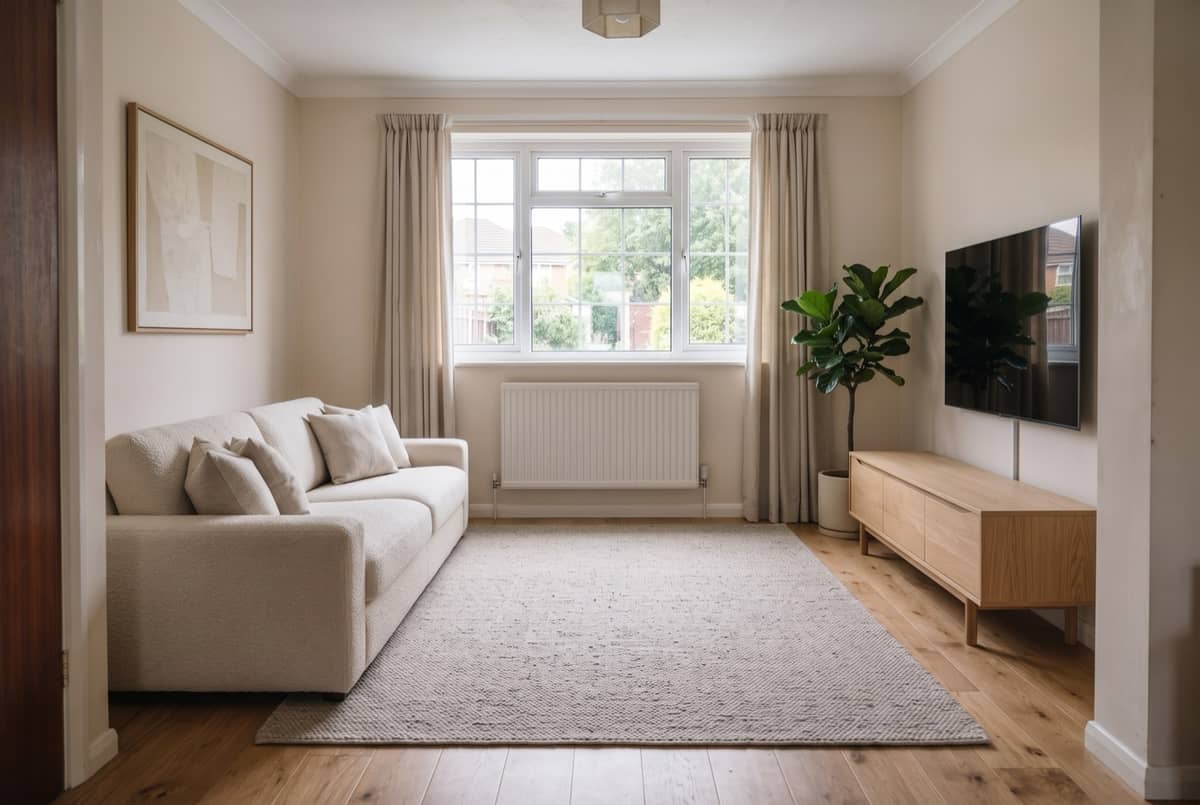
Why choose this AI interior design tool
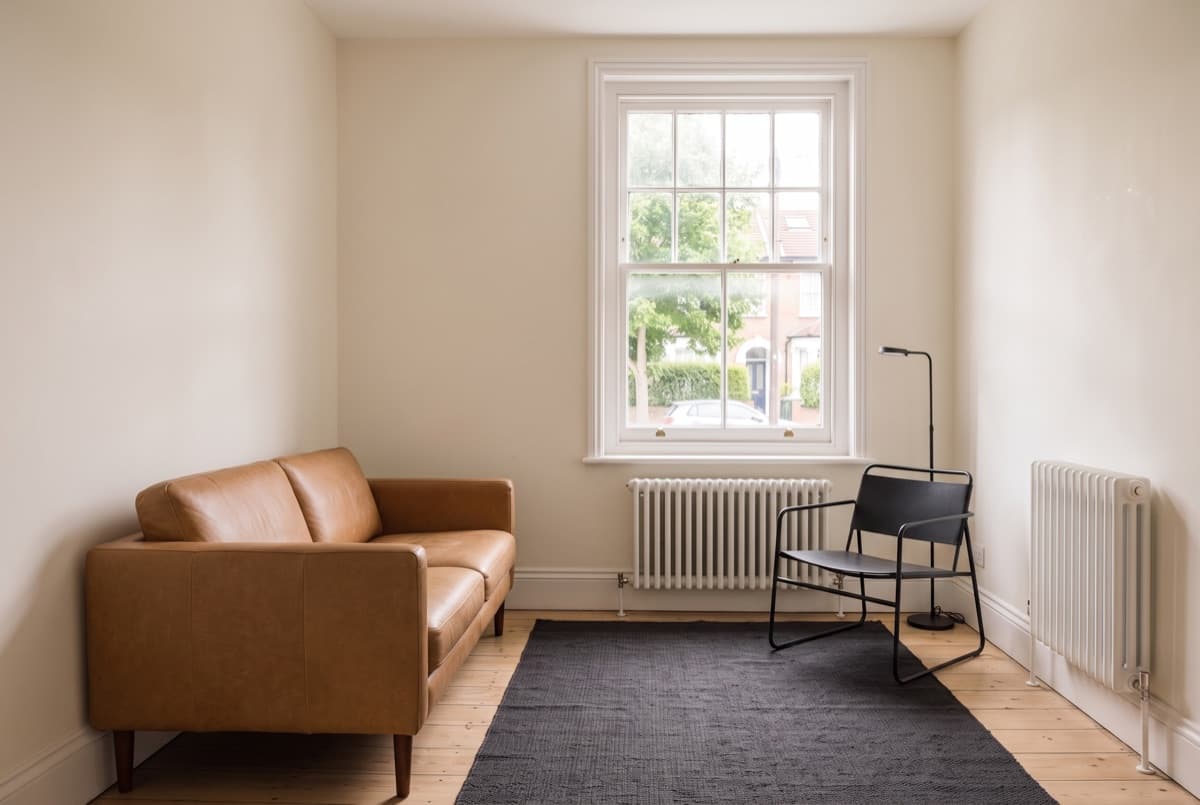
Your room, not a stock room
Most results online look great and belong to someone else's apartment. We edit the photo you uploaded: the window stays in the corner it is actually in, the radiator stays under it, the ceiling does not grow by a foot.
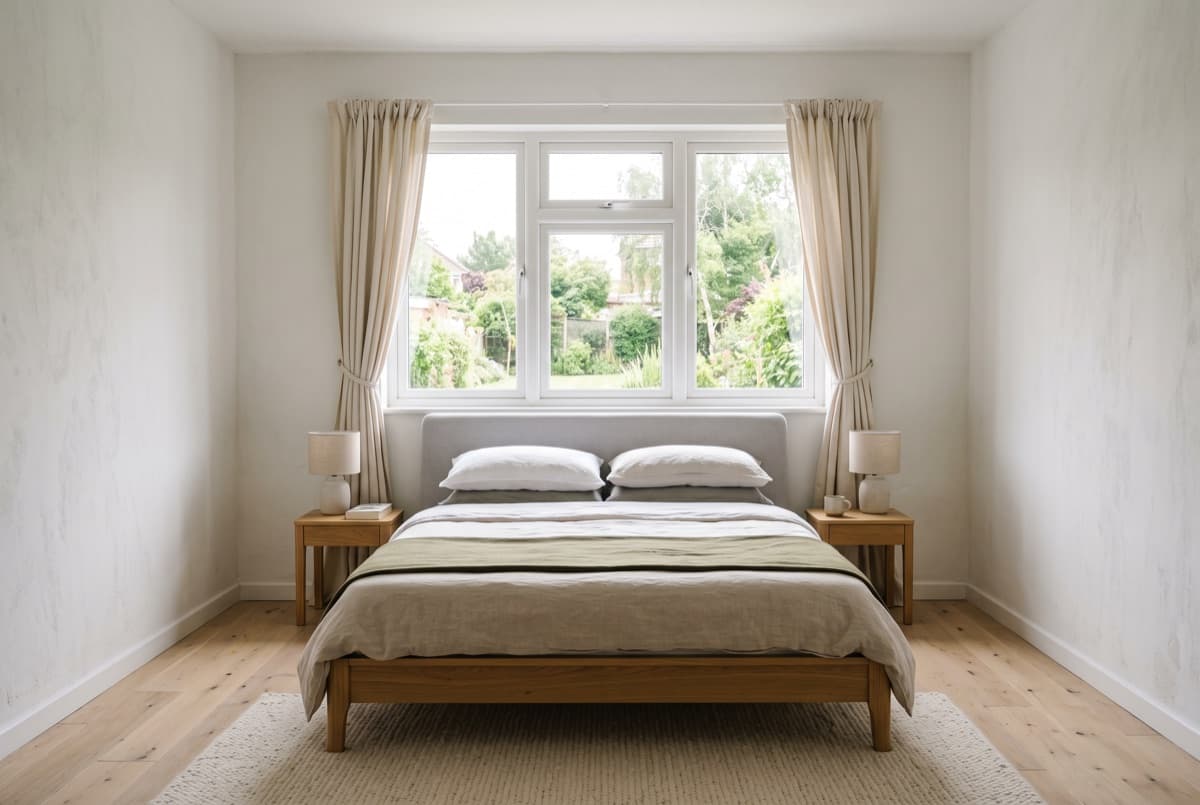
Under a minute, not ten days
A designer's first mood board takes days and starts in the hundreds. One pass here takes about a minute, so you can try Japandi, mid-century and coastal on the same room and throw two of them away.
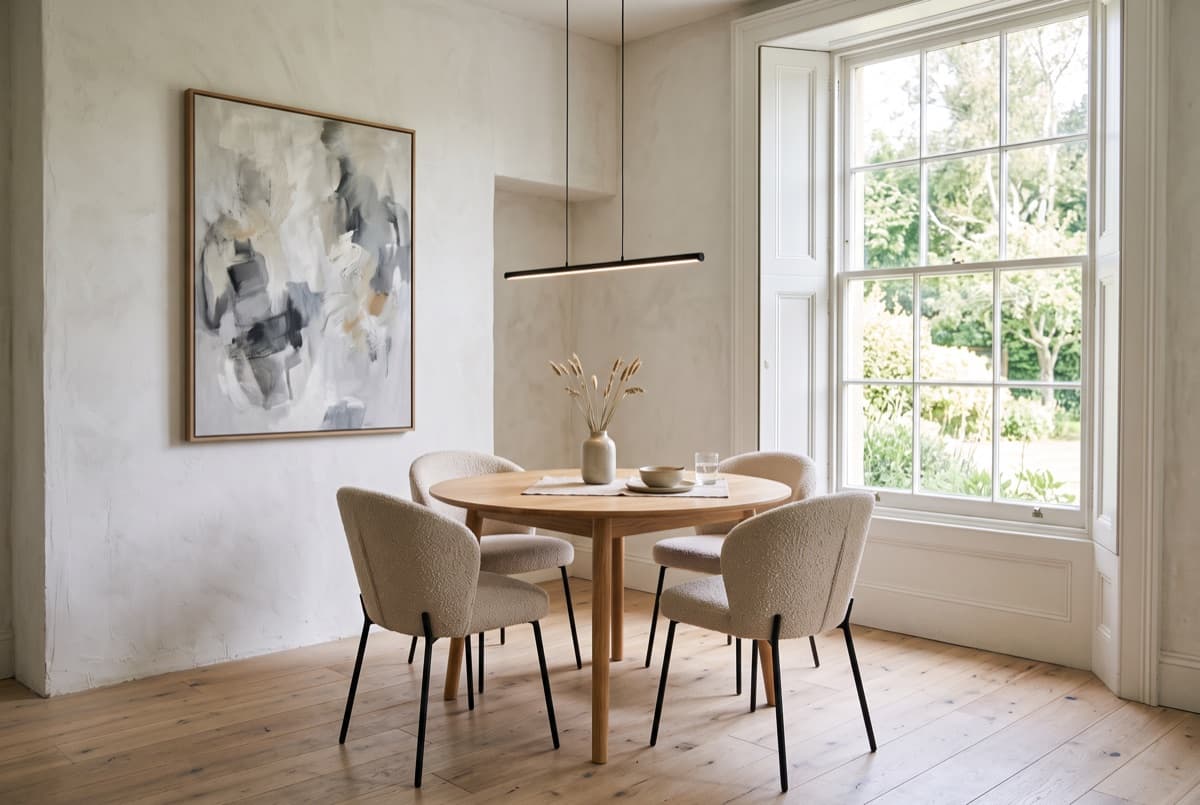
Something you can hand over
Every result comes back as a file you can download, with the style and notes attached. Send it to a contractor, a partner or a landlord and point at the version you mean — an AI interior designer that only makes pictures leaves you re-explaining yourself.
How to use the interior design AI in three steps
- 1
Upload a photo
One straight-on shot in daylight. A corner where two walls meet gives the model more to hold onto than a close-up of a sofa.
- 2
Pick a room type and style
Living room or bedroom, then a style. Add a note if you have something specific in mind: "warmer, more plants, keep the rug" will be respected.
- 3
Generate and compare
About a minute later a before-and-after appears, draggable. Change one thing, run it again — nothing you typed is lost.
AI interior design FAQ
Is it free?
Free to start — a new account covers several rooms before anything is charged. Generating needs an account so results are saved to you; Google sign-in is one tap.
Will it look like my actual room?
Windows, doors and proportions are kept; furniture and finishes change. It is a render, not a photograph, so any measurement read off it is a starting point.
What kind of photo works best?
Daylight, straight on, two walls meeting. Heavy filters and extreme wide angles distort the geometry the model is trying to preserve, and the result drifts.
Can I use it for client work?
For early direction, yes — narrowing three ideas to one before anyone spends real hours. It is not a document to bill from and not a construction drawing.
How many styles can I try?
As many as your credits cover. The form keeps your photo and notes, so a fourth style is one click rather than a fresh upload.
What happens to my photos?
Uploads and results stay in your account, are never published anywhere, and can be deleted at any time.