AI Landscape Design
Upload a photo of your property and get it redesigned — front yard or back, with bed lines, borders and planting in place. Species are matched to your hardiness zone, so the render doubles as a brief you can build from.
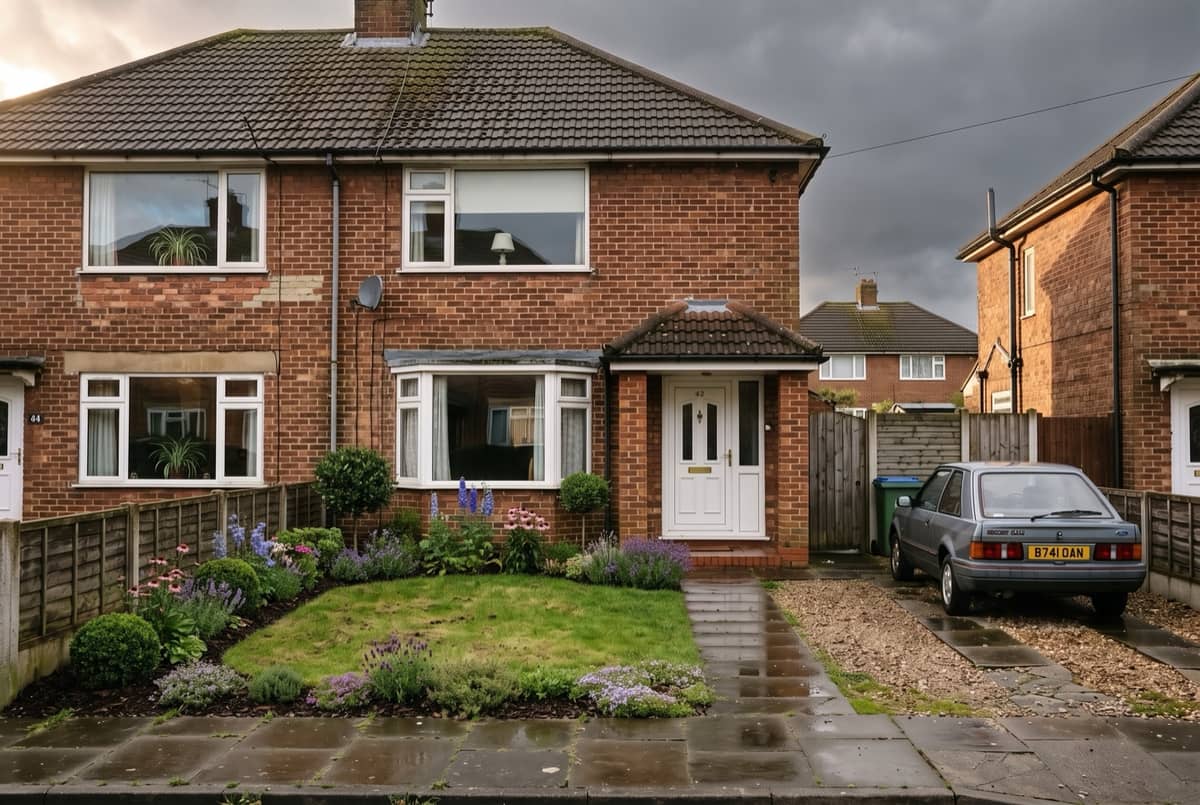
Why use this AI landscape design tool
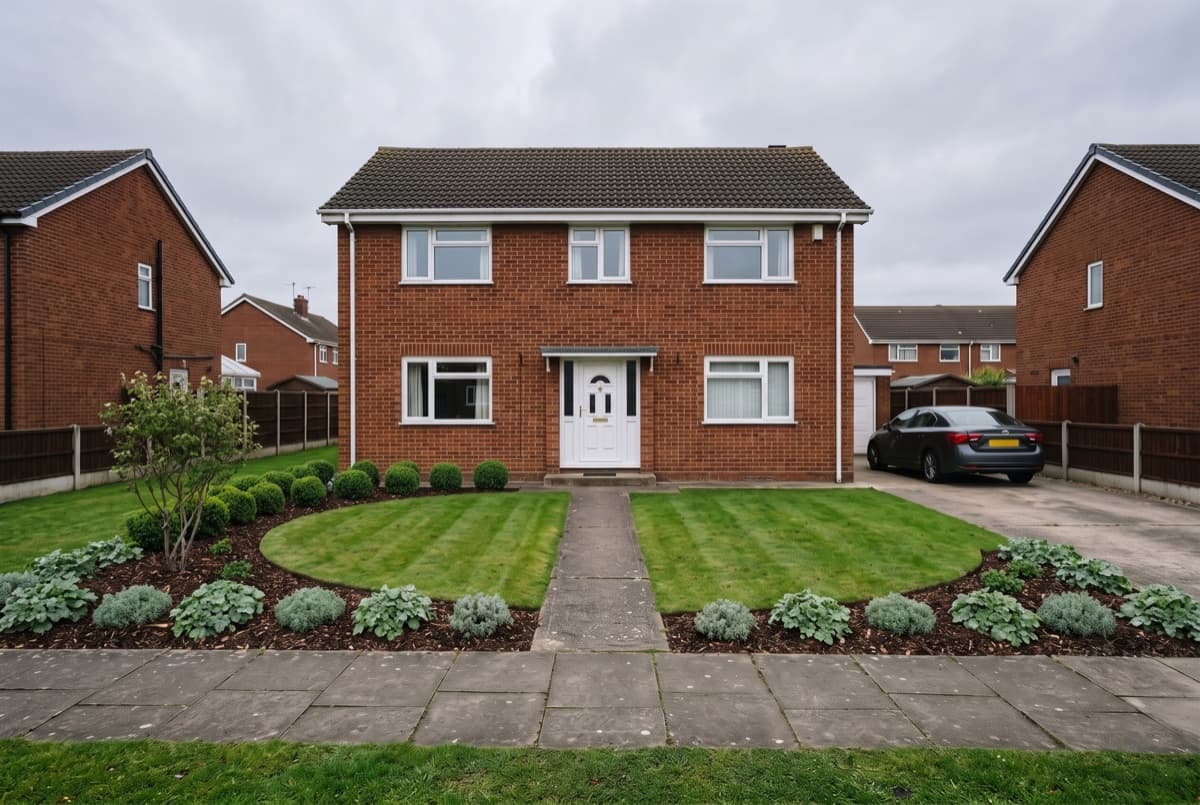
The whole property, not one bed
Point the camera at the front of the house or down the length of the back yard, and the redesign covers what is in frame: the shape of the lawn, where a bed line runs, how the planting frames the path you already have, which corner a tree should anchor. Most free landscape design apps ask you to drag objects onto a blank plan. This starts from the photo you already have, which is the difference between AI landscaping and a drag-and-drop planner.
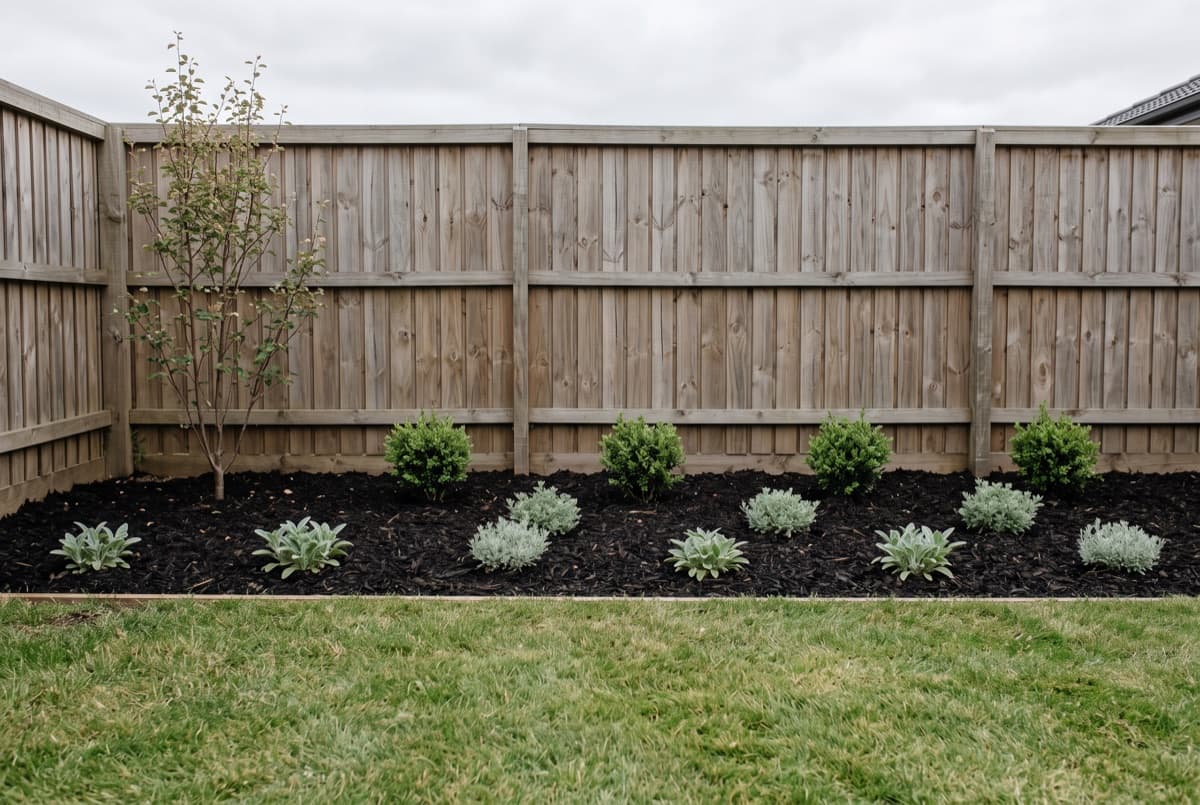
Species that live where you live
Every plant named in the result is checked against the USDA hardiness zone your ZIP falls in, and spaced for its mature width rather than the pot it ships in. An AI landscape generator working from images alone cannot do that. It draws something that looks right in the picture and is dead by February.
A brief a contractor can price
You get the render and the list behind it — species, quantities, mature height, sun. A landscaper can quote against that instead of guessing what you meant. What it is not is an engineering drawing: grading, drainage and retaining walls stay with the person who walks the site.
How this landscape design AI works, in three steps
- 1
Photograph the whole view
One daylight shot from where you normally see the space — the kerb for a front yard, the back door for a back yard. Wide enough to take in the boundary.
- 2
Add your ZIP and the dimensions
The ZIP sets your hardiness zone. Width, depth and available sun decide how much fits and which species can hold each position.
- 3
Run it, then change one thing
Adjust the style, the light or the size and run it again. Each pass returns a fresh render and a fresh list, so two directions can sit side by side.
AI landscape design FAQ
Is there a free app for landscape design?
Free AI landscape design here means three full renders on a new account, with no card. Paid plans are there for people running several projects at once, but you can judge the output well before any of that.
What is the best AI for landscape design?
It depends what you want out of it. Any image tool will hand you a picture. Getting a picture whose plants survive your winter, with quantities you can buy against, needs a plant database behind the model rather than the model alone. A landscape design tool that names species has to carry that data itself.
Can it work from a photo of my house?
Yes, that is the intended input. Working from a photo keeps your house, drive and boundaries where they are; what changes is the planting and the ground around it.
Does it handle grading, drainage or retaining walls?
No. Those need someone on site with levels. The render shows how a finished scheme could look, and the structural questions underneath it stay with a contractor.
How is this different from your garden design tool?
Same engine, different framing. The garden tool works a bed at a time and outputs a planting plan. This one takes the whole property and shows how it reads from the street or the back door.
How accurate are the plants for my area?
They come from a cross-checked library, filtered by the hardiness zone your ZIP falls in. That answers the winter question and nothing else — soil, drainage and local planting restrictions are still yours to confirm, and the result says so.