AI Backyard Design
Photograph your back garden from the back door and get it replanted — planted borders down the sides and across the far end, the lawn left where you use it. Species are picked for your hardiness zone and for the light that reaches each corner.
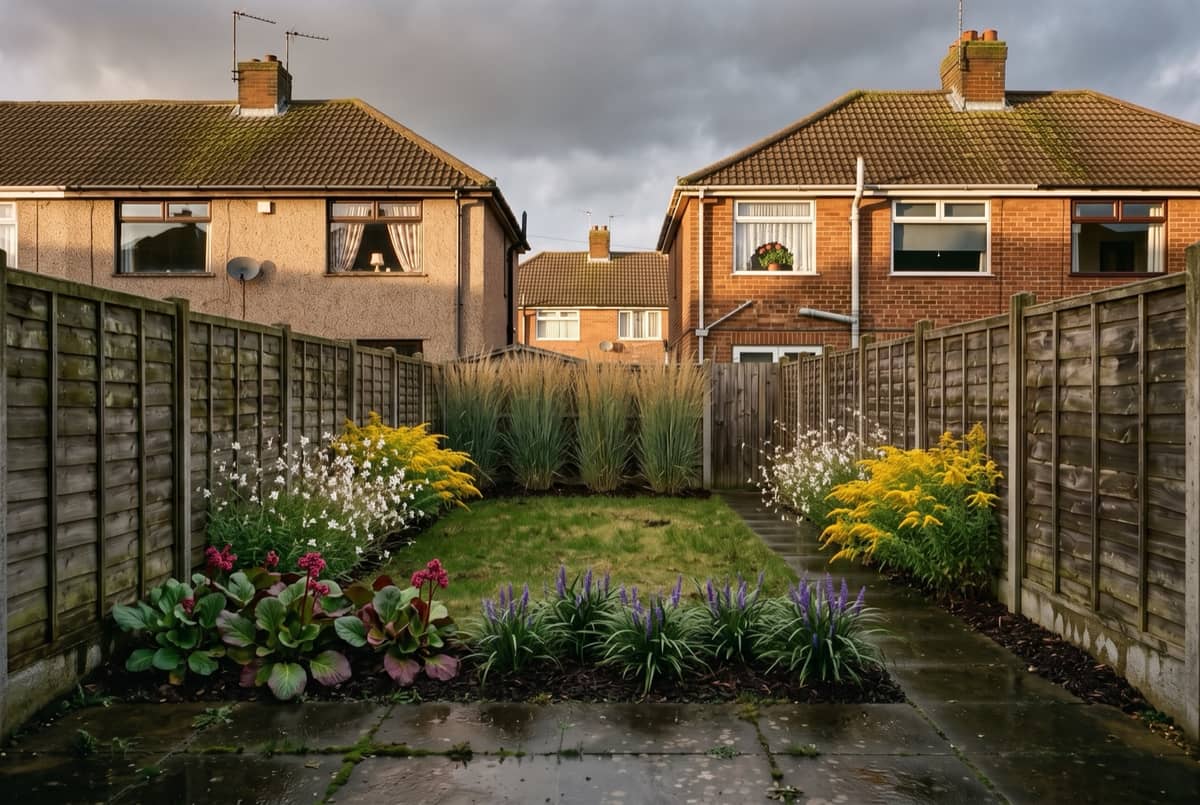
Why use this AI backyard design tool
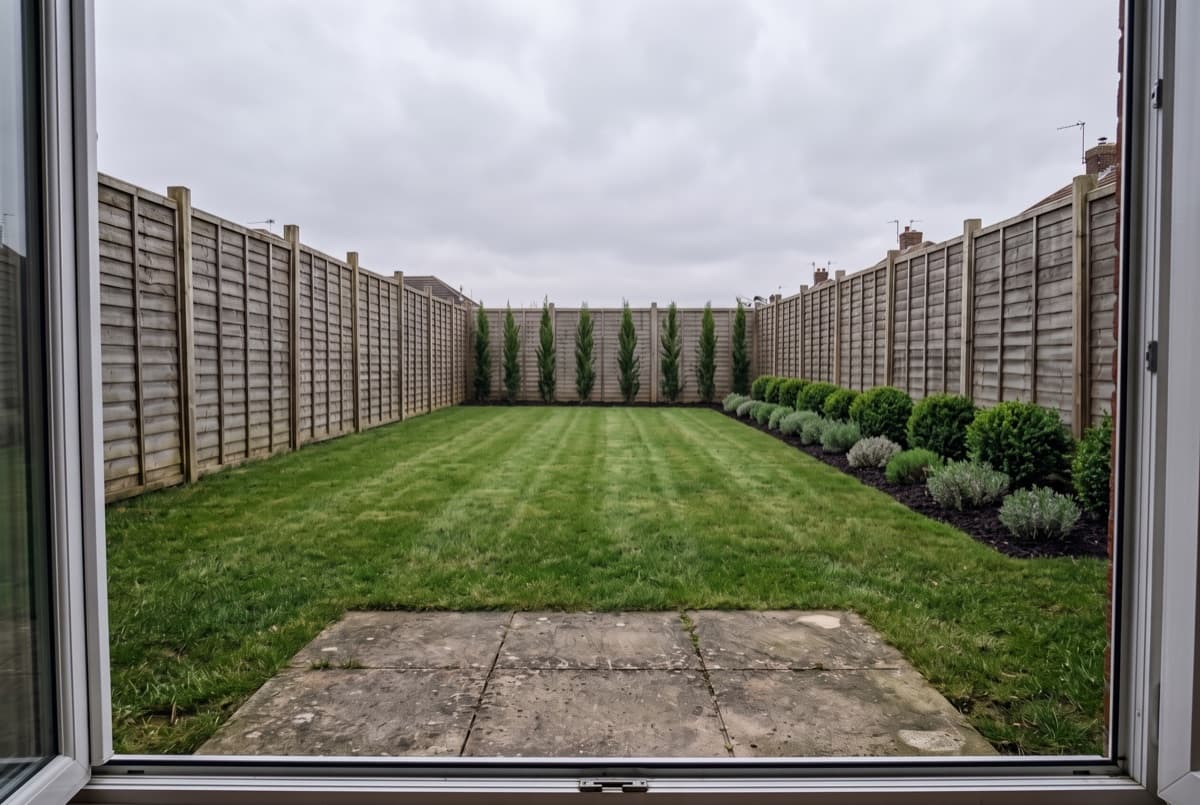
Designed from the back door, not from above
A back garden is a view you get every day from one window, so that is the shot to start from. What changes is the planting around the edges. The lawn you actually walk on and the paving you stand on stay exactly where they are — the design happens around them, not on top of them.
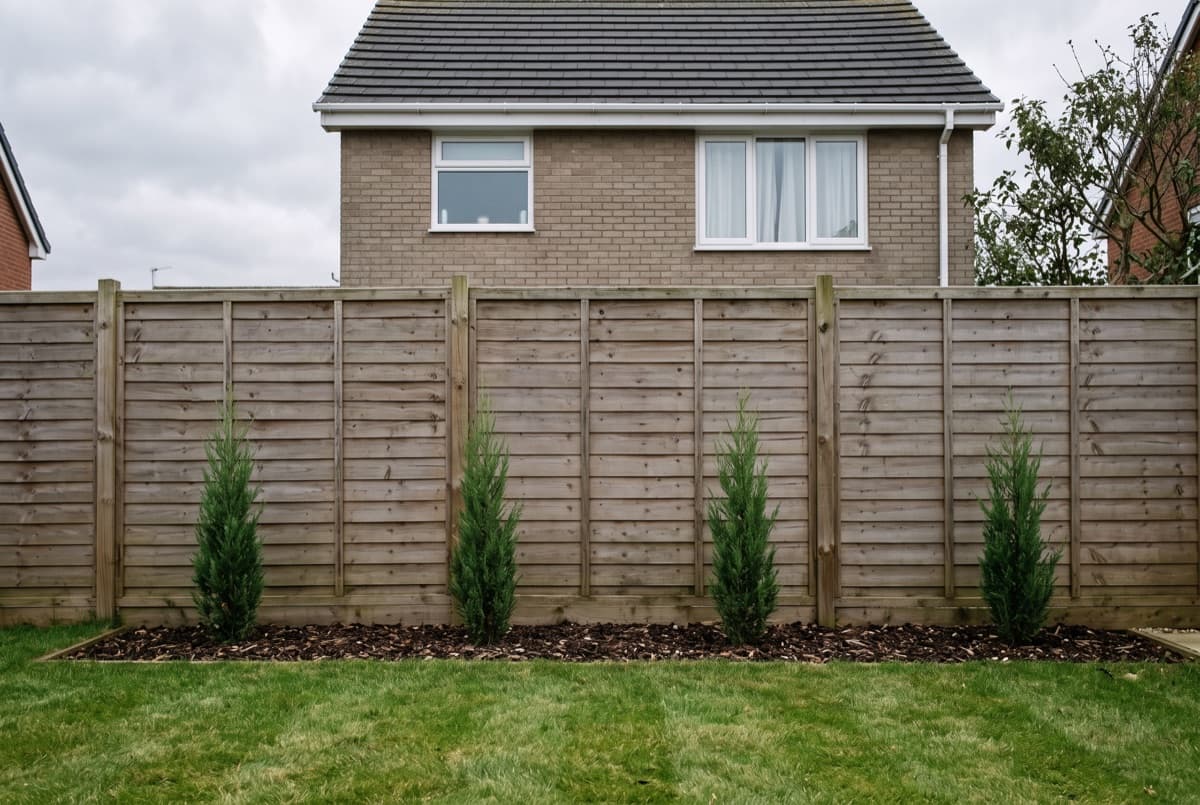
Screening, and how long it takes
A fence stops at six feet. Your neighbour's upstairs window does not. Species here are chosen against the height they reach, not the height they ship at, and the plan says how many years that takes. A backyard design tool that draws a finished hedge on day one has answered the wrong question.
Shade is the real constraint back here
The house shades its own garden for part of the day, and one fence usually faces away from the sun. That changes the list more than the climate does. In zone 6b our library offers 46 species in full sun, 48 in part shade and 21 in deep shade — the same garden, three different plans, which is why the light setting is a field and not a guess.
How this AI backyard design tool works, in three steps
- 1
Shoot it from the back door
One daylight photo from the doorway or the patio, wide enough to take in both side boundaries and the far fence. That frame is what the backyard AI design pass redesigns.
- 2
Add your ZIP, the size and the light
The ZIP sets your hardiness zone. Width and depth decide how much fits, and the light setting decides which of those species can actually hold a shaded boundary.
- 3
Run it, then change one thing
Switch the style, the light or the dimensions and run it again. Each pass returns a fresh render and the plant list behind it, so two directions can sit side by side.
Not sure what to plant? Start with your zone
Every plant in a design has to survive your winter. See what grows in each USDA hardiness zone, with mature size and spacing.
AI backyard design FAQ
Is there a free app to design your backyard online?
This one starts free — three full renders on a new account, with no card. Free backyard design apps usually stop at moving clip art around a plan; the free renders here are the same ones the paid plans produce. Paid tiers exist for people working through several gardens at once.
What is the best AI for backyard design?
Any image tool will hand you a picture of a garden. The question worth asking is whether the plants in it survive your winter and come with quantities you can buy against, because that needs a plant database behind the model rather than the model on its own.
Can it design my backyard from a photo?
Yes — a photo is the whole input. The fences, the paving and the shape of the lawn come through untouched, so what you are looking at afterwards is your own garden with different planting in it, not a stock garden that happens to be the same size.
Will it tell me how to block out my neighbours?
It picks species by mature height and says how long they take to get there. What it will not do is pretend a knee-high plant is a screen today — that number is in the plan precisely because it is the part people get wrong.
Does it handle decking, pergolas or drainage?
No. This is planting: species, quantities, spacing and height. Anything built — decking, pergolas, retaining walls, anything to do with water or levels — needs a contractor on site.
My garden is mostly in shade. Is that a problem?
It narrows the list rather than ending it. Set the light to part shade or shade and the plan is built only from species rated for it — in zone 6b that is 48 and 21 species respectively, against 46 in full sun.