How to Use AI to Decorate a Room From a Photo
Learn how to use AI to decorate a room from a photo, compare styles, and check the results before choosing furniture, paint, or decor.

TL;DR
Take a clear photo, choose one decorating goal, and list what must stay. Upload the photo, create two directions with one main difference, then compare both outputs with the real room before buying paint, furniture, or decor.
Direct answer: To use AI to decorate a room, start with a photo of the room as it is today and give the tool one focused task, such as changing the style while keeping the bed. The result is a visual concept, not proof that furniture will fit, walls can move, or a displayed color will match a real sample.
This guide uses the same bedroom photo to compare Modern and Scandinavian directions in Spaceora. The test was completed on October 25, 2026; it is one observed workflow, not a general accuracy benchmark.
What do you need before you start?
Prepare a clear, level photo that shows the door, windows, main furniture, and visible floor. Avoid panoramas, collages, dark inputs, and strong wide-angle distortion.
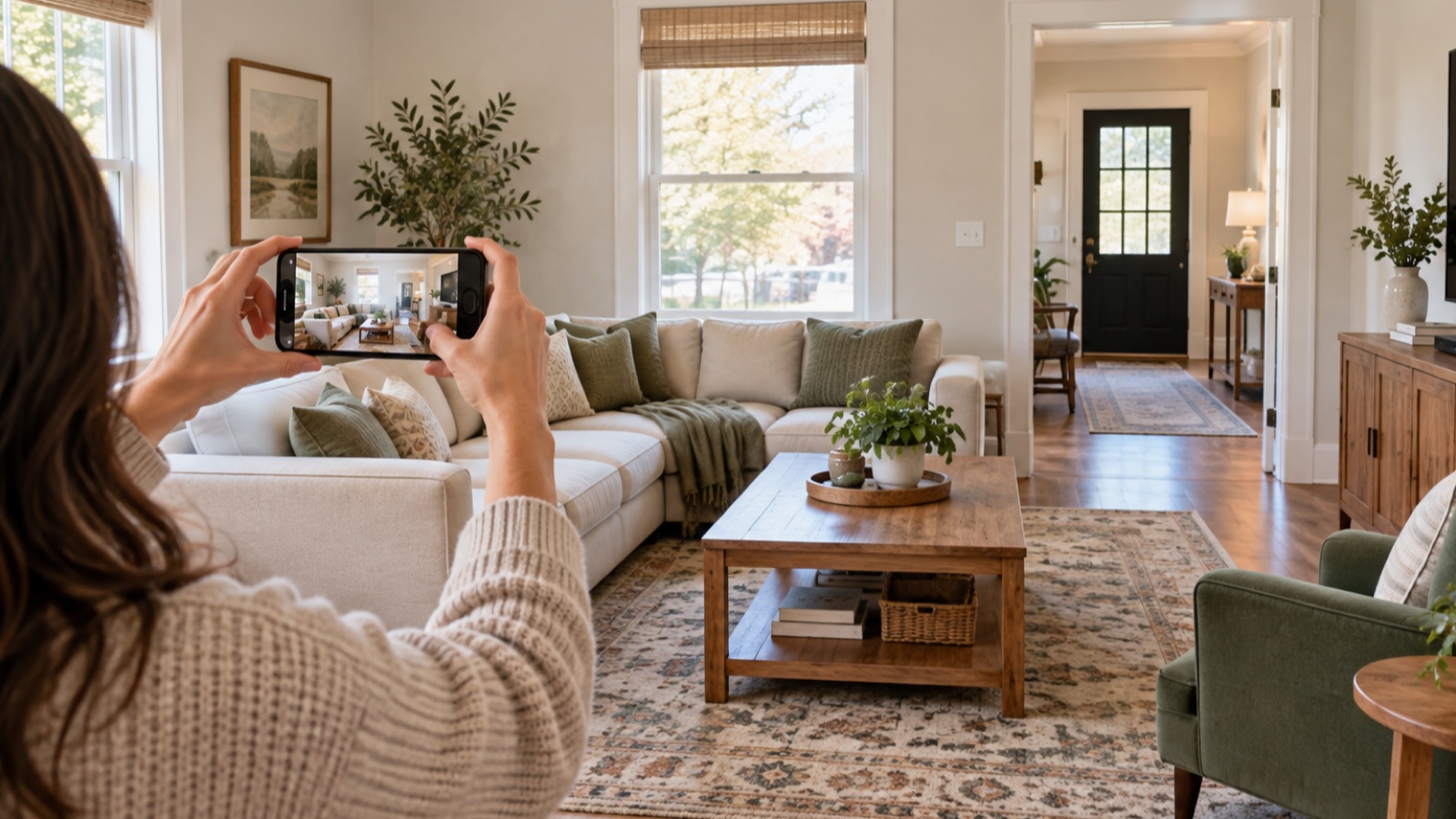
Choose one goal and make a short must-keep list. Our test asked Spaceora to keep the bed, windows, and camera viewpoint while changing bedding, the rug, lighting, and small decor. Instructions help you assess the result, but they do not guarantee that every detail will remain unchanged.
How to use AI to decorate a room, step by step
1. Photograph the room you want to change
Include the features that constrain the design rather than cropping them out. If the doorway or walking route matters, it needs to be visible. You should be able to identify the fixed features before uploading the image.
2. Choose one decorating goal
Write a brief you can evaluate. For example:
Keep the bed and windows. Compare a Modern direction with a Scandinavian direction. Change the bedding, rug, lighting, and small decor.
This round is about style. If you only need to swap one chair, table, or sofa, use a furniture replacement tool instead of requesting a complete redesign.
3. Upload the photo and choose a style
Open Spaceora's AI interior design tool, add the room photo, choose the room type and style, and enter a short optional instruction if needed. Before generating, confirm that the correct photo and settings are shown.
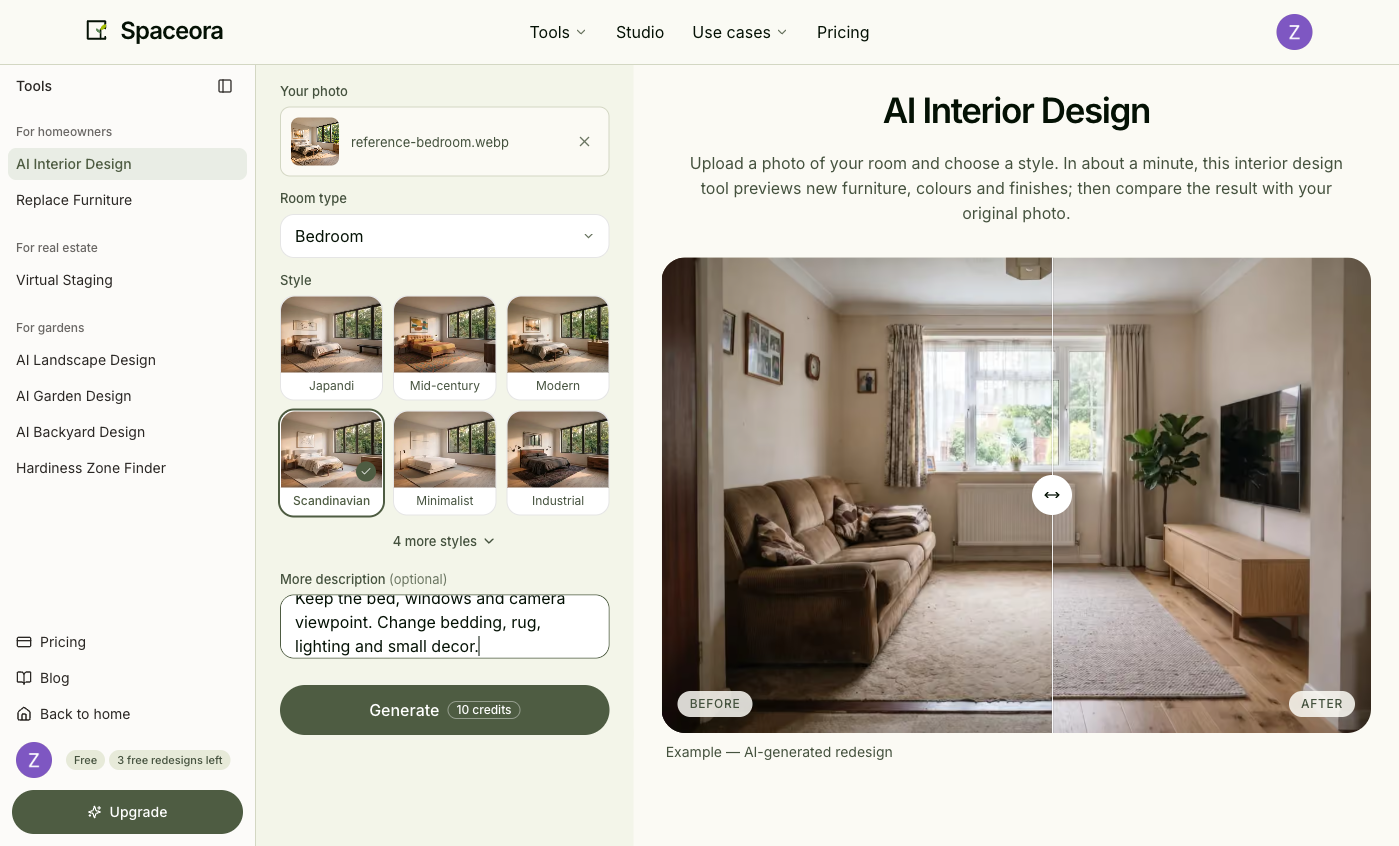
For details on the tested styles, see the Modern bedroom guide and Scandinavian bedroom guide.
4. Generate two directions from the same photo
Keep the input and must-keep list unchanged. Generate one direction, then change only the main style variable.
In our account, the Scandinavian sample completed in 26.5 seconds and the Modern sample in 20.7 seconds. These timings describe two runs on October 25, 2026; they are not a speed promise. Check the current pricing and plan details before relying on a particular allowance.
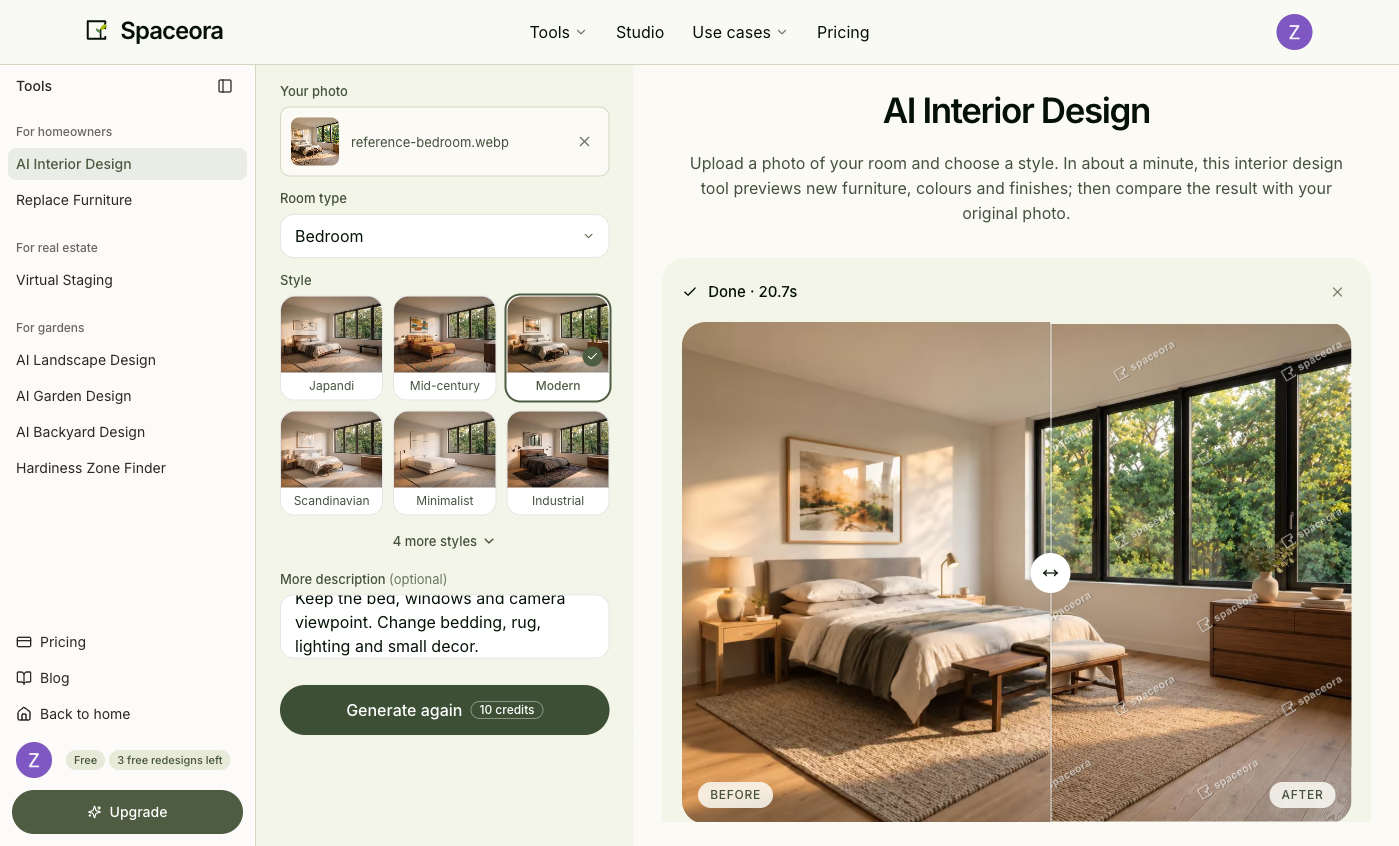
Recorded Spaceora comparison: the Modern run used the same photo and preservation instruction as the Scandinavian run; only the style selection changed.
5. Compare the outputs with the original
Both samples kept the three-window wall and the camera viewpoint recognizable. Both also changed more than bedding and small decor: the bed treatment, headboard area, rug, artwork, bedside details, and dresser styling shifted. The Modern result also introduced a different bench and decor arrangement.
That makes the images useful for comparing mood, materials, and color direction, but not for confirming exact furniture preservation. Check doors, windows, furniture count, scale, and walking paths in every result. Measure the actual room before buying anything.
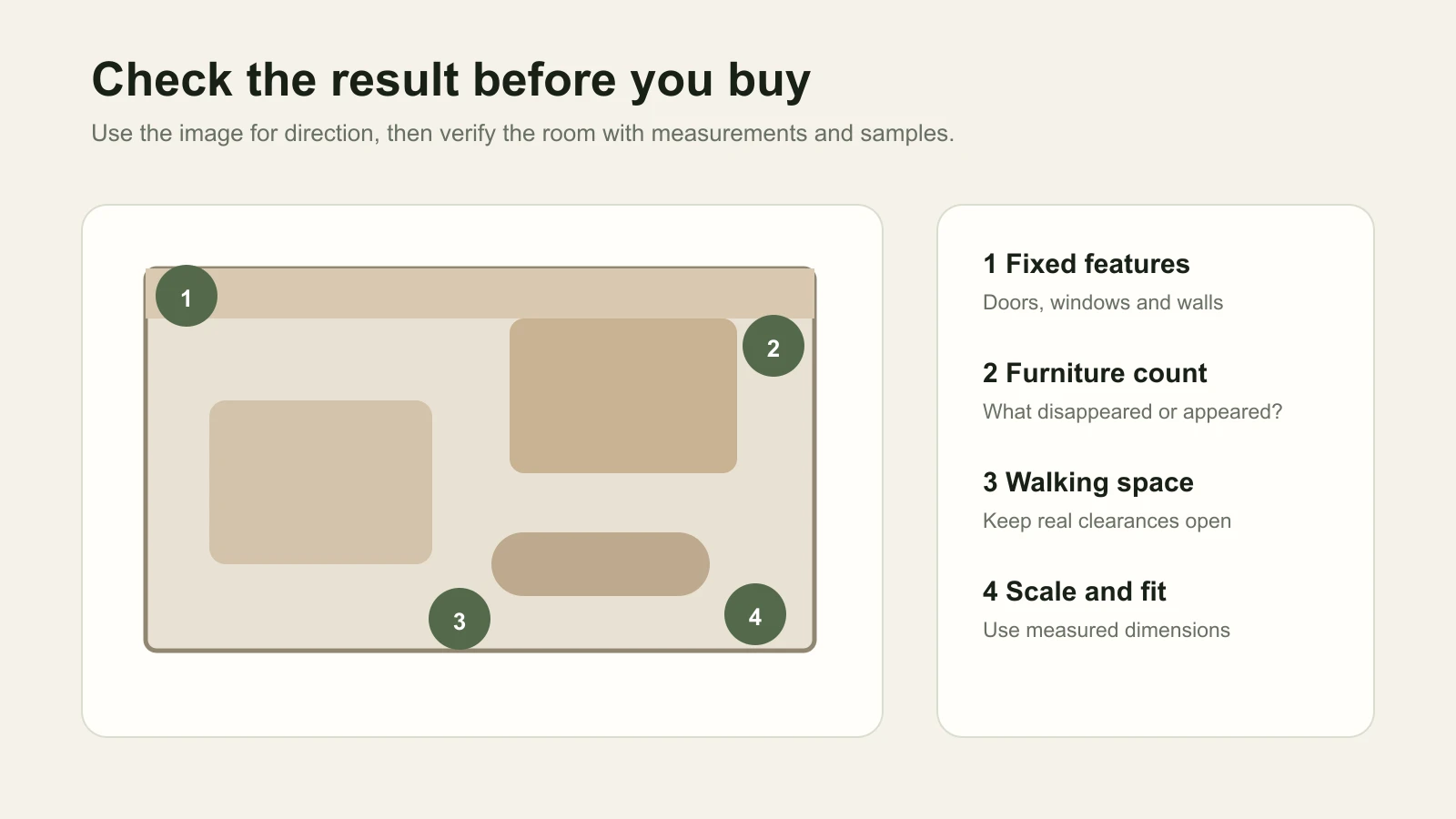
6. Turn one preview into a short plan
Choose two or three ideas from the preferred image. You might test a rug color in the measured floor area, bring home bedding samples, or compare a warmer bedside lamp. Verify dimensions, materials, prices, and samples in the real room. Objects shown in an AI image are not automatically purchasable products.
What should you do when the result looks wrong?
| Problem | Next step |
|---|---|
| A fixed feature moved | Return to the original photo, request fewer changes, and name the feature clearly |
| Furniture looks too large | Reject the implied size and use real measurements |
| The style is too heavy | Choose a direction closer to the existing room or reduce the requested changes |
A clearer retry can help, but it cannot guarantee that the next image will preserve every feature.
Can you try AI room decorating for free?
Free conditions differ by tool and account. A starting allowance can also include watermarks, export limits, or paid revisions. Check the current product and pricing screens. For broader tool choices, see the AI interior design tools comparison.
Choose one idea to test in the real room
Pick the concept with the most useful direction, compare it with the original, and try one low-risk change first. When you are ready, try a style on your room photo.
Frequently asked questions
Can AI design a room from a photo?
AI can create a visual decorating concept from a room photo. It does not produce a measured floor plan, construction drawing, or proof that displayed furniture will fit.
Do I need an empty room?
No. A furnished-room photo can be used to explore a new style. Empty-room virtual staging is a separate workflow that adds furnishings to a vacant space.
Will AI keep my existing furniture and layout?
You can state what must stay and compare the output with the original, but preservation instructions are not a guarantee. Our two samples kept the main window wall recognizable while changing several furniture and decor details.
Can I use ChatGPT instead?
Yes. ChatGPT can accept a room image and editing instructions when image features are available for the account. Use a clear request, refine one issue at a time, and inspect the result against the original. See How to Use ChatGPT to Design a Room From a Photo.