AI Kitchen Design From Your Photo
Upload a kitchen photo, choose a style, and compare a new look for cabinets, colours, lighting and decor. Explore directions before speaking with a designer or buying furniture.
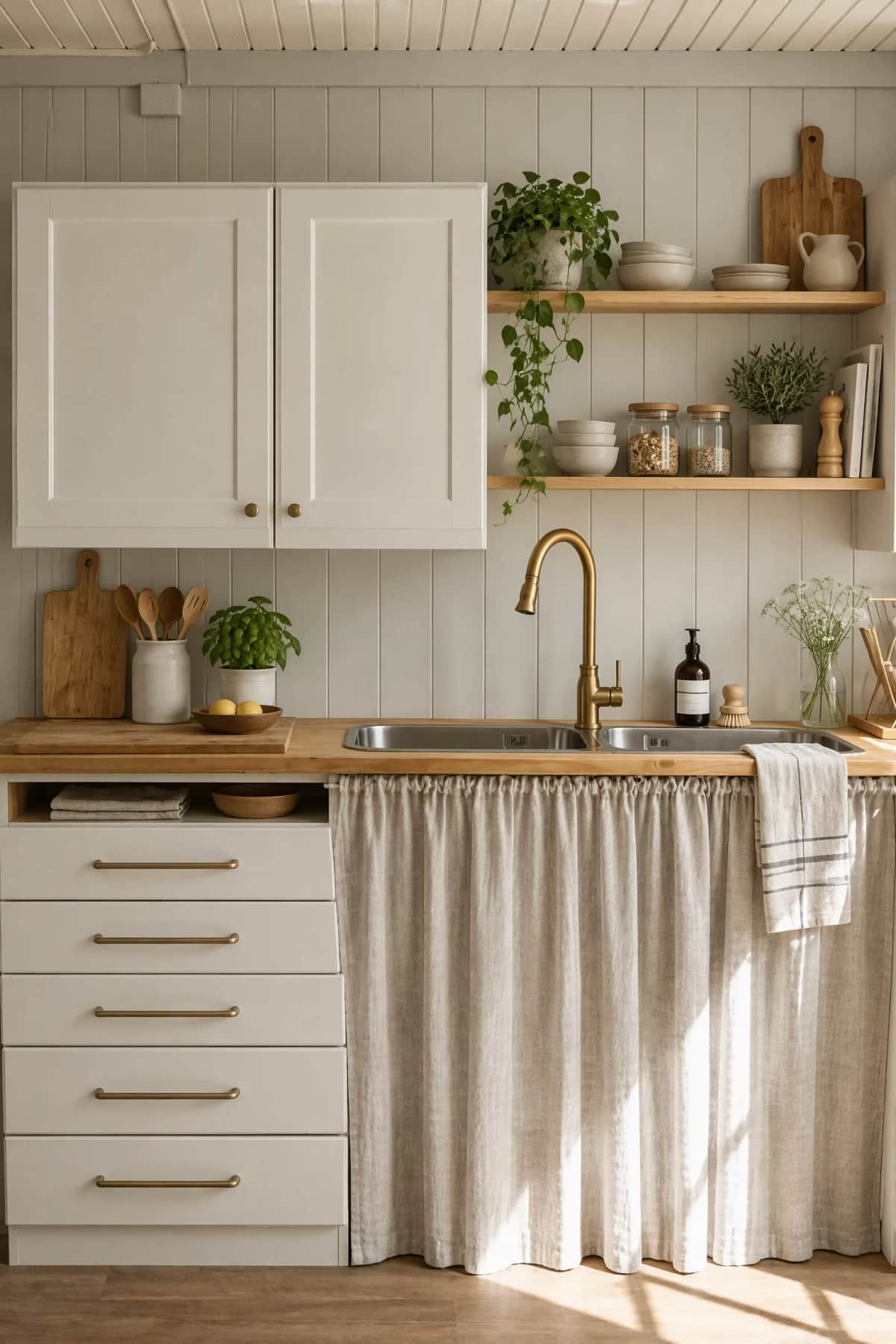
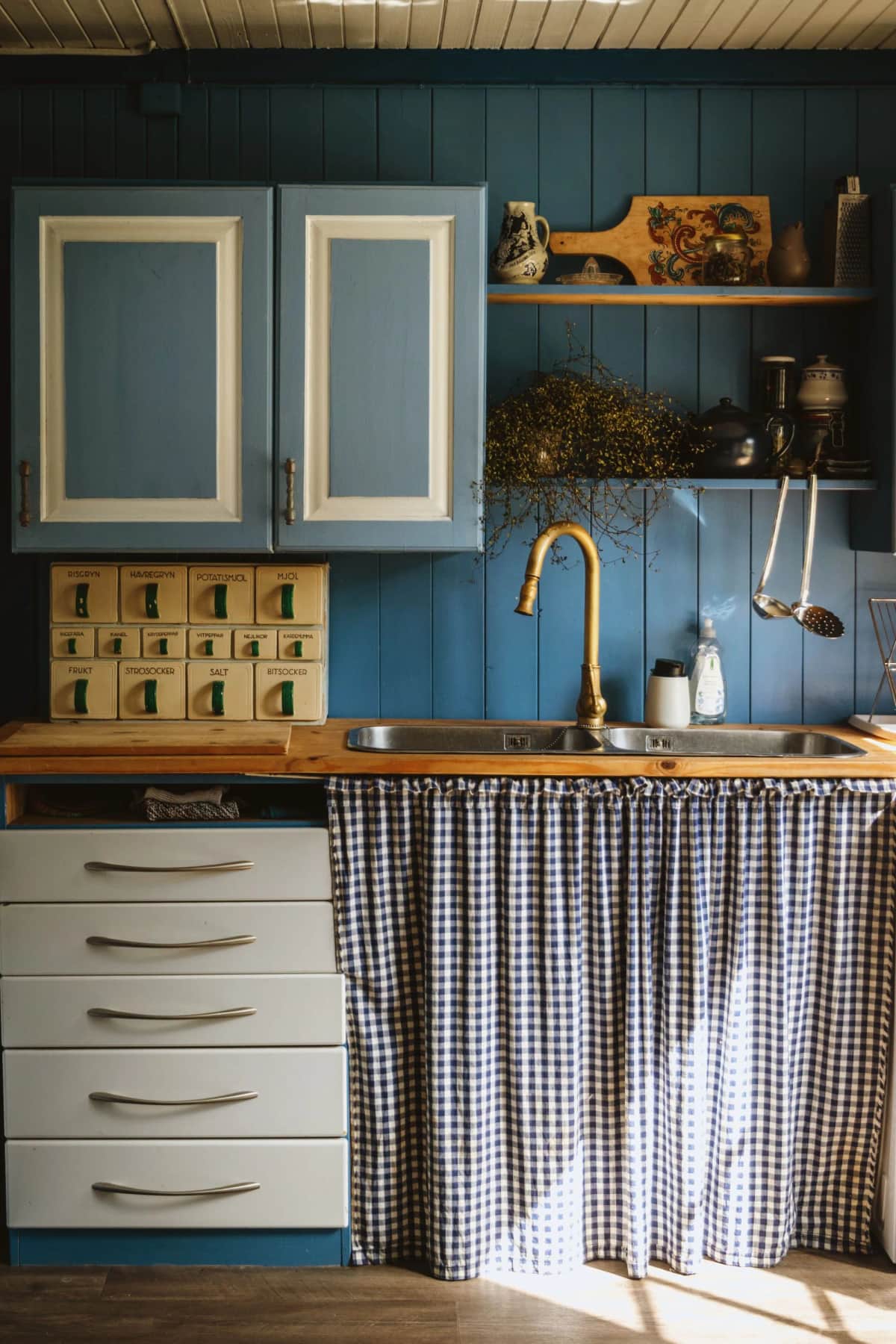
Explore kitchen decisions before you commit
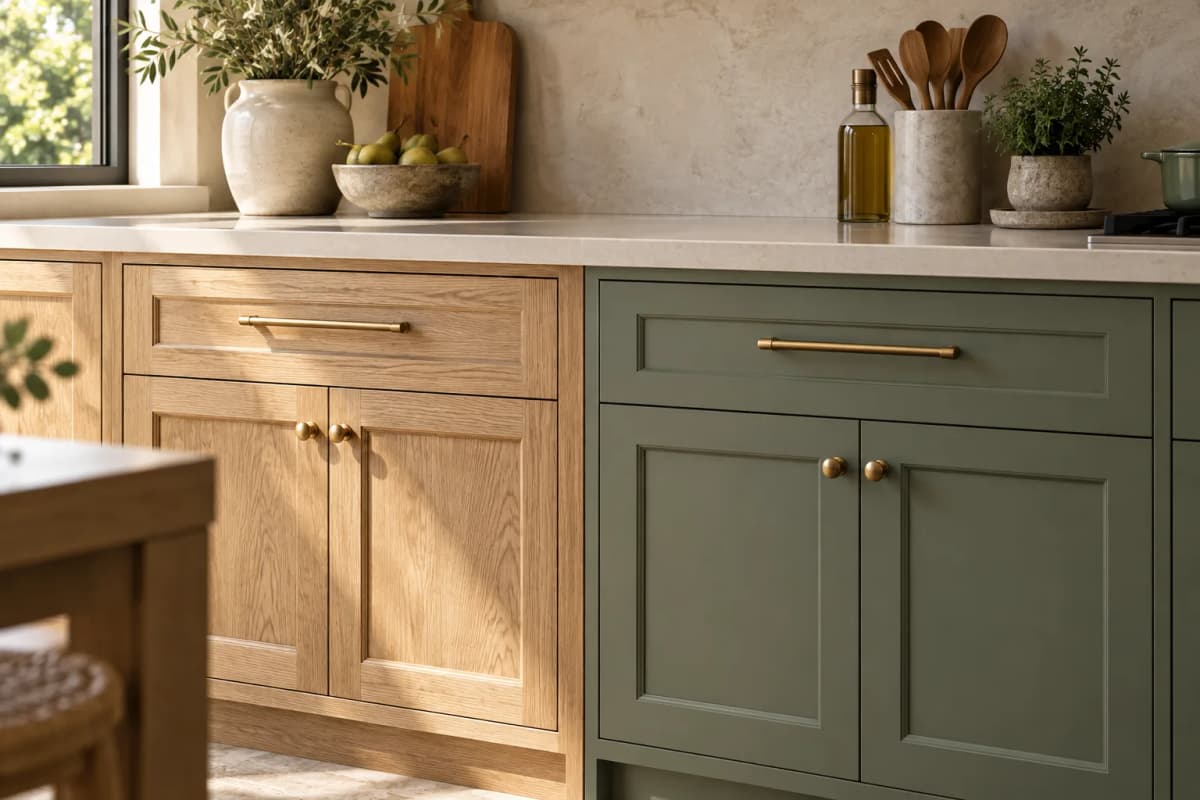
Compare cabinet finishes
See how a lighter wood or painted cabinet direction changes the feel of your own kitchen before ordering samples or speaking with a designer.
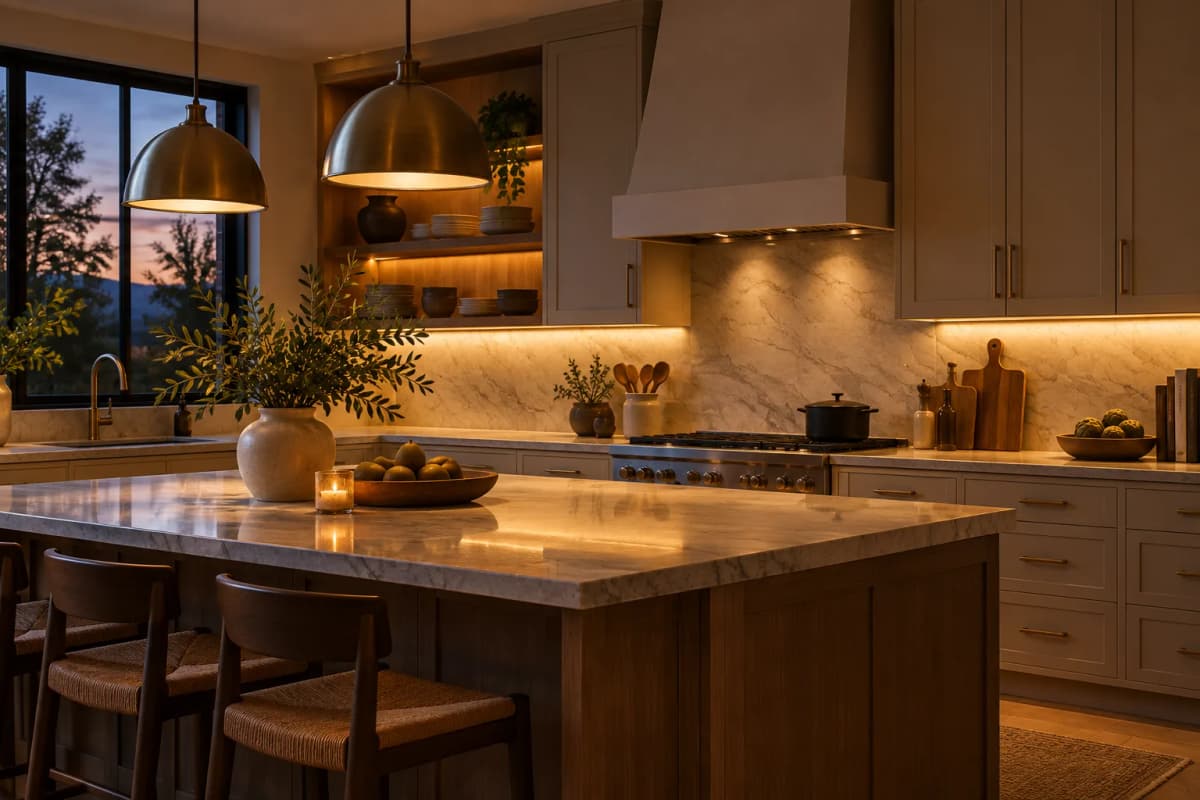
Explore lighting ideas
Try a warmer or brighter style direction and use the preview to discuss pendant, task and ambient lighting with your designer.
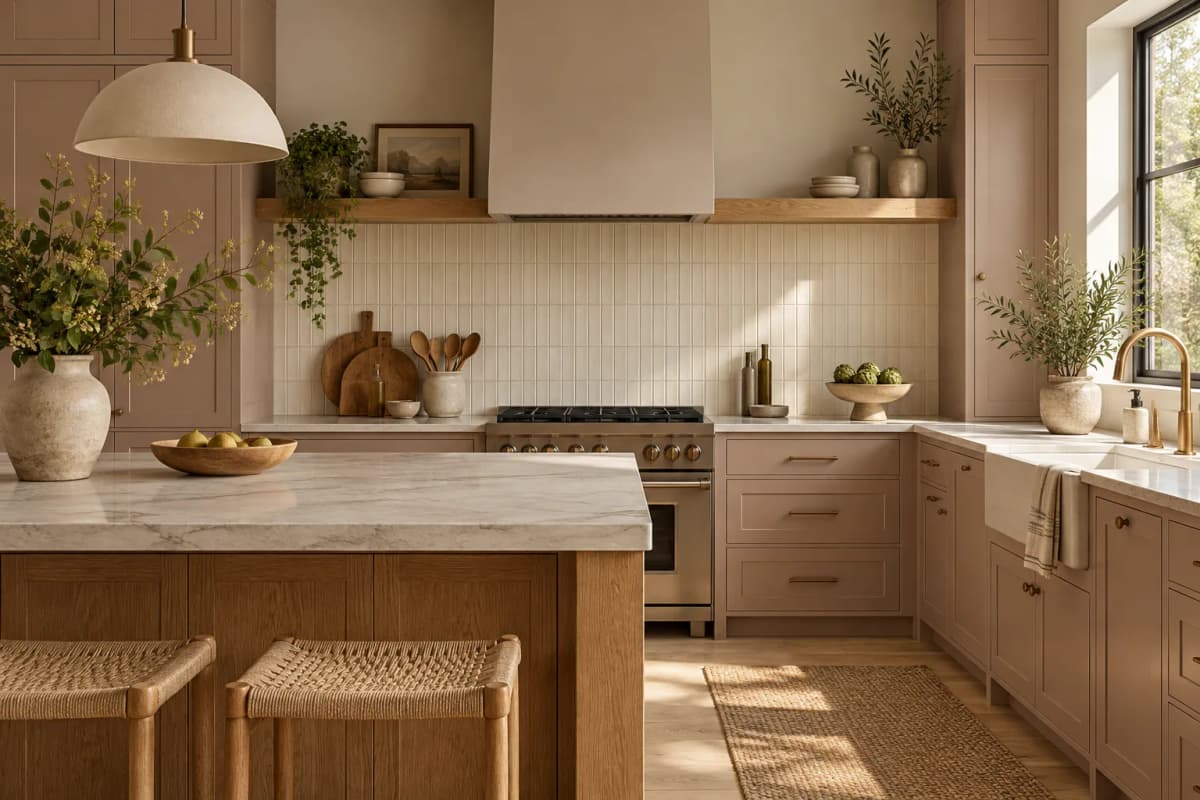
Choose colours and materials
Compare colour and material combinations for cabinets, backsplash and work surfaces before buying furniture and finishes.
How to try an AI kitchen design
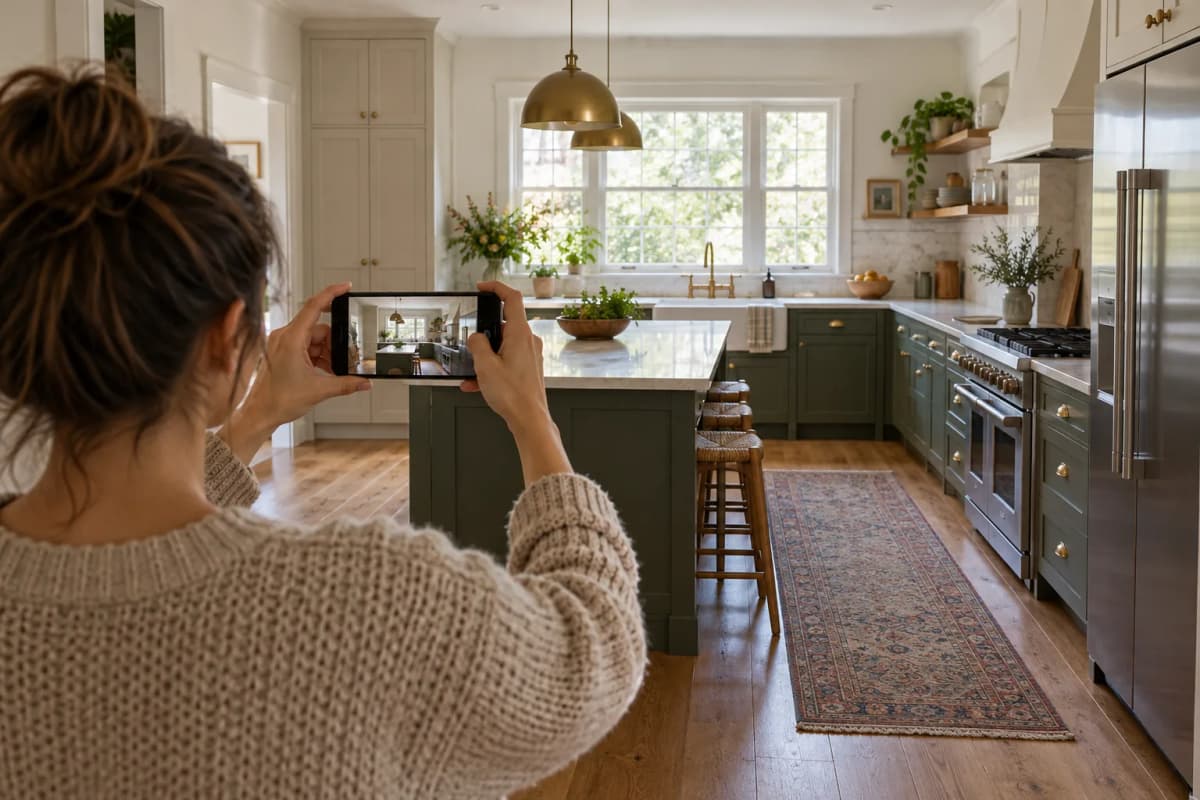
Upload your kitchen photo
Photograph the whole kitchen in clear light so cabinets, worktops and the main walkways are visible.
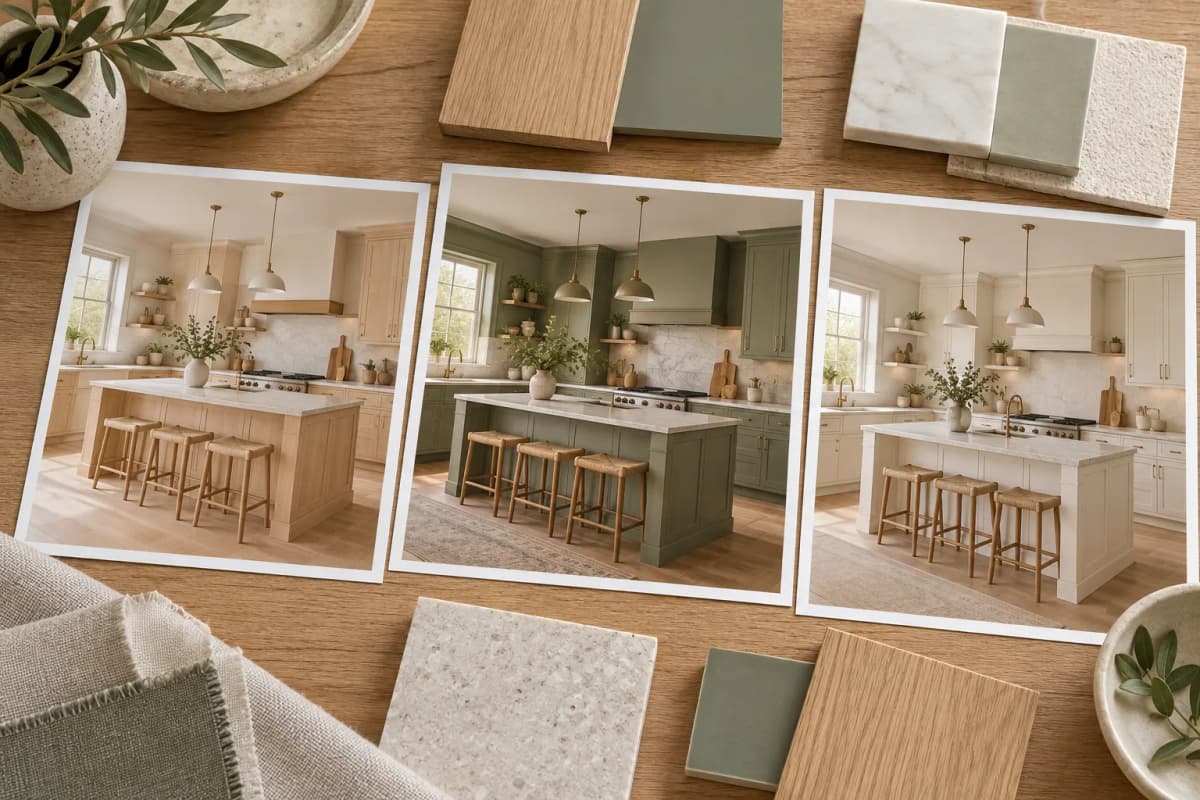
Choose a style and add notes
Pick a style and describe the cabinet finish, lighting or colour palette you want to explore.
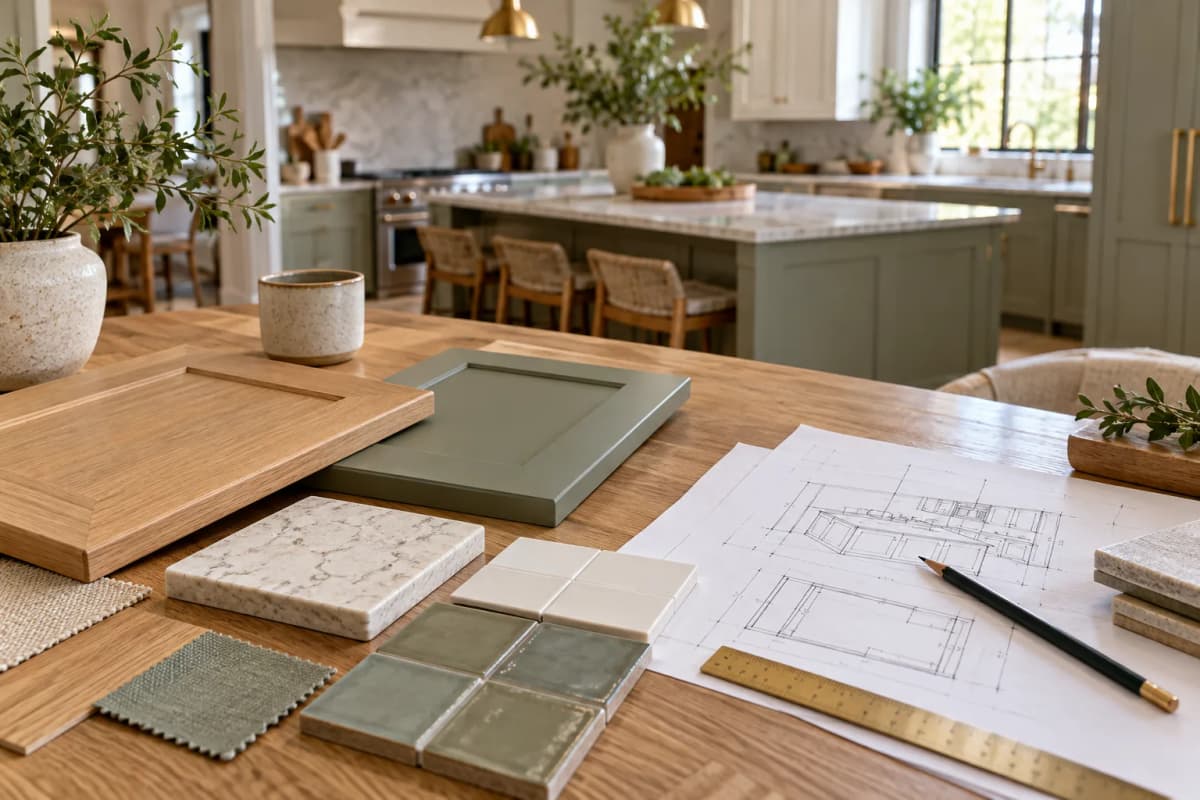
Compare and share the result
Generate a visual preview, compare it with your photo and share your preferred direction before a design consultation or purchase.
AI kitchen design FAQ
Can AI help me design my kitchen?
Yes. Upload a photo and compare several kitchen style directions before meeting a designer or choosing furniture and finishes. The preview helps you explain the look you prefer.
Can I design a kitchen with AI from a photo?
Yes. Use a clear kitchen photo, choose a style and add notes about cabinets, lighting, colours or materials. Compare the generated image with your original photo.
Is AI kitchen design free to try?
New accounts receive 10 credits, enough for 1 free generation across Spaceora tools. Each generation uses 10 credits. More generations require additional credits; see pricing for current plans.
Can this tool design a kitchen layout or specify cabinet dimensions?
Use the image to explore a visual direction. For layout, measurements, appliance clearances, materials and installation, confirm the plan with a qualified kitchen designer or contractor.
What should I do before buying furniture or cabinets?
Use the same photo to try a few style directions. Save the one you prefer, then check physical samples, dimensions and prices before ordering.
What happens to my photo?
Your photo is sent to an image-generation provider to create the result. Saved designs are available in your account history, where you can delete them. Provider retention is governed by its own terms. For data-deletion requests, contact contact@spaceora.app.
Other tools you might like
AI Room Design
Upload a photo, get it back redesigned
Exterior Renovator
Test a new facade direction from your photo
AI Interior Design
Explore a new look for your room with furniture, colors and finishes.
Replace Furniture
PROExplore a replacement for a selected piece in your room photo.
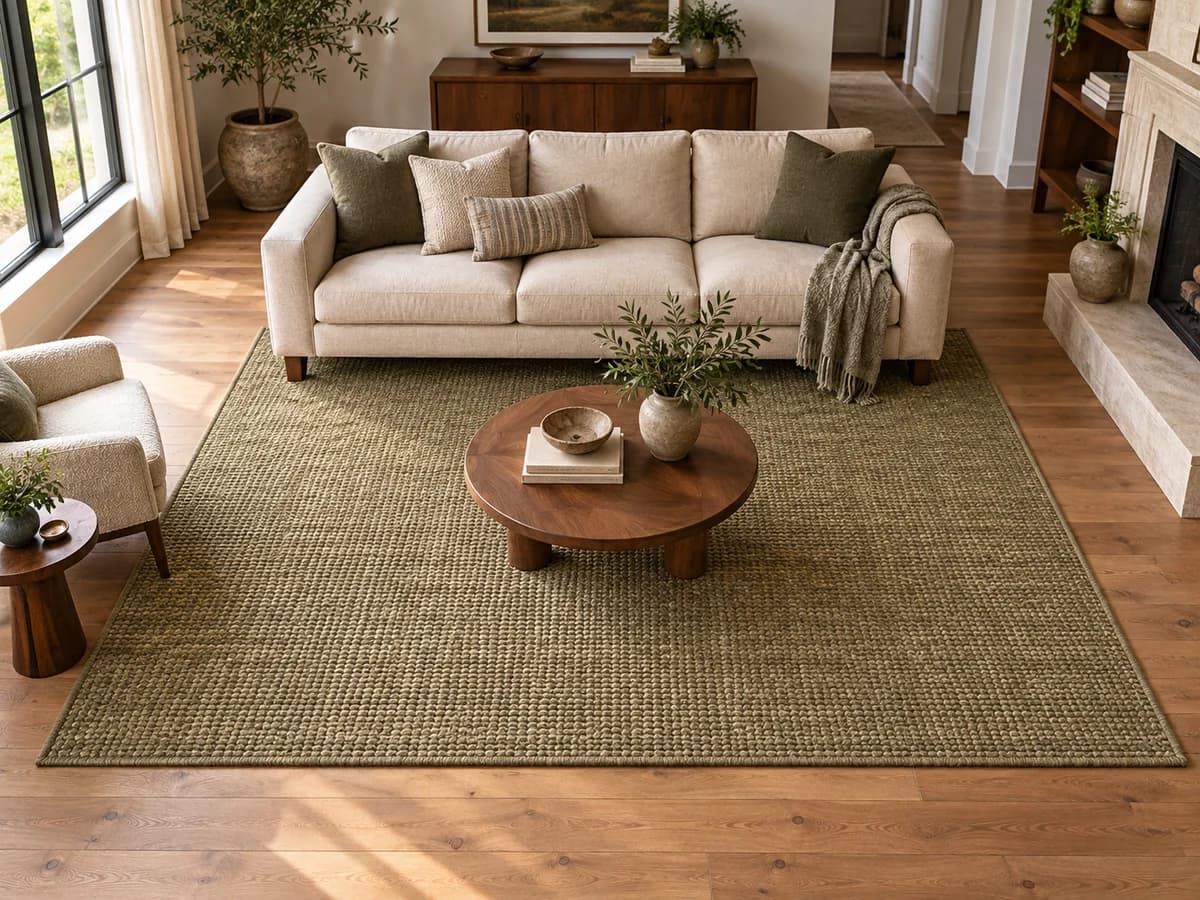
Rug Size Calculator
FREECompare rug sizes with your room and furniture measurements.
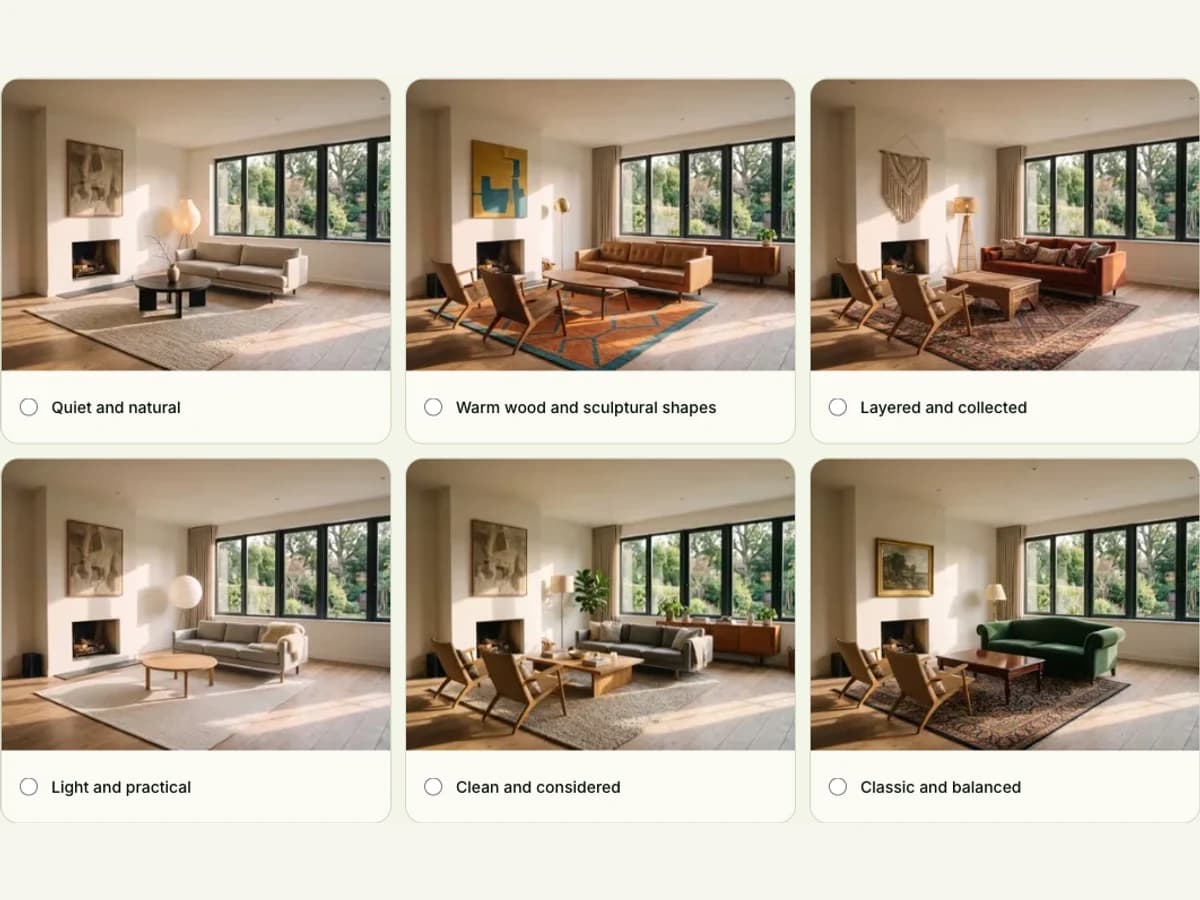
Interior Design Style Quiz
FREEFind your style mix from room, color and material preferences.
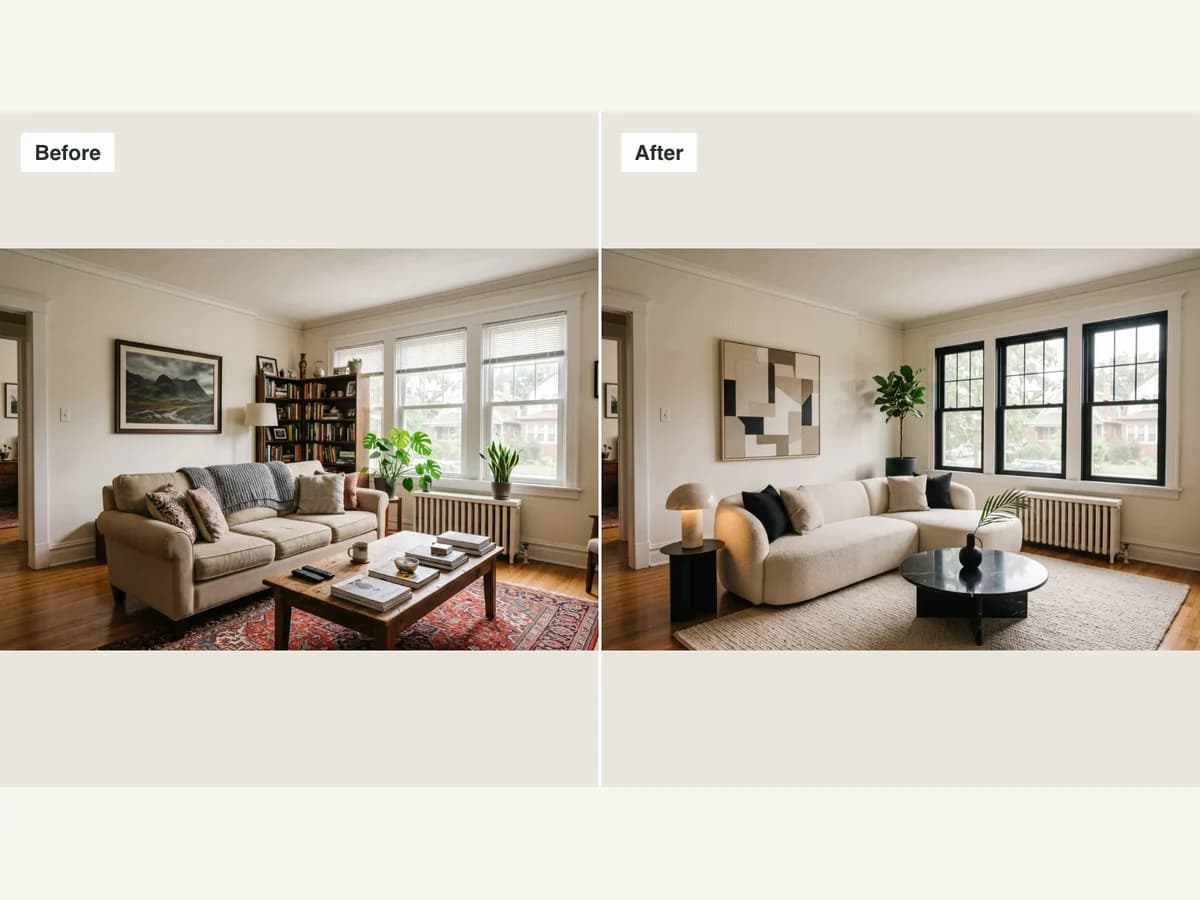
Before and After Photo Maker
FREECombine two photos into a labeled comparison and download it.
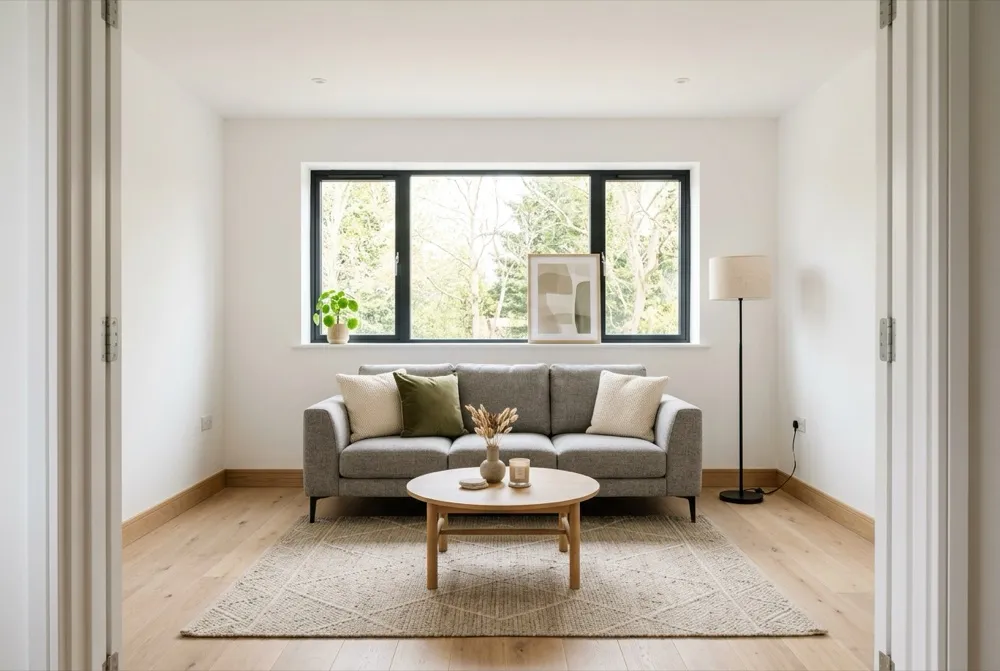
Virtual Staging
Explore furnishing ideas for an empty property photo.
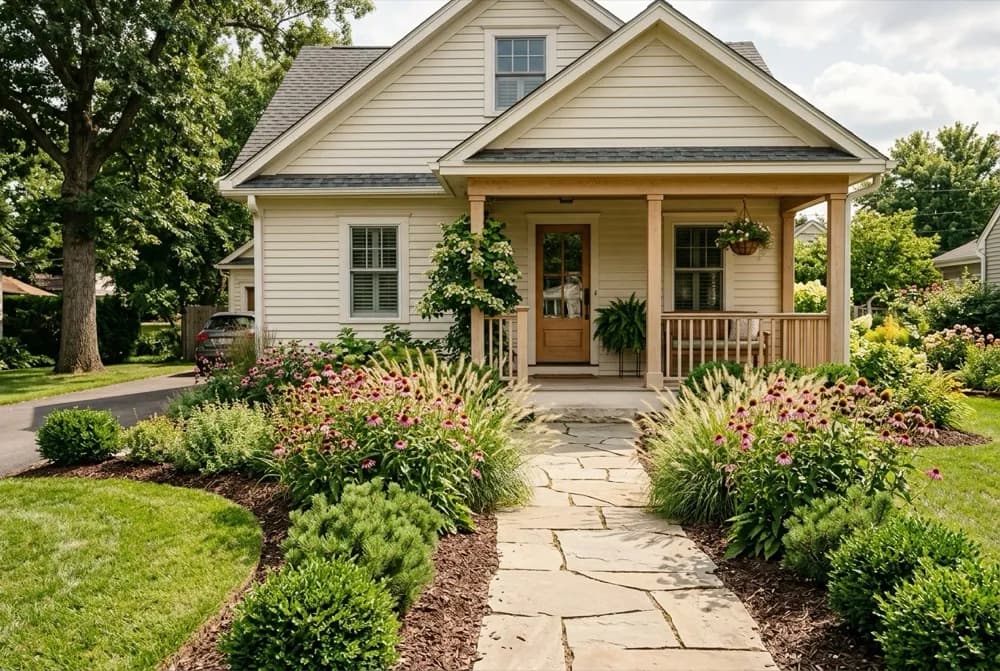
AI Landscape Design
Explore a new direction for your outdoor space.
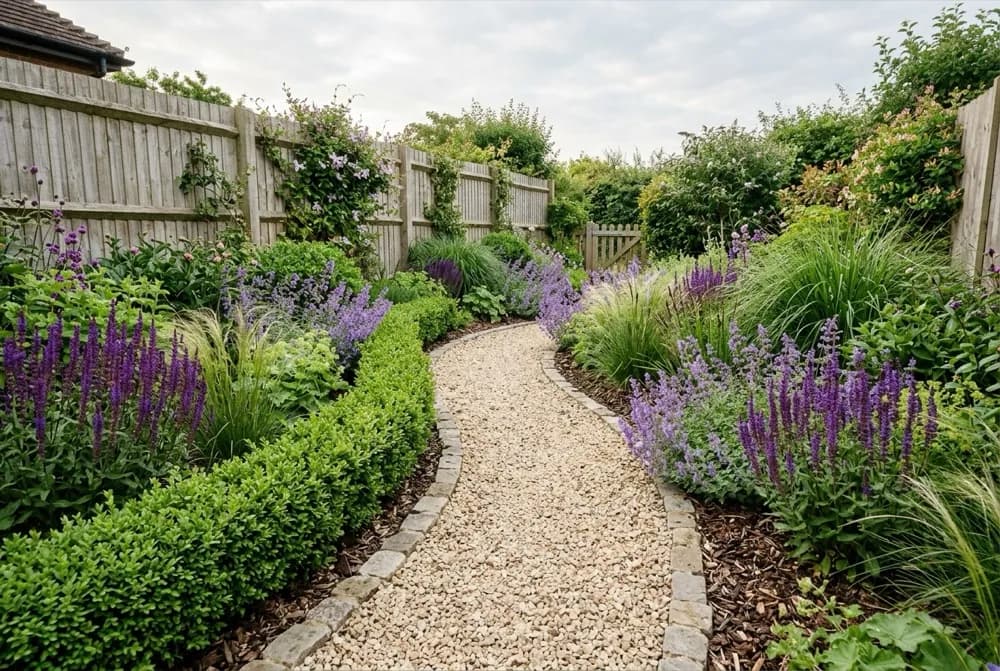
AI Garden Design
Explore planting designs based on your photo and growing conditions.
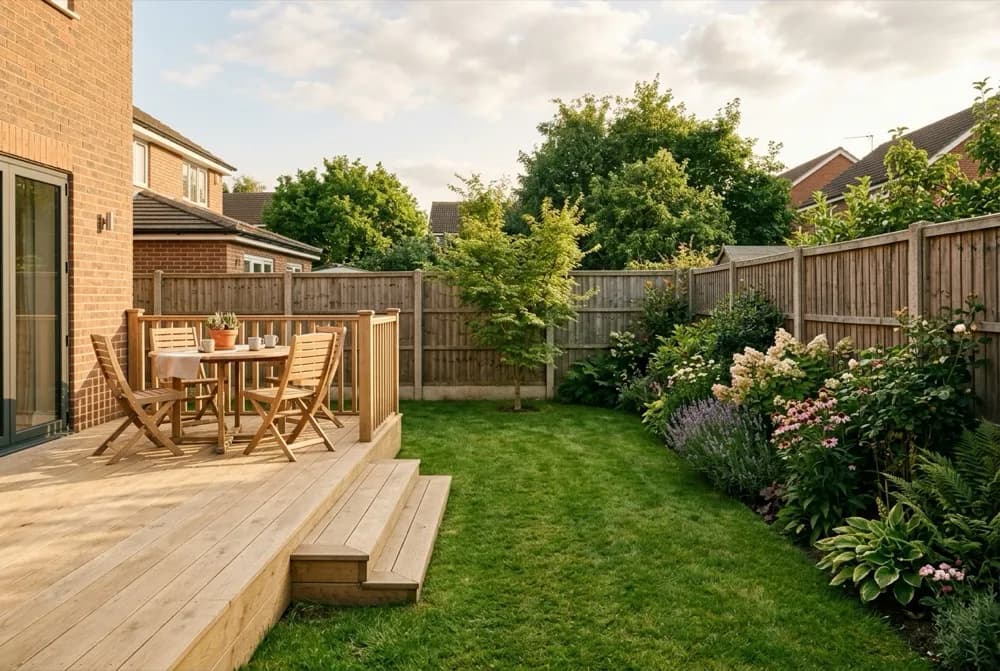
AI Backyard Design
Compare ideas for the backyard you already have.

Hardiness Zone Finder
FREECheck your supported local hardiness zone before choosing plants.