AI Landscape Design Prompts: 4 Briefs for a Real Yard
Use four AI landscape design prompts for a front bed, privacy edge, courtyard or lower-maintenance direction, with site constraints and verification steps.
TL;DR
Useful AI landscape design prompts begin with a real site photo, the parts of the garden to retain, and the change you want to explore. Add known location and light information, and keep unknown soil or drainage conditions explicit. Ask for a concept to review, not a construction-ready plan.
Direct answer: Structure the brief as site facts + keep list + permitted changes + one goal + output format. For example, ask for a planting concept along an existing fence while retaining the patio and path. Verify plants, mature size and site conditions separately before purchasing or building anything.
The four templates below cover a front bed, a privacy edge, a courtyard and a lower-maintenance direction. They are authored examples rather than tested performance claims. Use them to clarify a brief; use a tool's actual structured fields for the inputs those controls support.
Record site facts before writing the prompt
Take a photo that shows the area you want to change and its relationship to the house, path or fence. Add another reference for yourself if one image cannot show the boundary clearly. Do not guess the property line from a photograph.
Write down what you know: location, observed sun exposure, approximate measured bed dimensions, existing plants you want to keep and access routes. Record what you don't know as unknown. “Soil drainage not checked” is more useful than a confident but invented description.
A USDA hardiness zone is one input, not a complete plant suitability test. The official USDA map guidance explains the map's winter-temperature basis and its limits. The zone does not answer every question about light, soil, summer conditions or a particular spot beside a building.
Use the hardiness zone finder for a location reference, then verify site conditions and individual plant choices with appropriate local sources. Do not tell a model that “zone matched” means “guaranteed to thrive.”
1. Explore a front planting bed while keeping the path
This brief limits the task to planting rather than rebuilding the frontage.
Use the attached front-garden photo to explore a planting concept for [the bed to the left of the entrance path]. Keep the house, steps, path, driveway and existing tree. The location is [city/state or known zone], and the bed receives [observed light]. Keep [named existing plants] where they are. Suggest a restrained [style] planting direction within the existing bed. Do not change the building, widen the bed or obstruct access. Return one visual concept and a separate list of plant candidates to verify, including mature-size questions.
The image and plant list need separate reviews. Check whether the existing path and tree remained faithful to the source. Then check the identity, suitability and mature size of each proposed plant. A flower-like shape in a render does not identify a species or cultivar.
Spacely AI's garden prompt examples show several visual design directions. Here, the keep list and existing-bed boundary are the main controls on the scope of the idea.
2. Discuss a privacy edge without assuming an instant hedge
A privacy image can show mature plants without explaining the time, space or care required to reach that condition. Name the desired sightline and ask the model to keep uncertainty visible.
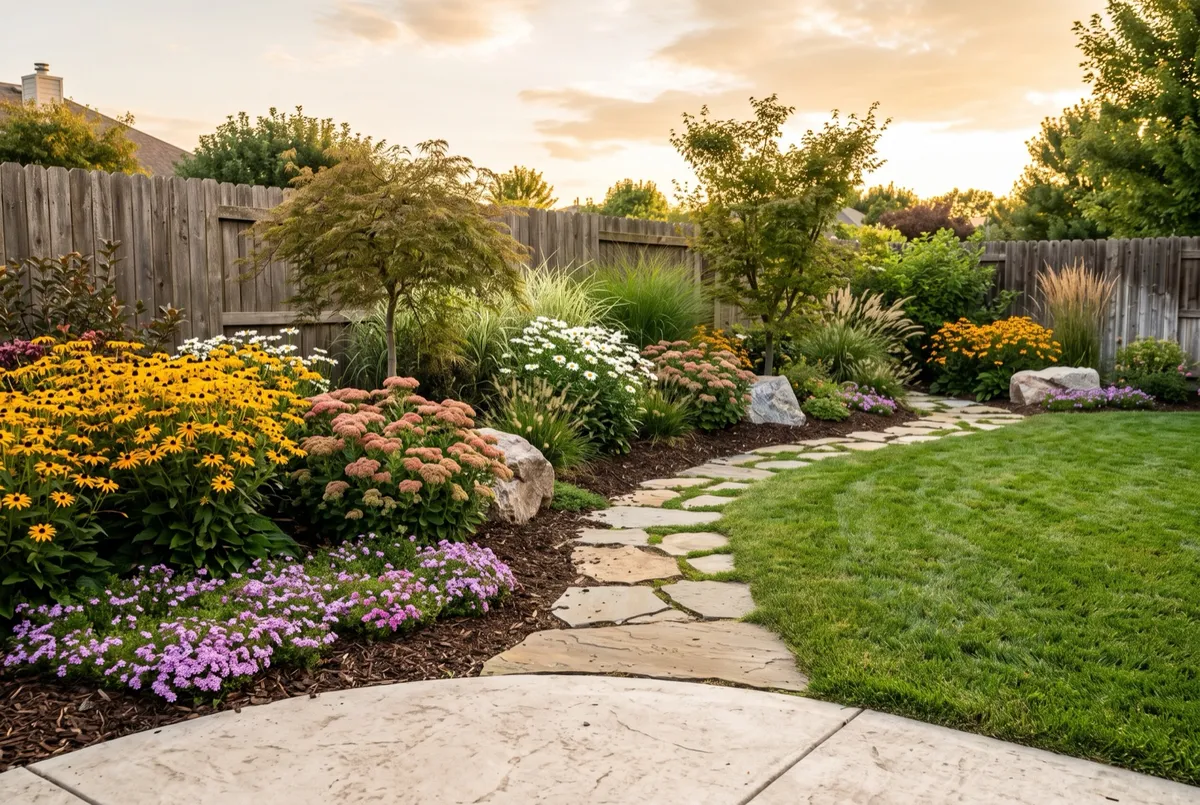
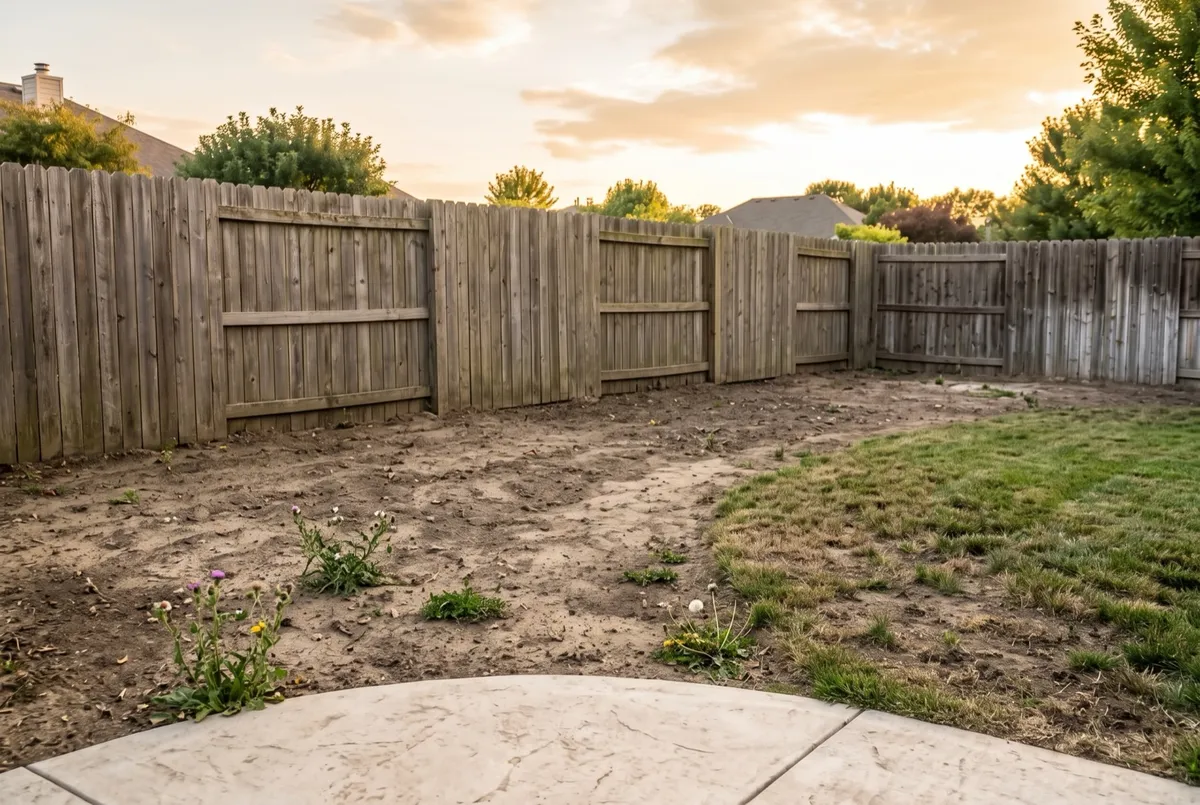
Explore a planting concept along [the rear fence] to soften the view from [the seating area]. Keep the fence, patio, gate and existing access route. Location: [known place/zone]. Light: [observed light]. Available planting depth: [measured value]. Do not propose a new fence, wall or raised ground level. Show a layered visual direction and list the plant candidates, mature spread and establishment questions that need checking. Do not describe immediate full screening as a guaranteed result.
If the fence or gate disappears, reject that version before assessing privacy. If the plants fill the bed wall to wall, investigate their mature spread and spacing rather than taking the density in the image as a planting count.
Do not turn an approximate visual arrangement into a shopping quantity. Final quantities depend on the measured area, plant spacing and the arrangement you actually approve.
3. Compare a courtyard direction with existing hardscape
A courtyard brief is easier to evaluate when it preserves the largest expensive surfaces. This lets you discuss planting and atmosphere without silently commissioning a patio replacement.
Edit the attached courtyard photo into a [modern / cottage / woodland] garden concept. Retain the paving, doorway, drainage features and boundary walls. Change only [containers and planting in the existing beds]. Keep the access route visible. The area has [observed light]; soil conditions are [known facts or unknown]. Return one concept from the same viewpoint. Do not add a pond, pergola, new steps or different paving in this version.
Pick one style rather than sending all alternatives at once. If the courtyard needs structural, drainage or hardscape work, make that a separate brief for the people assessing and carrying out the project. Check drainage and installation separately; the picture does not establish either.
4. Define what “lower maintenance” means for you
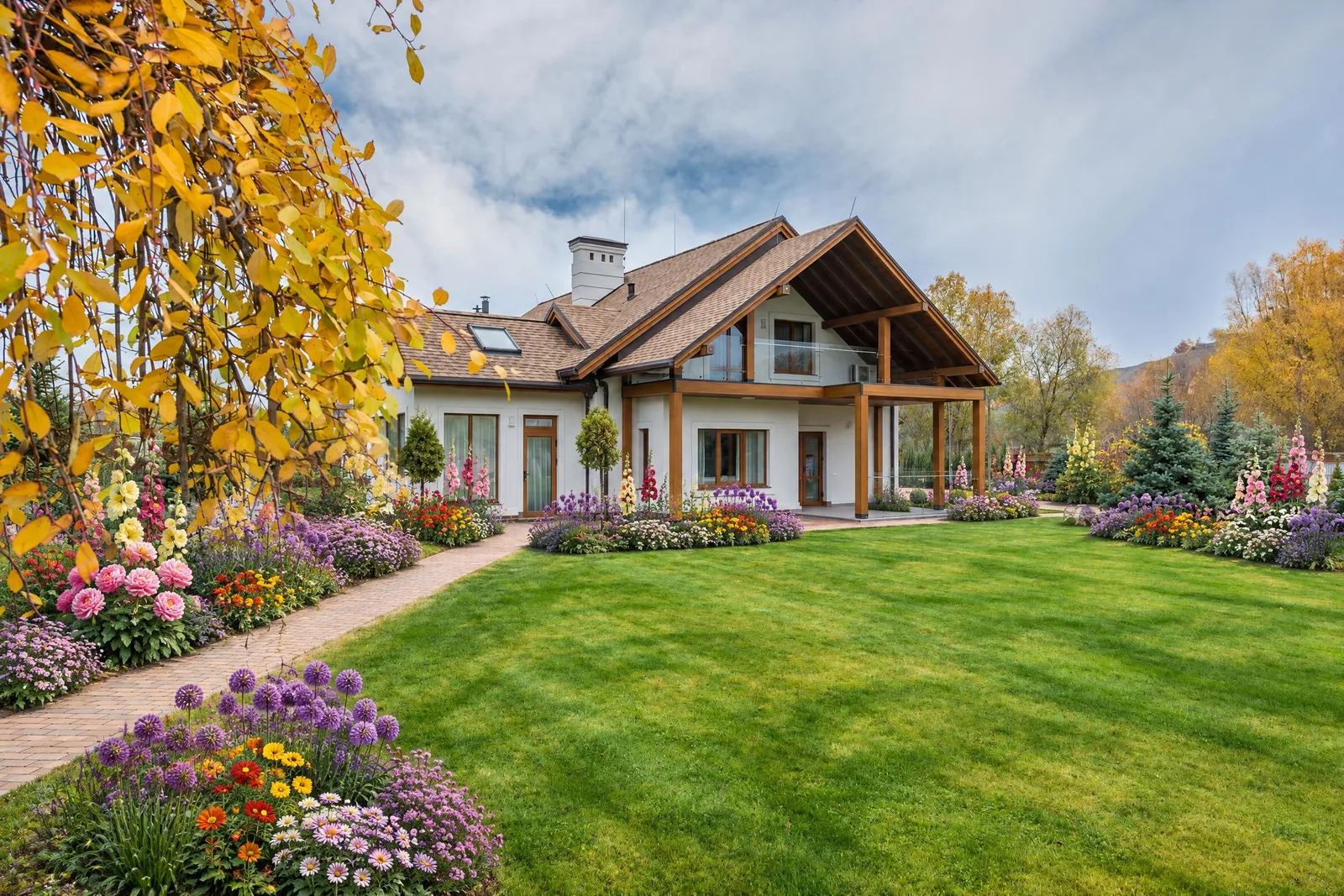
The phrase is too broad on its own. A garden with fewer plant species might still need irrigation, pruning, weeding or seasonal work you don't want to do.
Choose the task you want to reduce:
Explore a garden concept that reduces [mowing / frequent clipping / the number of container plants] in the photographed area. Keep [the existing patio, tree and path]. Location: [known place/zone]. Light: [observed light]. Watering access: [known facts]. Soil and drainage: [known facts or not assessed]. Do not describe the result as maintenance-free. Explain the ongoing tasks and plant-selection questions I should investigate before using the concept.
Use the response to build questions for a local nursery or landscape professional. If your goal is lower water use, verify the particular plants and establishment needs rather than assuming that gravel or an arid-looking render proves a low-water garden.
Revise the site boundary before the style
Compare the concept with the original photo before refining flowers or colors. Count the important fixed features and check their positions: steps, gate, fence line, drains, paths and visible building openings.
If the model widened a bed by moving the path, write a correction tied to the original:
Restore the original path edges and gate opening from the source photo. Keep the planting entirely within the existing bed. Retain the general color direction, but do not enlarge the site or add hardscape. If the requested plant arrangement needs more space, identify the conflict instead of drawing a larger bed.
That instruction does not guarantee compliance. If the same boundary keeps changing, use the image only as a loose style reference or stop that editing route. Do not measure the invented bed and build a plan from it.
Choose the tool by the area you are designing
For a whole frontage or property-scale concept, use AI landscape design. For a defined bed or garden area, AI garden design is the more specific starting point. An enclosed outdoor living area may fit AI backyard design.
Use the brief to organize your decisions even when a tool splits the input across controls. Check the current form rather than assuming that every template field has a matching setting. For a walkthrough of a previously checked garden workflow, read how to design a garden using AI.
Before buying, leave the concept with a small verification list: real bed dimensions, plant identity and mature size, site suitability, quantities and actual supplier costs. The image is useful when it makes that next conversation clearer.
Frequently asked questions
Can an AI landscape prompt produce an exact plant list?
It can propose names, but the output still needs identification and suitability checks. A rendered plant shape does not prove a species, cultivar, mature size or correct quantity.
Should I include my USDA zone in every garden prompt?
Include it when it is known and relevant, along with observed light and site facts. Zone alone is not a complete description of the growing conditions, and unknown inputs should remain explicit.
Can I ask the AI to keep my patio unchanged?
Yes, as a request. Compare the result with the original to confirm what happened. Wording alone does not guarantee that the paving, drainage features, boundaries or viewpoint stayed unchanged.