AI Room Design vs Virtual Staging: Which Do You Need?
Choose photo redesign, empty-room staging or a targeted furniture edit by your starting room, goal and intended use. Includes checks for each path.
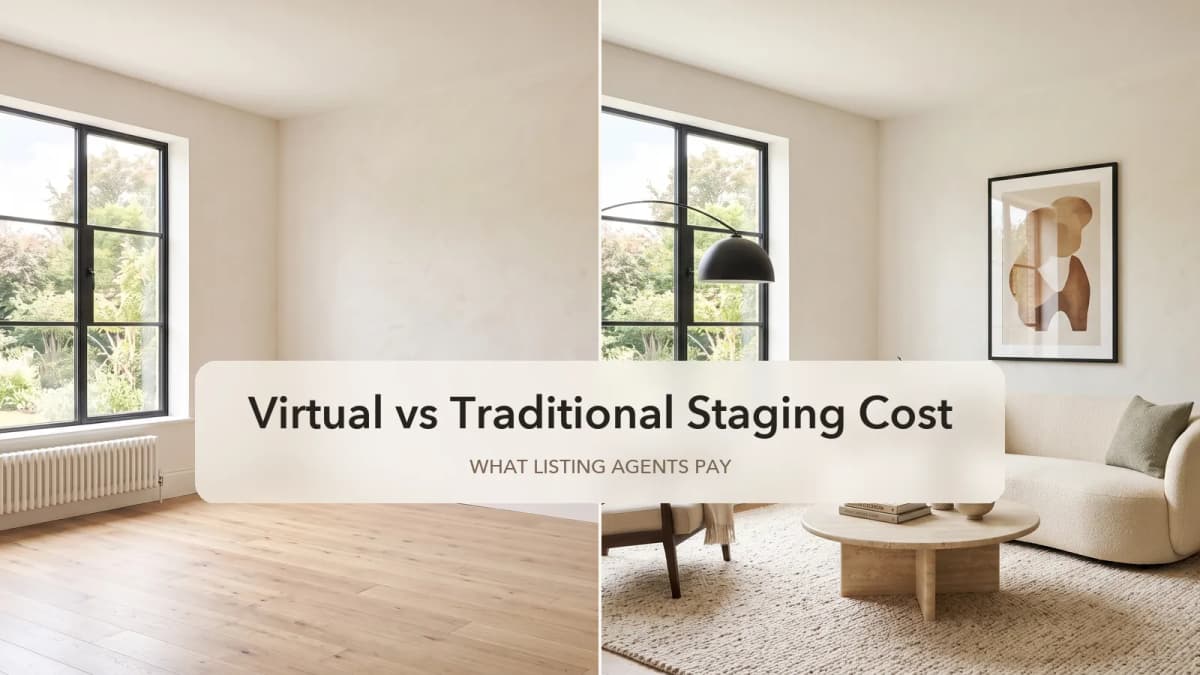
TL;DR
Choose AI interior design to explore a different look for a room you live in. Choose virtual staging to furnish an empty room photograph for a listing presentation. If the room works and only the sofa needs changing, start with furniture replacement.
Direct answer: The useful distinction in AI room design vs virtual staging is the decision the image must support. Redesign explores a room's visual direction; staging helps a viewer picture furniture in a vacant property. A targeted edit narrows the request to one selected object. None of these images proves that furniture fits, that a particular retail item was used, or that the actual property has changed.
Before uploading, finish this sentence: “I need this picture to help me decide ___.” Then match the tool to that decision and the room as it exists today.
Choose by the starting photo and the intended use
A furnished room is not automatically a redesign job, and a listing is not automatically ready for staging. Check the photo, the requested change and where the output will be used together.
| Starting photo | Your goal | First path to try | Intended output use | What to check before accepting it |
|---|---|---|---|---|
| Furnished living room | Compare a warmer, lighter or less cluttered overall look | AI interior design | Personal style direction | Which furniture, finishes or fixtures changed beyond your request |
| Empty bedroom or living room | Show how a vacant listing could be furnished | Virtual staging | A furnished property-photo concept, subject to review and applicable publishing requirements | Doors, windows, wall boundaries, permanent fixtures and the original camera view |
| Furnished room with one unwanted sofa | Preview a different sofa shape or material | Furniture replacement | A focused appearance comparison | Selection edges, remnants of the old sofa, floor, shadows and neighboring objects |
| Furnished listing photo | Make the seller's furniture disappear before adding another set | Prepare an appropriate empty-room photo first | A source image suitable for staging | Whether the room is genuinely empty; Spaceora's staging path does not clear existing furniture |
| Any room photo | Decide whether a specific sofa fits or establish a construction layout | Measure the space and use a dimension-based planning workflow | A checked layout or purchase decision | Real room and product dimensions, door access and circulation |
The last two rows prevent expensive detours. Changing the style does not establish an accurate empty-room record. A convincing furnished image also does not establish a measured plan.
Scenario 1: “I want a different look for my furnished living room”
Start with interior design when the decision concerns several visual elements together: the rug, seating, palette, lighting mood or finishes. Your starting furniture gives the photo context, but you still need to inspect what the generator changes.
Write a short keep/change list before choosing a style. For example: keep the current sofa and the window positions; explore a lighter rug and warmer wood tones. That is a request to evaluate, not a guarantee the output will preserve those items.
Use the same original photo when comparing two directions. Compare what each option suggests you would actually have to change. A result that looks calmer because it removed a chair you need is a different proposal from one that only changed the rug.
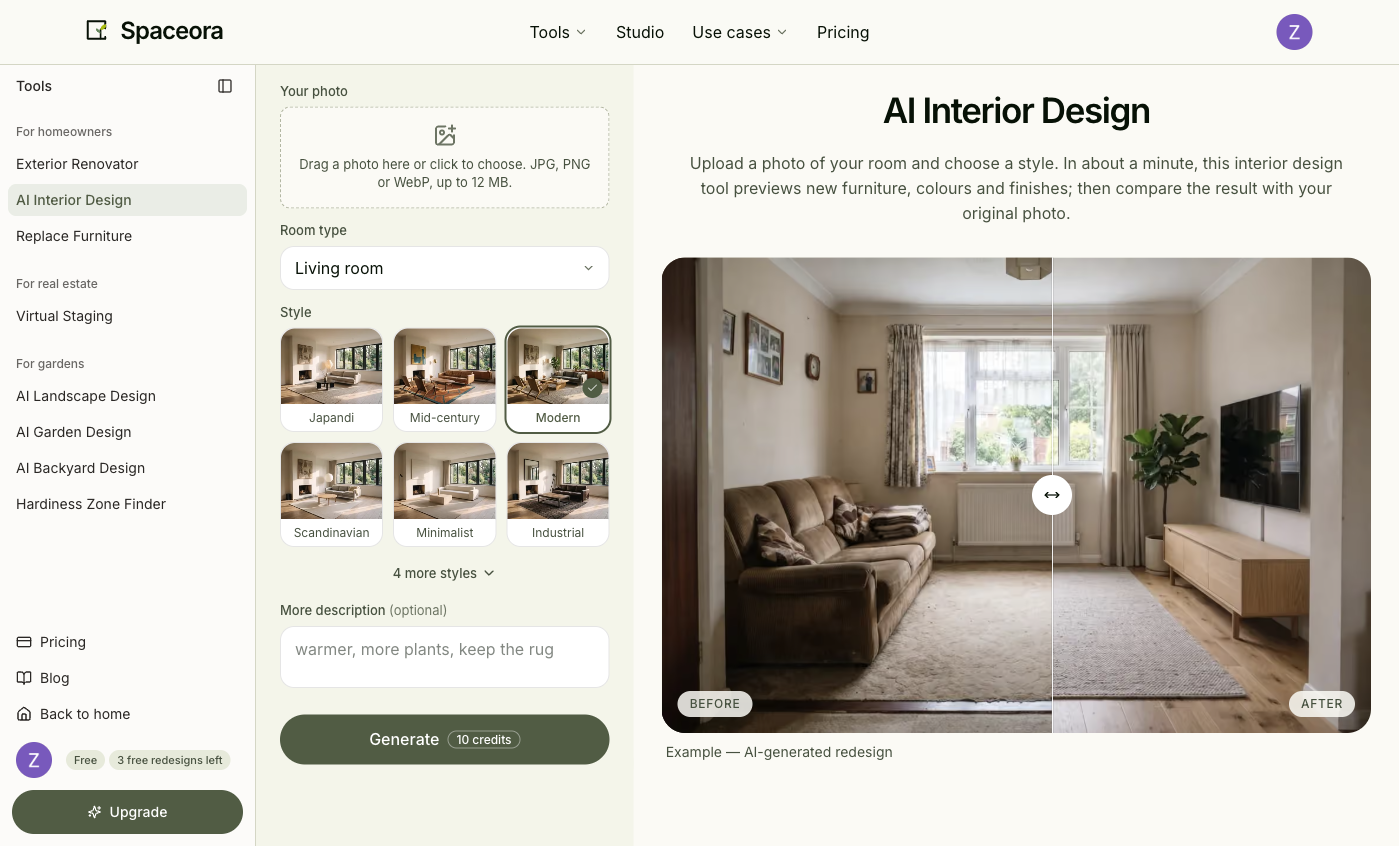
Interface screenshot captured for the October 26, 2026 comparison review. The slider displays the site's example; it is not a new living-room test for this article. This screenshot documents controls, not generation speed or result quality.
Before using the image as a shopping reference, check the original sofa, floor pattern, sockets, doors and windows. Write down the changes you want to carry forward, then confirm products, measurements and costs separately. For the upload and comparison process, see how to use AI to decorate a room.
Scenario 2: “I have an empty room to show in a property listing”
Start with virtual staging when the room is empty and the photograph needs furniture to communicate a possible use. You are preparing a representation for viewers, so the room itself needs closer comparison with the original than a private mood-board concept might receive.
Choose the room's intended use before generating. A vacant spare room shown as a bedroom tells a different story from the same photo shown as an office. Keep the original file available so you can inspect both at the same crop.
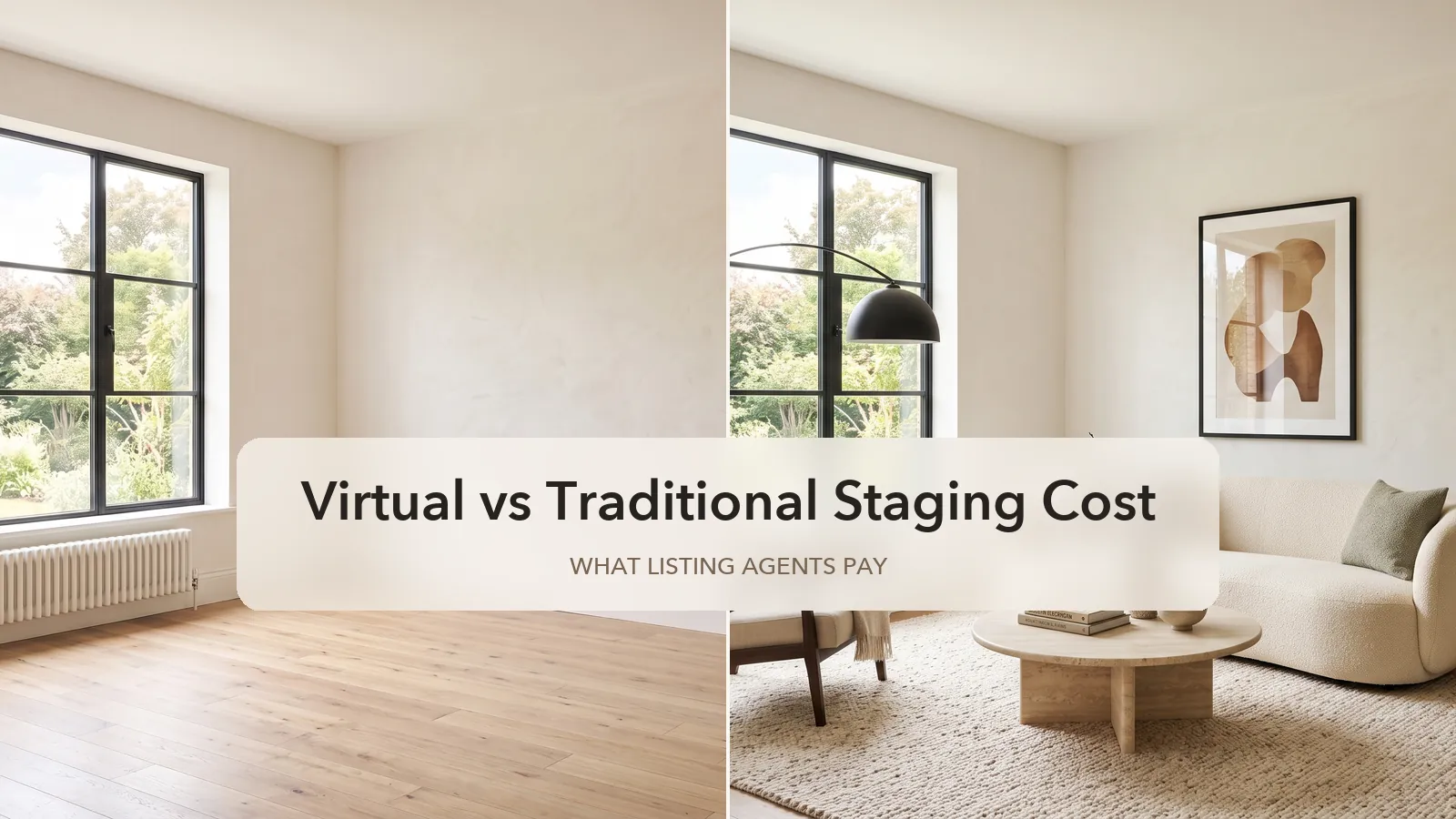
Illustration reused from the staging-cost article. This is not a listing photograph or a Spaceora output test. It explains the empty-photo-to-furnished-photo task only.
Check the wall boundaries, window and door openings, permanent fixtures, visible floor and camera viewpoint. Reject an output that disguises a defect or changes a material property feature. Furniture also needs visual review: look for blocked doors, implausible scale, missing legs and detached shadows.
Spaceora's staging path furnishes an empty photo; it does not remove a seller's existing furniture. If the frame still contains a sofa, do not rely on staging to clear it. Use a genuinely empty source photo or reconsider which frame to include.
Before publishing, establish the disclosure and original-image requirements that apply to your listing with the responsible broker or MLS. This article does not certify an image for publication. For subscription budgeting and the distinction from furnishing the physical property, read virtual staging cost vs traditional staging.
Scenario 3: “Only the sofa needs changing”
Start with a targeted furniture edit when you want to evaluate one item while using the rest of the room as context. A whole-room redesign introduces more changes to sort through when the question is simply whether a lower, lighter sofa looks better.
In Spaceora's furniture replacement tool, select the item and describe one direction, such as a low-profile sofa with oatmeal upholstery and straight arms. Inspect the selection before generating; include the legs and edges without unnecessarily covering the wall or adjoining furniture.
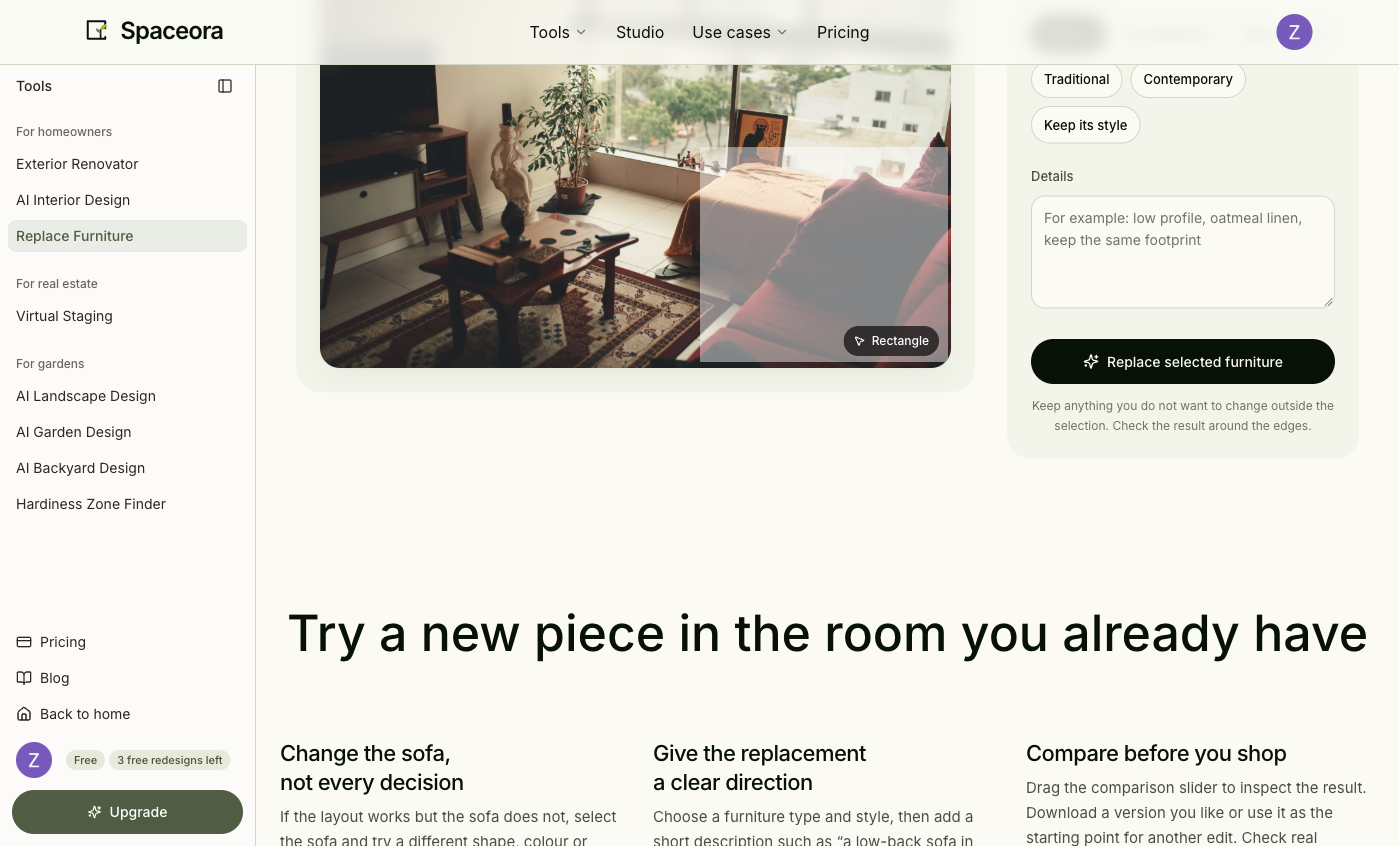
Selection screenshot from the October 26, 2026 access test. That test reached a paid-access gate and produced no after image; it verifies setup only. Furniture replacement requires paid access and available credits.
When you have an output, check where the selection meets the floor and wall. Look for parts of the old sofa, changes to the rug, mismatched shadows and changes to nearby objects. Then compare the overall proportions with the original photo.
A generated sofa is not proof of an exact SKU or size. Measure the real space and check the retailer's dimensions and delivery access before ordering. The furniture photo editing guide explains the setup and the limits of our historical access test.
What should you keep after comparing results?
Keep a decision record alongside the image. For a redesign, list the few visual changes you want to pursue and the existing items you must retain. For staging, keep the original photo and note the checks still needed before publication. For a furniture edit, record the shape and material you prefer, then compare actual products and measurements.
This turns an attractive picture into a next step you can check. If the image changes the question instead of answering it, return to the original and narrow the task.
Frequently asked questions
Can I use virtual staging to redesign a room I already live in?
If you are comparing a new overall look for a furnished room, start with interior design. Spaceora's virtual staging path expects an empty room photograph and does not clear existing furniture. A staged concept can inspire a look, but that does not make it a plan for retaining your possessions.
Should I use room redesign just to change one chair or sofa?
A targeted furniture edit gives you a narrower request to evaluate. Select the item, describe the change, and compare the whole output with the original. Narrowing the request does not remove the need to check the surrounding room.
Does a realistic image tell me the furniture will fit?
No. Photo concepts do not establish dependable room dimensions or the specifications of a real product. Measure the room, the item and the delivery route separately before buying.
Which option is cheaper?
Choose the workflow that answers the question first, then compare its current access and credit terms on pricing. Count the attempts and review work needed to reach an accepted file. A subscription's generation allowance is not a guarantee of that many usable images.
Start with the decision you need to make
For a furnished room's overall look, open AI interior design. For an empty listing photo, open virtual staging. For a single selected item, open furniture replacement. Keep the original photo beside the result and check the changes before using it.