AI Interior Design Prompts: 5 Briefs for Your Own Room
Copy five AI interior design prompts for a furnished room, bedroom, work corner or palette change. Define what stays, then review the result.
TL;DR
Good AI interior design prompts describe the actual room, the things that must stay, and a small set of permitted changes. Use the templates below as editing briefs for your own photo, then check the result against the original before planning a purchase.
Direct answer: Start with “edit this room photo,” identify fixed features and furniture to retain, and specify what can change in this round. Ask for one concept from the same viewpoint. A brief with a keep/change list makes unwanted changes easier to identify; it does not guarantee that an image model will preserve them.
These five prompts serve different decisions: a textile refresh, a bedroom direction, a work corner, a lighter-looking room, and a comparison between styles. They are authored examples, not prompts we have benchmarked across tools. Replace every bracketed field with something you know about your room.
Build a brief before choosing style words
Separate facts from preferences. “The sofa is 82 inches wide” is a measurement. “Make the room feel calm” is a preference. “Keep the sofa in its current position” is a constraint. Putting all three into a brief is more useful than adding a longer string of adjectives.
Write down:
- The room's purpose and who uses it.
- Fixed features: doorways, windows, wall boundaries and built-in fittings.
- Furniture you already own and intend to keep.
- Changes allowed now, such as textiles, decorative lighting or one chair.
- What you want back: one edited concept, a written suggestion list, or both.
Spacely AI's interior prompt examples show how room type, materials and lighting can make a style request more specific. The templates here add a keep/change boundary for an existing room rather than inventing a new space.
1. Refresh a living room while keeping the sofa
Use this when the main furniture works and you want to compare a smaller change before replacing it.
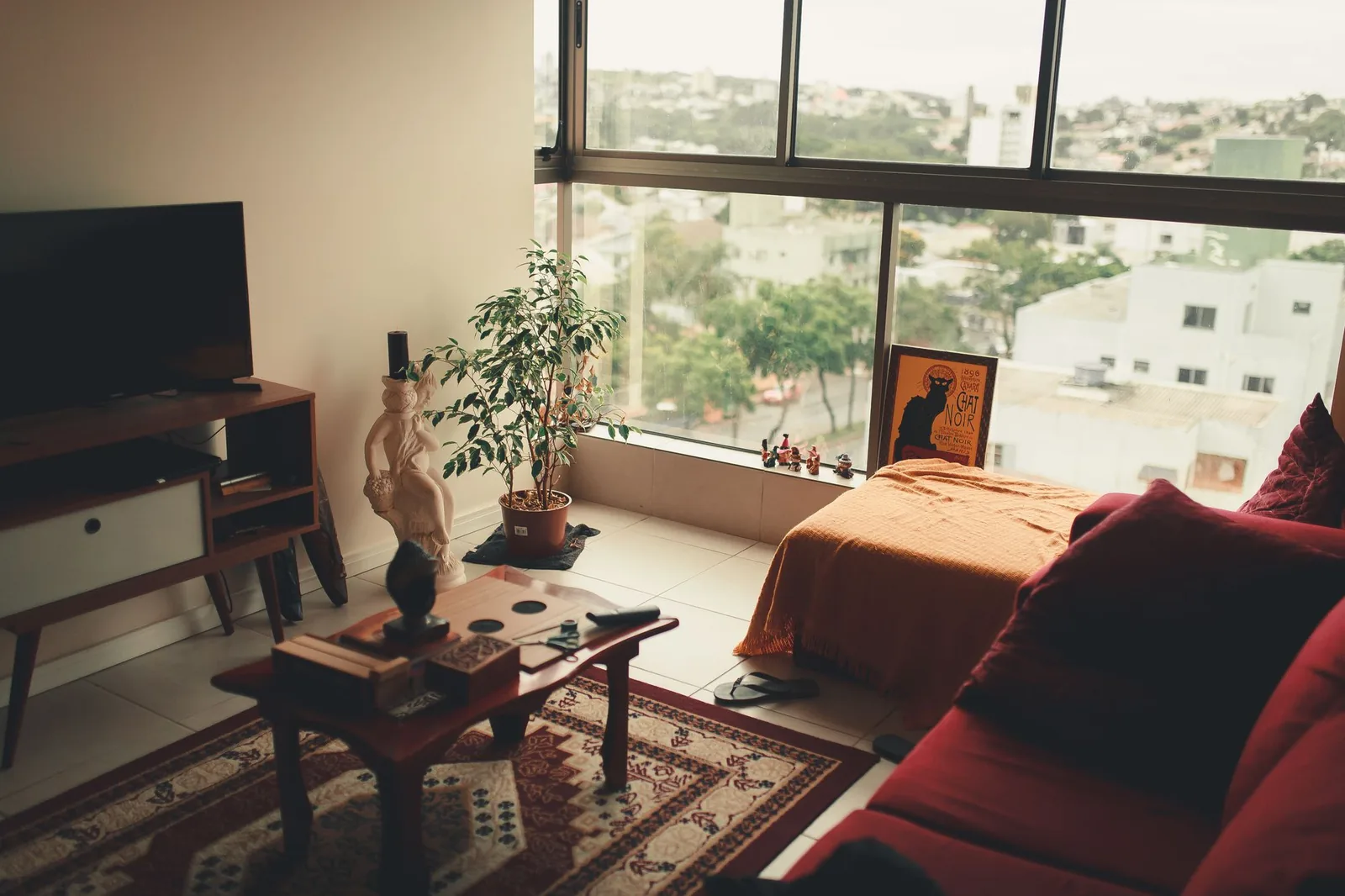
Edit the attached living-room photo. Keep the walls, window openings, doorway, floor, camera viewpoint, sofa and coffee table in their current positions. Explore a [warm contemporary] direction by changing only the rug, cushions, curtains and small decorative objects. Use [two preferred colors] with the existing sofa color. Do not add built-ins, change the window size or remove the radiator. Return one room concept and a short list of the proposed changes.
Delete items that aren't in the photo. Name the radiator, fireplace or other feature that matters in your actual room rather than treating the list as a universal prescription.
If the result replaces the sofa anyway, compare its outline, arm shape and legs with the original. Do not accept it as the “same sofa in different light.” Ask for a narrower revision or keep the image only as a loose palette reference.
2. Compare a bedroom direction without moving the bed
A bedroom brief should distinguish a different atmosphere from a different layout. You may like new bedding without wanting to change how you reach the closet.
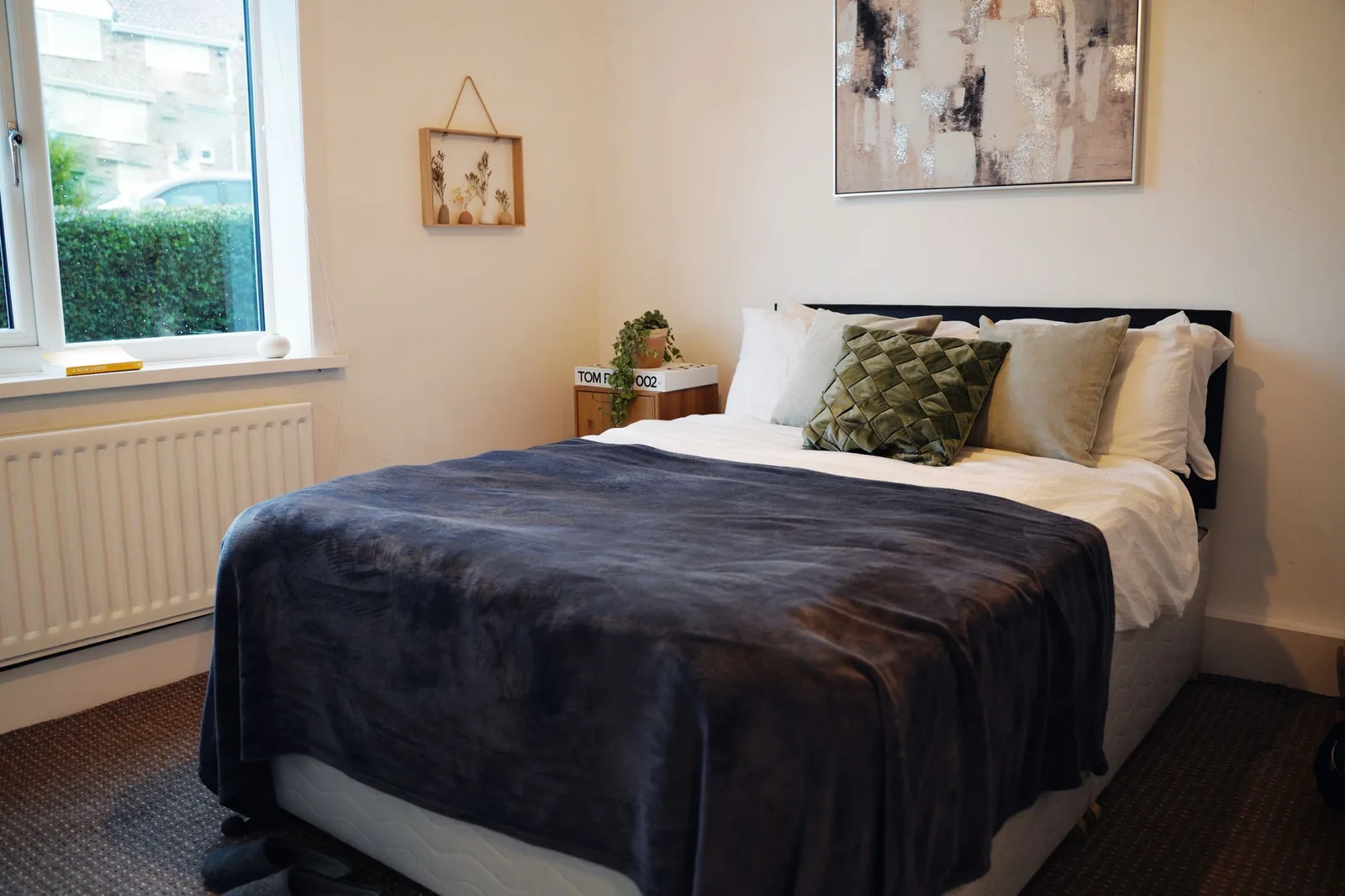
Use this bedroom photo as the base for a [Japandi / traditional / coastal] concept. Retain the bed, mattress orientation, window positions, closet access and floor. Change bedding, bedside lamp styling and wall art only. Keep the current number of bedside surfaces. Do not widen the room, create a new doorway or replace the bed frame. Show one concept from the original viewpoint.
Choose one style before sending the request. Leaving three incompatible alternatives in the prompt makes the intended result unclear. If style is the decision you haven't made, save the same base brief and run separate versions with one style changed each time.
3. Explore a work corner with an explicit furniture allowance
“Add an office” can produce a desk that blocks an opening or replaces the dining table you need to keep. Define the area and state whether moving anything is allowed.
Explore a work corner in the area [between the bookcase and left wall] in this room photo. Keep the sofa, dining furniture, doors and windows unchanged. Suggest one compact desk and one task chair within that area. Do not remove existing storage or place furniture across the doorway. This is a visual concept, not a measured layout. List the desk dimensions and clearances I would need to verify separately before buying.
Any dimensions invented by the model are suggestions to investigate, not measurements extracted from your photo. Compare actual product dimensions with your room and check the chair in its pulled-out position. For a dimension-led decision, use the approach in our room-layout guide.
4. Ask for a lighter palette without inventing daylight
A brighter-looking render can conceal a changed window or an impossible light source. Keep the daylight conditions in the request rather than asking for a magically sunlit room.
Edit this room photo with a lighter-looking palette. Keep the same windows, view outside, camera position, major furniture and approximate daylight conditions. Explore pale curtains, lighter textiles and restrained wall-art colors. Do not add windows, enlarge openings or remove dark furniture. Treat colors as visual directions rather than exact paint matches. List which finishes changed.
Look at the unedited photograph beside the output. If the concept depends on a new window or an empty wall that doesn't exist, it answers a different project. For paint decisions, follow the color-preview guide and test physical samples in your room.
5. Compare two styles with the same constraints
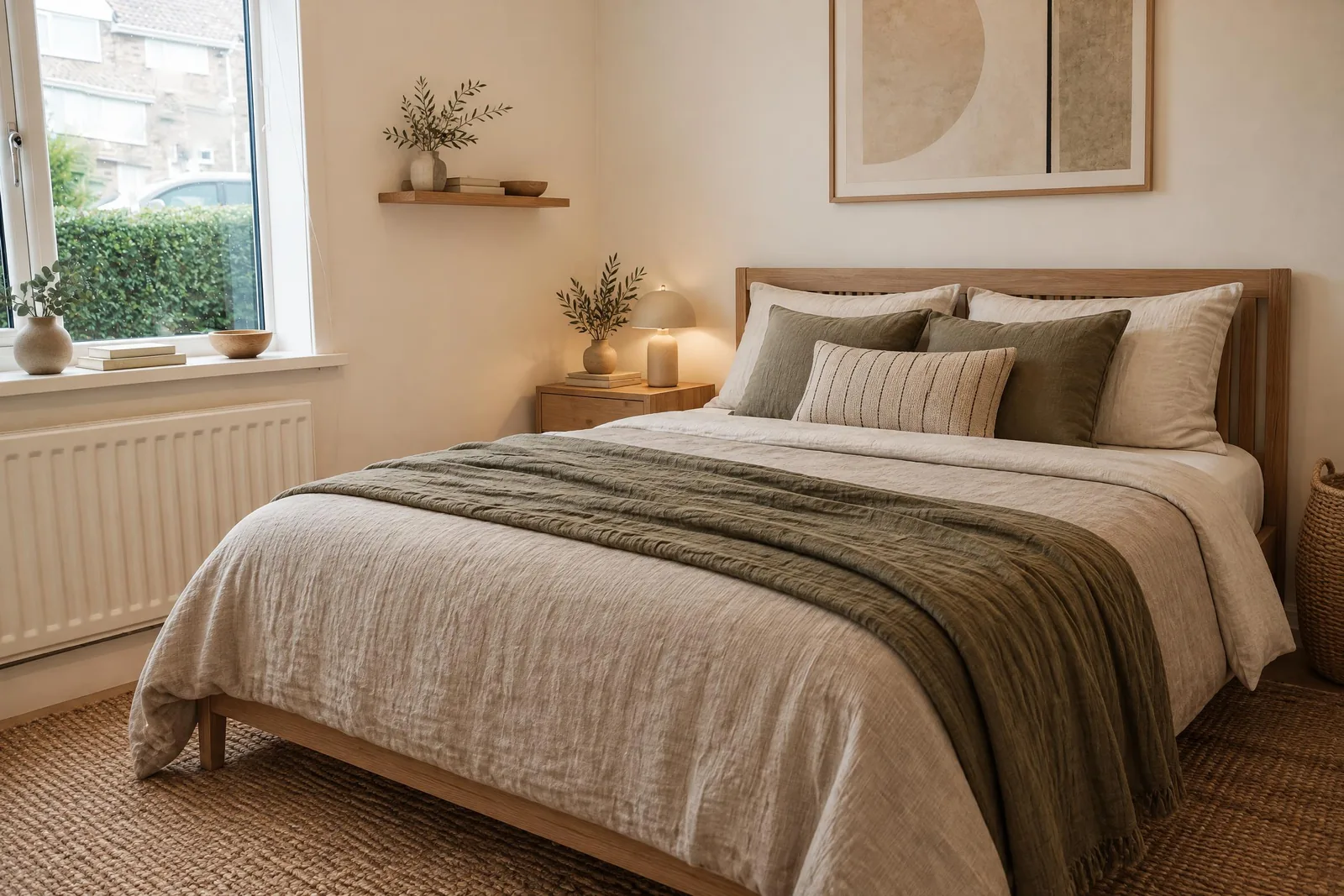
Change the design variable you want to compare, not the whole task. Otherwise you may prefer one picture because it added a larger room or different furniture.
Copy the same brief twice, changing only the style phrase:
Edit the attached room photo in a [Scandinavian] direction. Keep [the sofa, coffee table, floor, windows and layout]. Change only [rug, curtains, cushions and decorative lamps]. Preserve the original viewpoint. Return one concept and identify any requested constraints you could not follow.
Use your second style in a separate version. Compare the two concepts against the original, then compare the allowed changes with each other. The interior design style quiz can help narrow the vocabulary if you cannot yet describe your preferences.
Revise with a change ledger
Before another attempt, make three short lists: keep, revise, reject. “Keep the muted rug; revise the curtains; reject the new window” is a usable next instruction. “Make it better” gives you no way to tell whether the next version improved.
For a focused follow-up, write:
Keep the overall palette from the last concept. Restore [the original window and sofa] from the source photo. Change only [the curtains] to [a simpler treatment]. Do not add other furniture. If that cannot be achieved consistently, return a written suggestion instead of presenting a changed room as the original.
The instruction is a request, not an enforcement mechanism. In tools with structured controls, use those controls for the fields they support and use the brief to organize your choices. For a photo-led concept, start with AI interior design. If you're following ChatGPT's interface, use our separate step-by-step ChatGPT room guide.
Frequently asked questions
Do longer AI interior design prompts work better?
Length alone is not a quality control. Add information that changes a decision: what must stay, what can change, and what the result will be used for. Remove contradictory requests and repeated style adjectives.
Can a prompt guarantee that my furniture stays identical?
No. Treat preservation as something to inspect, not something the wording proves. Compare the whole output with the original and reject changes that make the concept unsuitable for your task.
Should I put my budget in the prompt?
Yes, as context, but a visual result does not validate prices or availability. For an actual furniture shortlist, use AI room design and verify the selected products, dimensions and final merchant costs.