Virtual Twilight Photo Editing
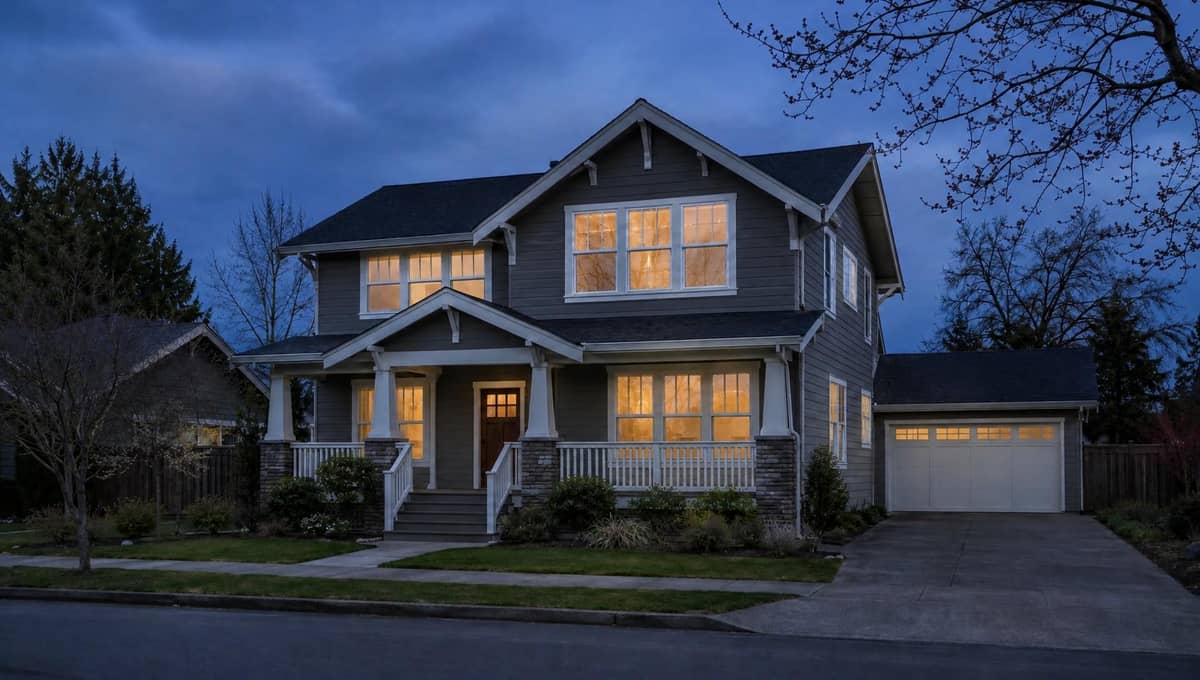
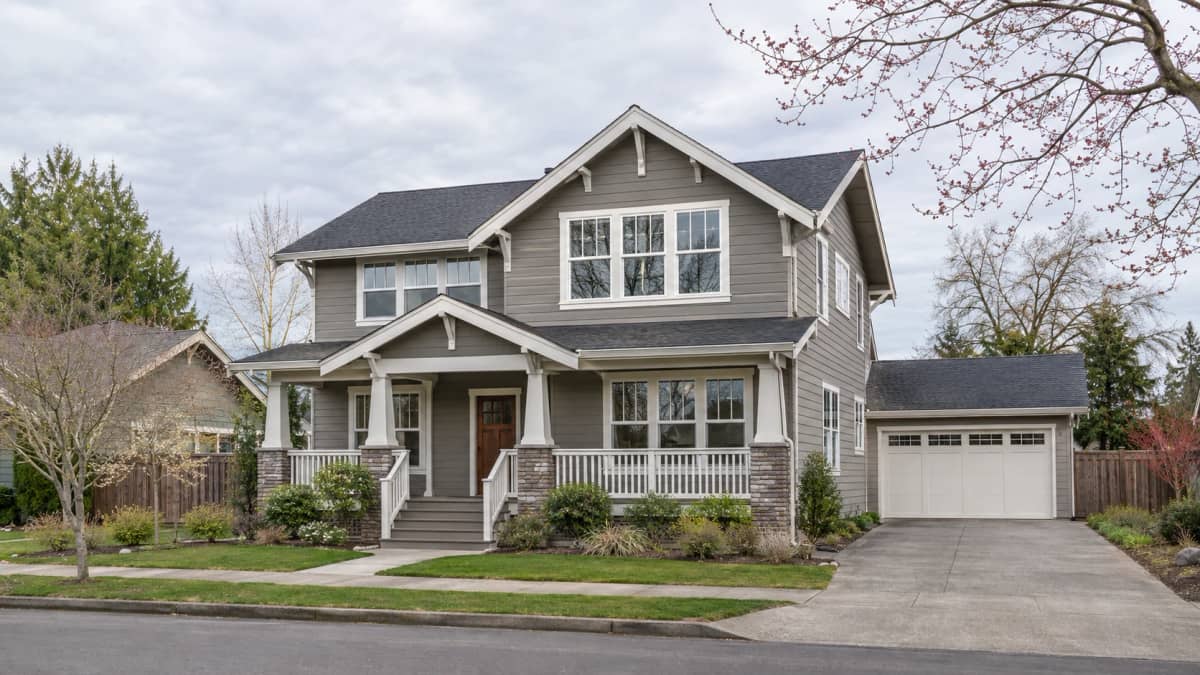
Upload one daytime exterior property photo, choose an available output setting, and create a twilight-style edit of the same scene. Compare the result with the source before use, especially the roofline, doors, windows, fine branches, driveway and crop.
Design
View your designYour next design starts here.
What to check in a virtual twilight result
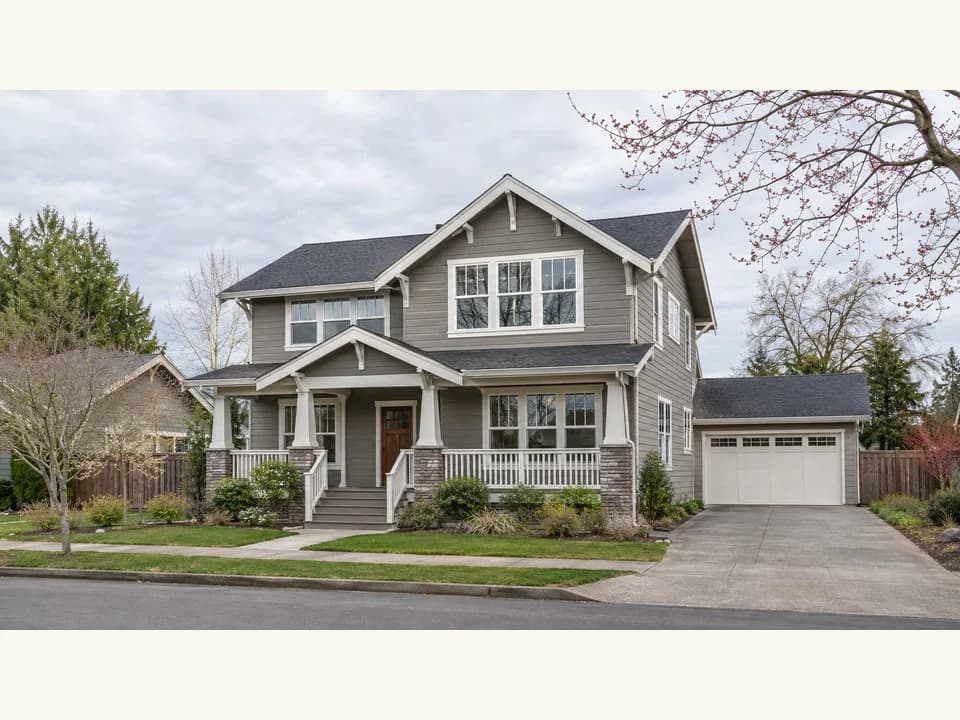
Use a source photo with visible sky and building edges
Choose the actual listing photo, with the roofline, facade, openings and enough sky visible to inspect the edit. Heavy obstructions or clipped edges make changes harder to detect.
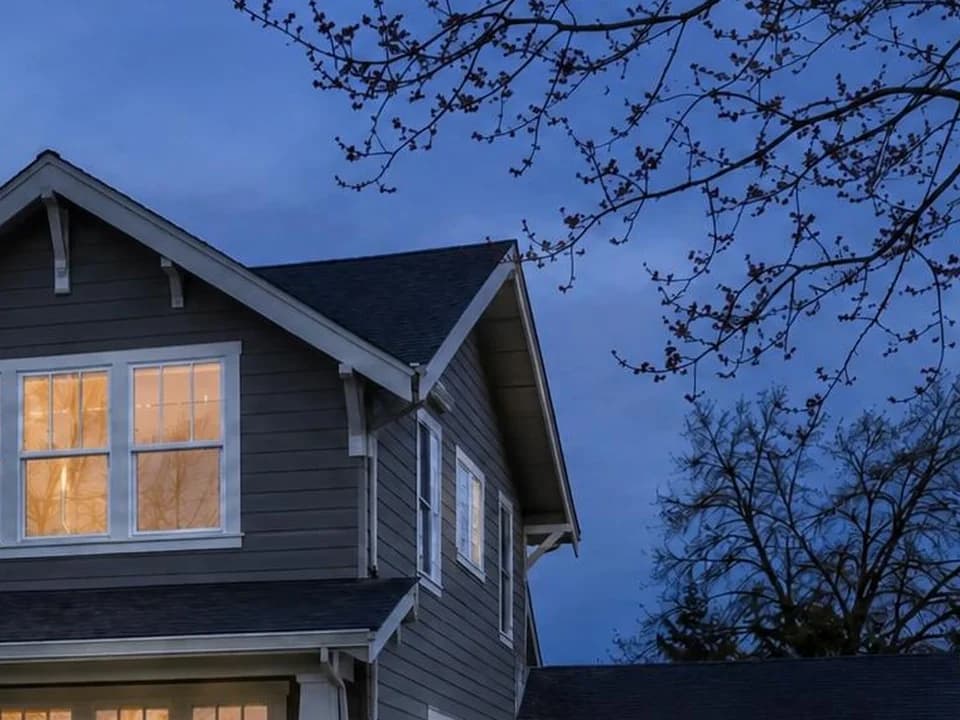
Review light and edges together
Look beyond the sky color. Check window light, eaves, roof edges and fine branches against the sky. Reject a result when the atmosphere works but a fixed property detail no longer matches the source.
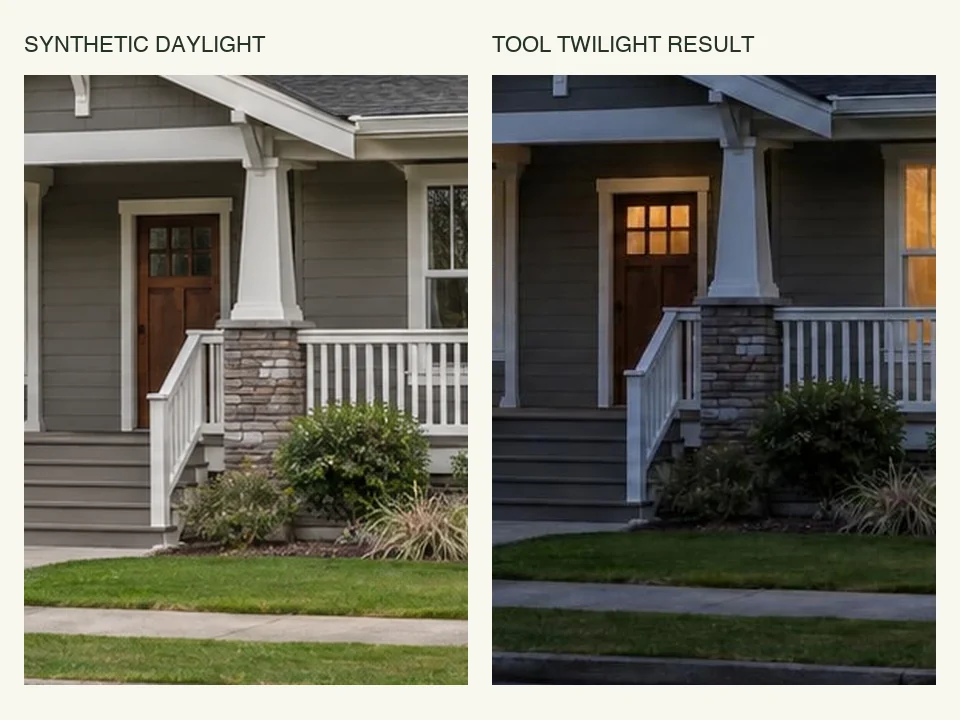
Reject changes to fixed property details
Compare doors, windows, rooflines, paving, landscaping and crop with the original. Do not use a result that invents or removes a fixed feature, and disclose the edit where the applicable listing rules require it.
How to create a virtual twilight photo
Upload a clear daytime exterior
Choose a photo that shows the complete facade, roofline and enough sky for an edge check. Avoid a frame where vehicles, deep shadow or dense branches hide important building features.
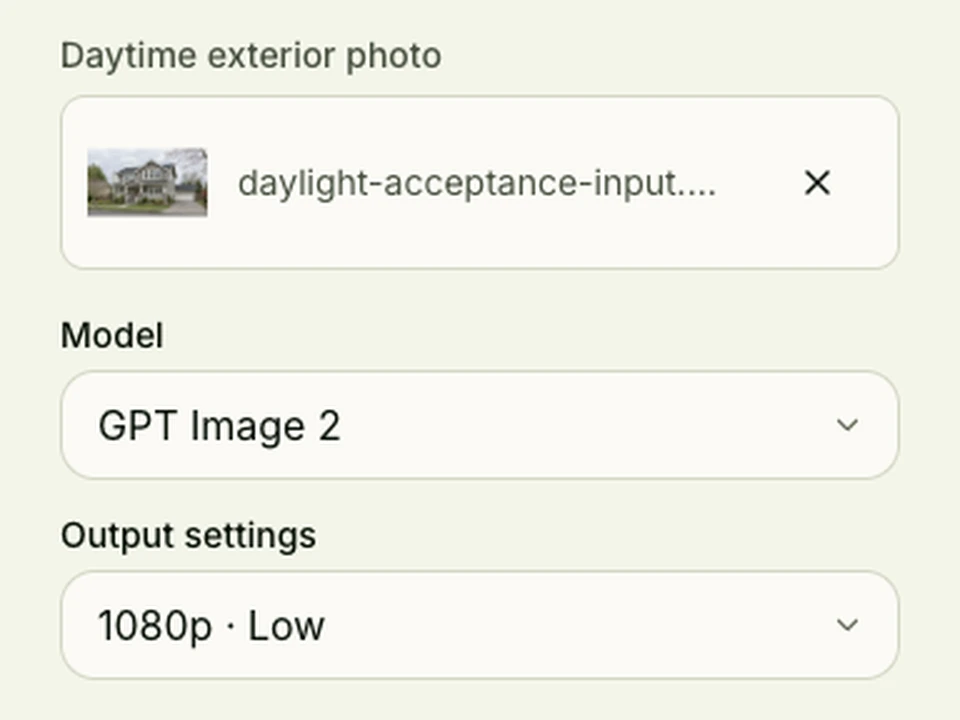
Choose an available setting and generate
Select from the model and output settings available to your account, then start one edit. Keep the source file open so you can review the result against the actual property rather than from memory.
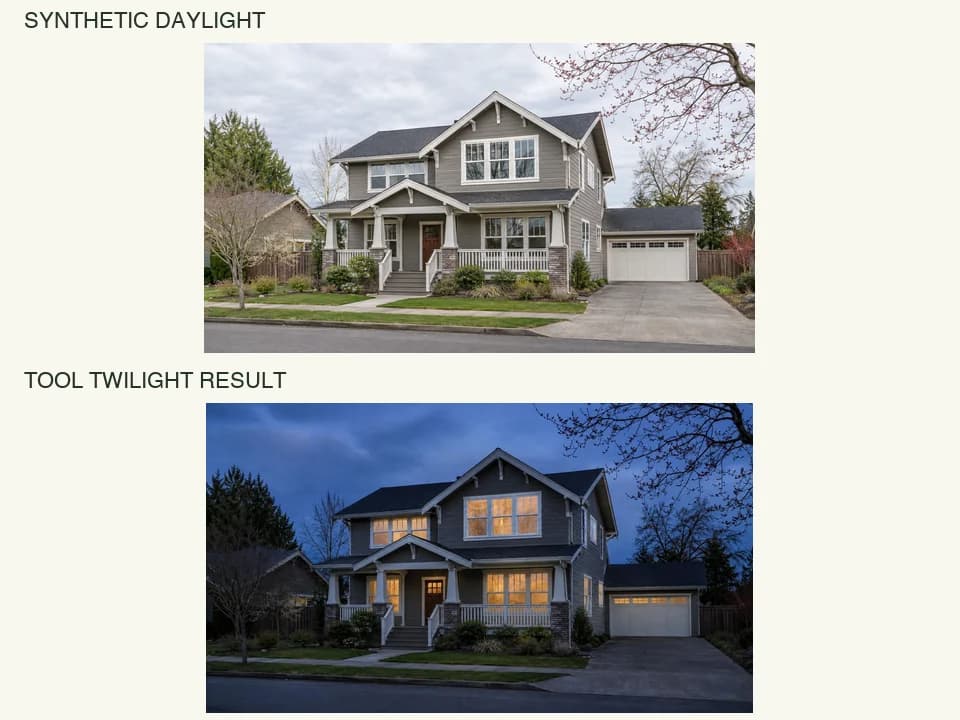
Compare the result before downloading
Inspect the sky boundary, window light, roofline, openings, trees, driveway and crop against the source. Download the result only after the fixed property details pass that comparison.
Virtual twilight photo editing FAQ
What is virtual twilight photo editing?
It changes the lighting direction of a daytime exterior property photo to suggest dusk, often with a darker sky and illuminated windows. Compare the result with the source because an image edit can also alter other details.
What photo should I upload for a virtual twilight edit?
Use a clear daytime exterior with the facade, roofline and a useful area of sky visible. A frame with heavy obstruction or clipped building edges makes it harder to check whether the result still represents the property.
Will the building stay exactly the same?
Do not assume it will. Compare the roofline, doors, windows, chimney, paving, landscaping and camera crop with the original, and reject a result that changes a fixed feature needed for the listing.
How should I review illuminated windows?
Check that the light sits inside the existing window openings and does not invent panes, rooms or new openings. Also inspect reflections and nearby facade edges at full size.
Can I use a virtual twilight photo in a property listing?
Check the rules that apply to the listing platform, market and client before publishing an edited image. Keep the original, disclose the edit where required and do not use a result that misrepresents a material property feature.
What should I check before downloading the result?
Compare the sky boundary, roofline, window and door openings, driveway, landscaping, fine branches and crop with the source. A convincing dusk effect is not enough when a fixed property detail has changed.
Other photo tools you might like
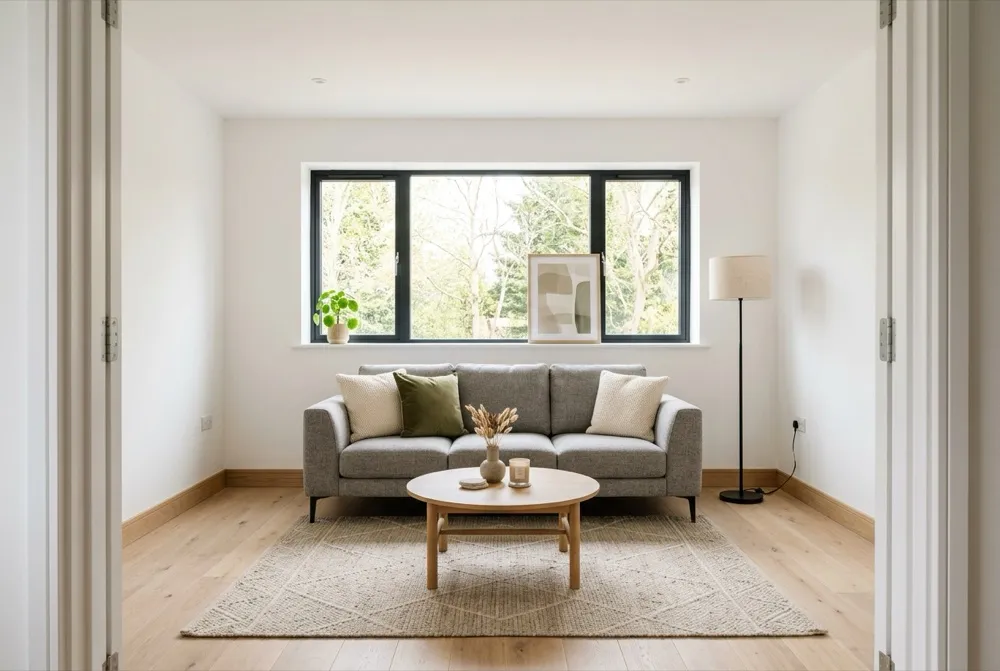
Virtual Staging
Explore furnishing ideas for an empty property photo.
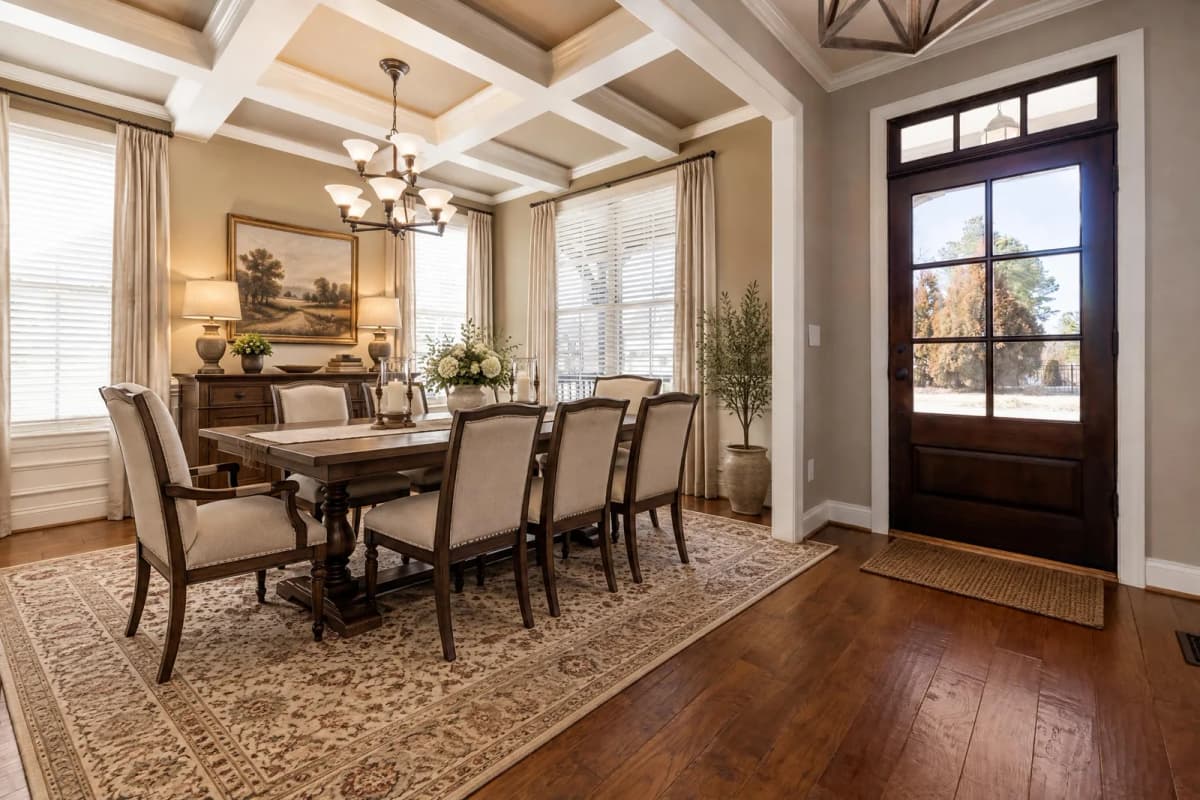
Dining Room Virtual Staging
Furnish an empty dining room photo with a table and chairs.
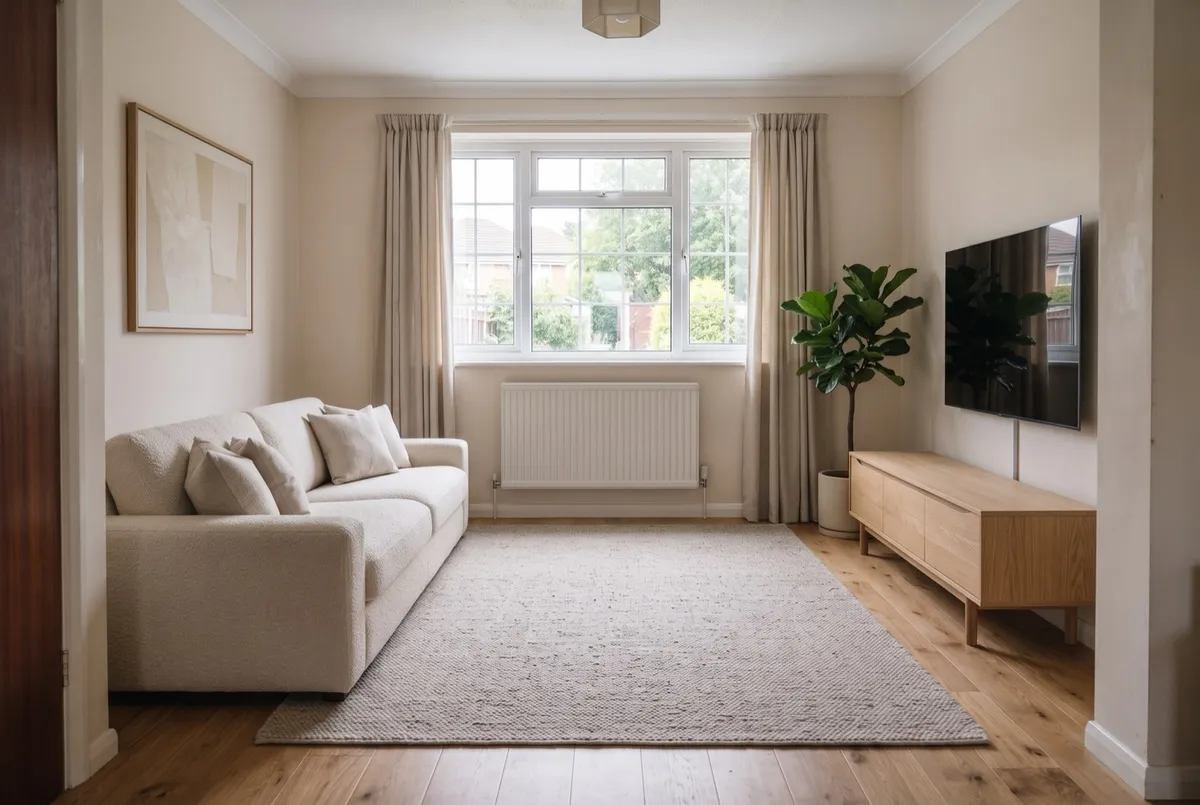
AI Room Design
Upload a photo, get it back redesigned
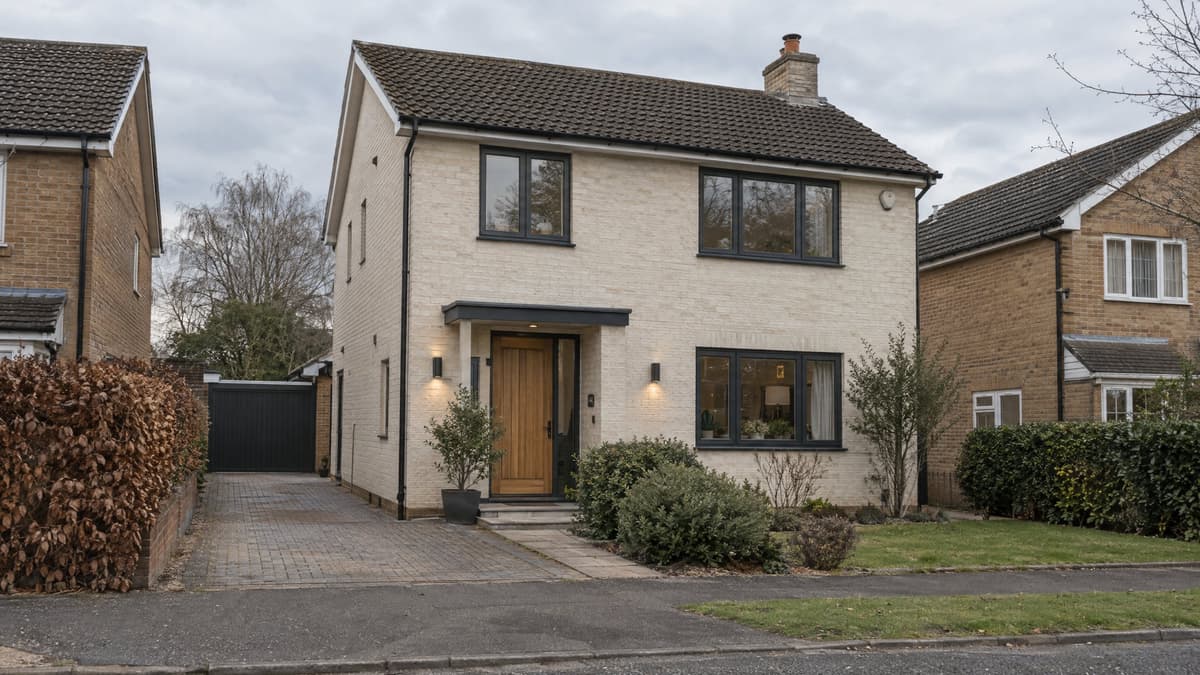
Exterior Renovator
Test a new facade direction from your photo
AI Interior Design
Explore a new look for your room with furniture, colors and finishes.
AI Floor Plan
A concept plan from the rooms you need
AI Kitchen Design
Explore kitchen styles from your photo.
Replace Furniture
Explore a replacement for a selected piece in your room photo.
Rug Size Calculator
FREECompare rug sizes with your room and furniture measurements.
Interior Design Style Quiz
FREEFind your style mix from room, color and material preferences.
Before and After Photo Maker
FREECombine two photos into a labeled comparison and download it.
AI Landscape Design
Explore a new direction for your outdoor space.
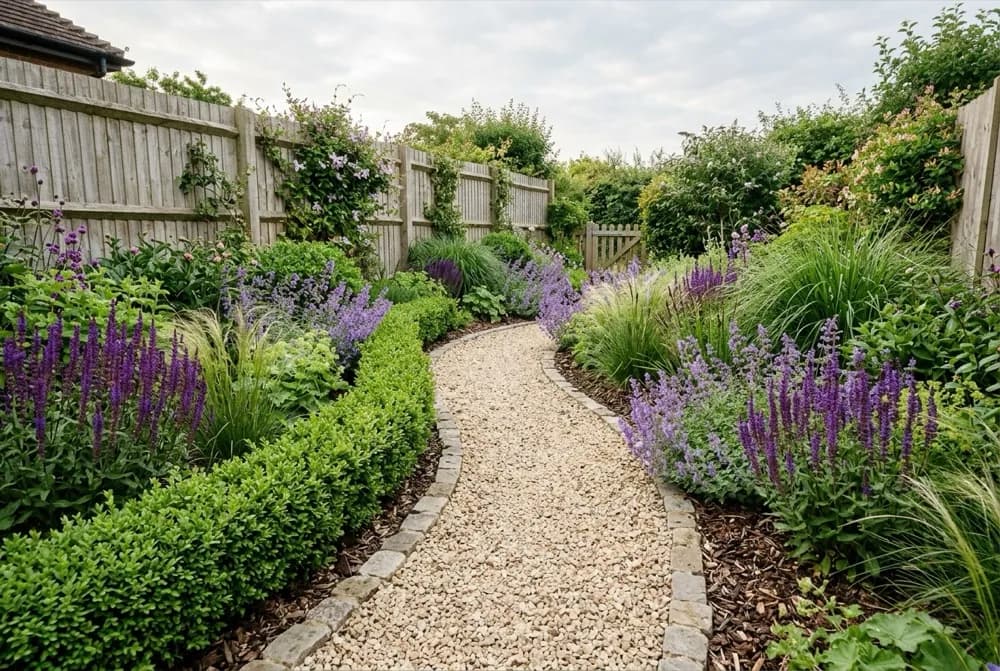
AI Garden Design
Explore planting designs based on your photo and growing conditions.
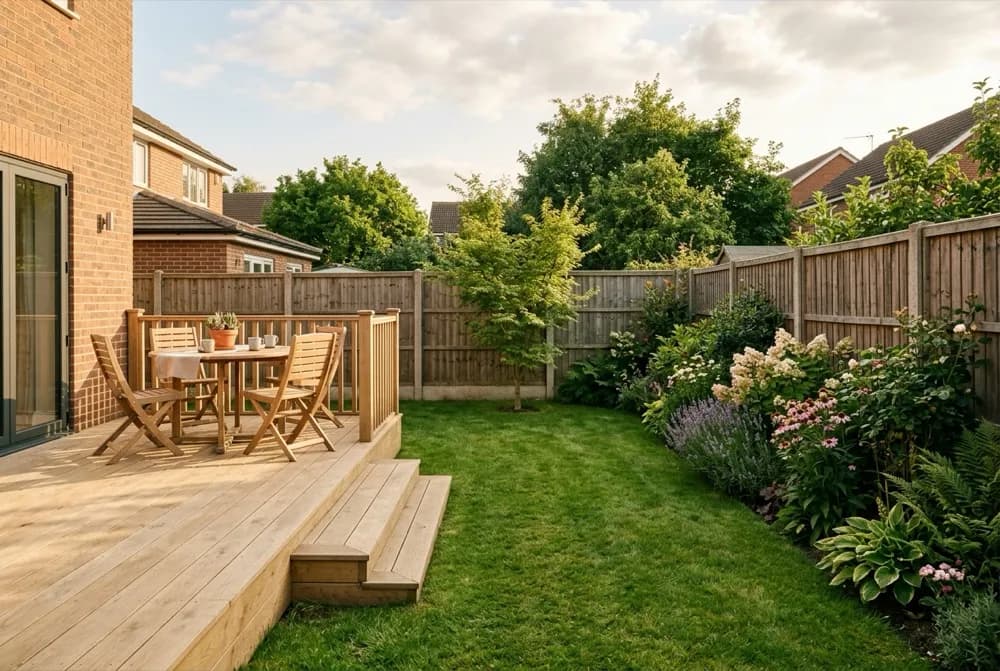
AI Backyard Design
Compare ideas for the backyard you already have.
Hardiness Zone Finder
FREECheck your supported local hardiness zone before choosing plants.