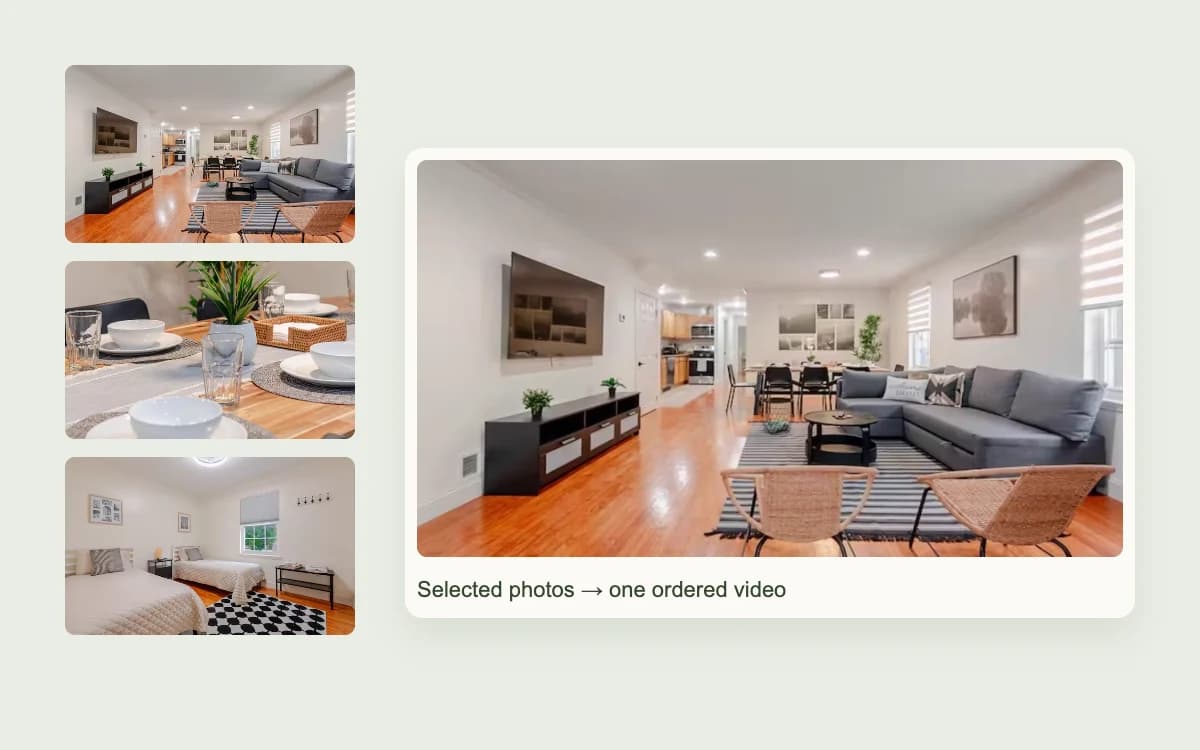
Give buyers a fuller first look
Give buyers a paced overview of selected rooms and exterior views. In NAR's 2025 survey, 48% of buyers' agents rated listing videos more or much more important to clients.
Turn 2–10 property photos into an ordered 18- or 30-second MP4. Choose landscape or vertical framing, a resolution and one of the available music excerpts, then watch the complete video before downloading.
A real estate listing video maker adds a paced, shareable introduction beside the detailed photo gallery.
Give buyers a paced overview of selected rooms and exterior views. In NAR's 2025 survey, 48% of buyers' agents rated listing videos more or much more important to clients.
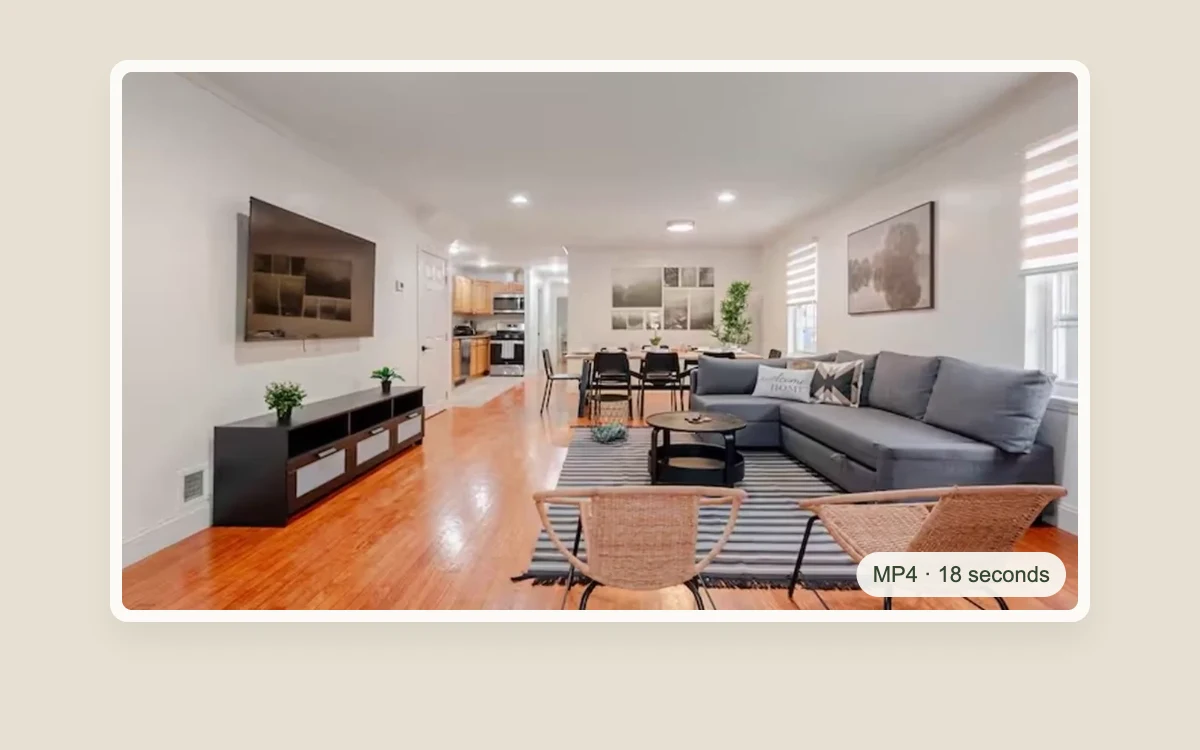
Using approved listing photos avoids coordinating another on-site video visit and rebuilding the same photo sequence by hand in a separate editor for this short deliverable.
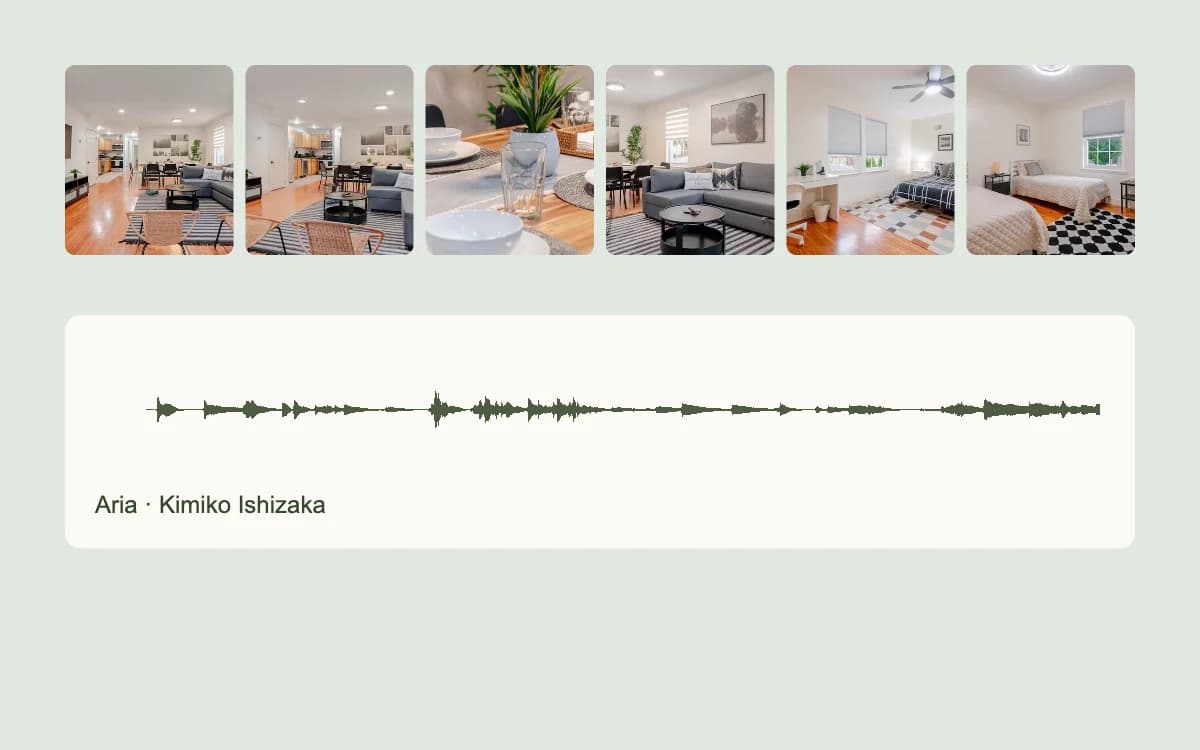
The current workflow automatically assembles ordered photo clips into one short MP4, reducing the manual editing work needed to build the same sequence.
It is for property professionals who want to turn approved listing photos into a stronger video deliverable, a shareable sales asset or a repeatable agency output.
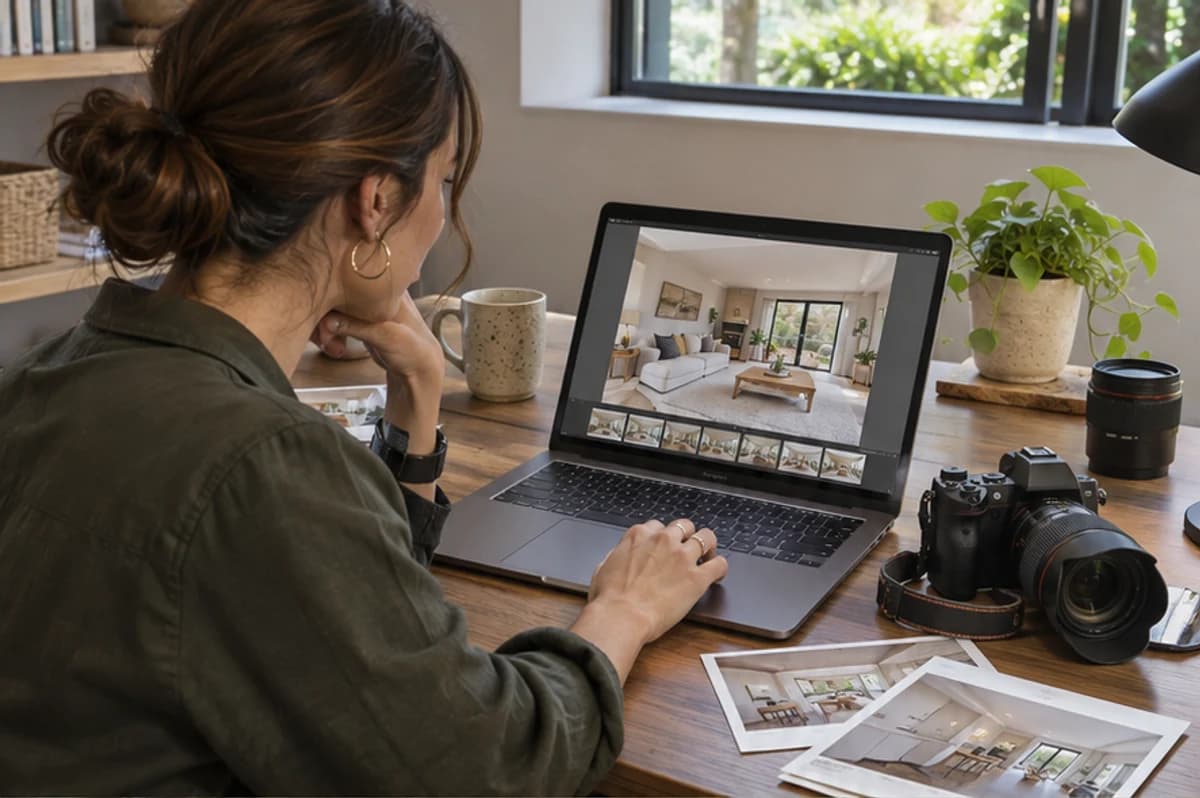
Add a video deliverable to a photography package using the approved photo set, while retaining control of crop, sequence and final review.
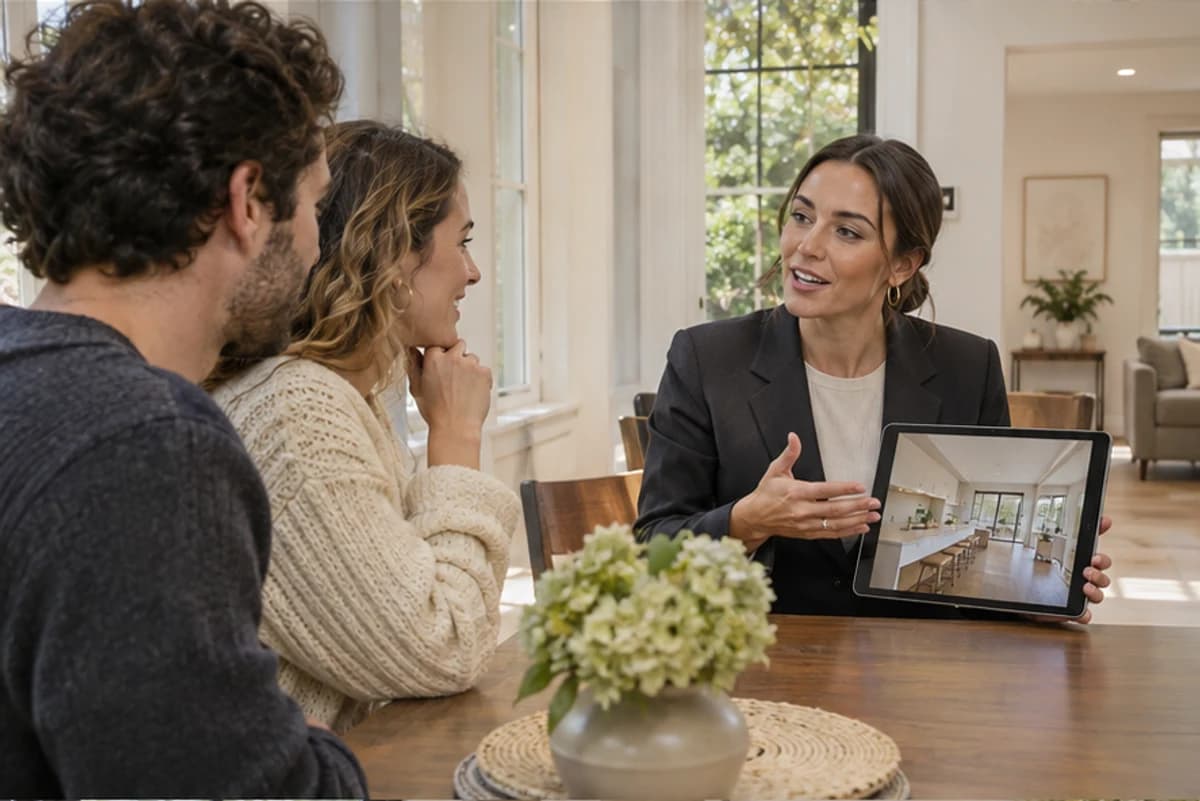
Present selected property views for lead conversations and showing preparation, without treating the video as a guaranteed sales result.
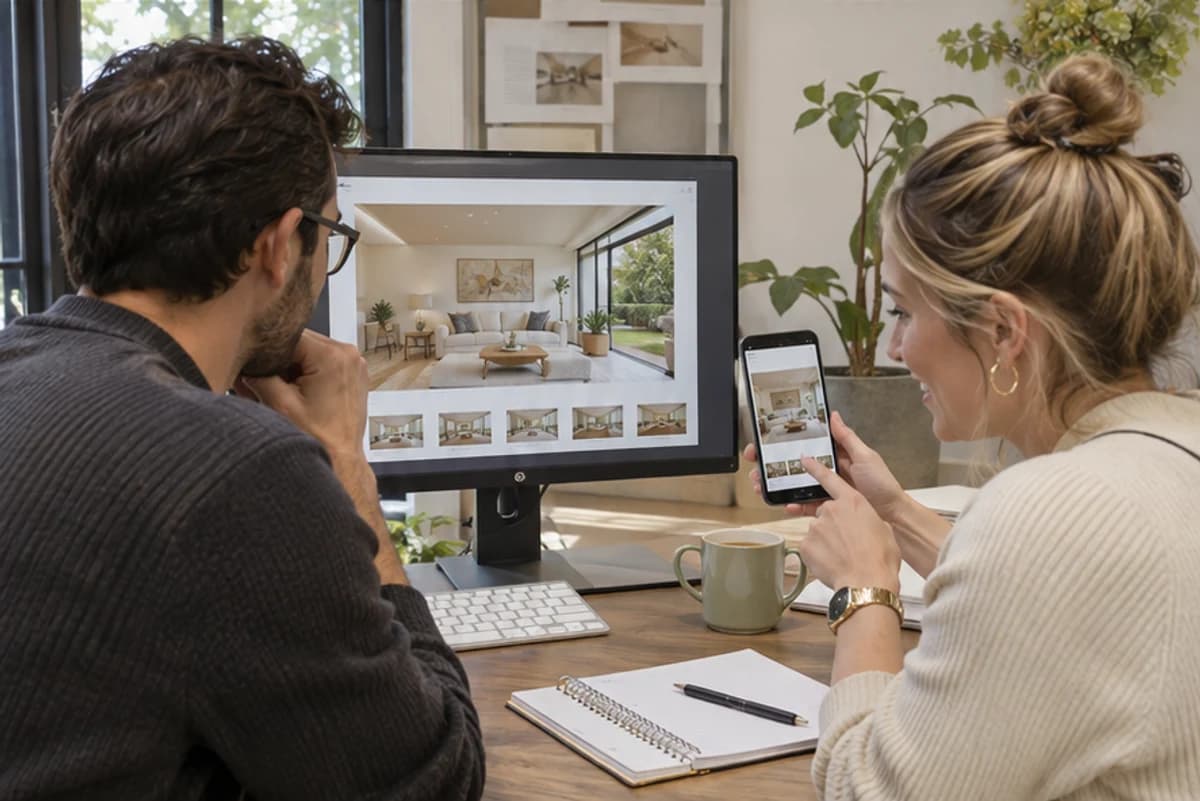
Standardize client-approved photo sequences and reviews into a repeatable listing-video deliverable, keeping editing effort consistent across multiple properties.
Spaceora turns an ordered set of listing photos into a short MP4 with format, duration and music controls. Automatic assembly reduces manual timeline work while keeping the result available for review before download.
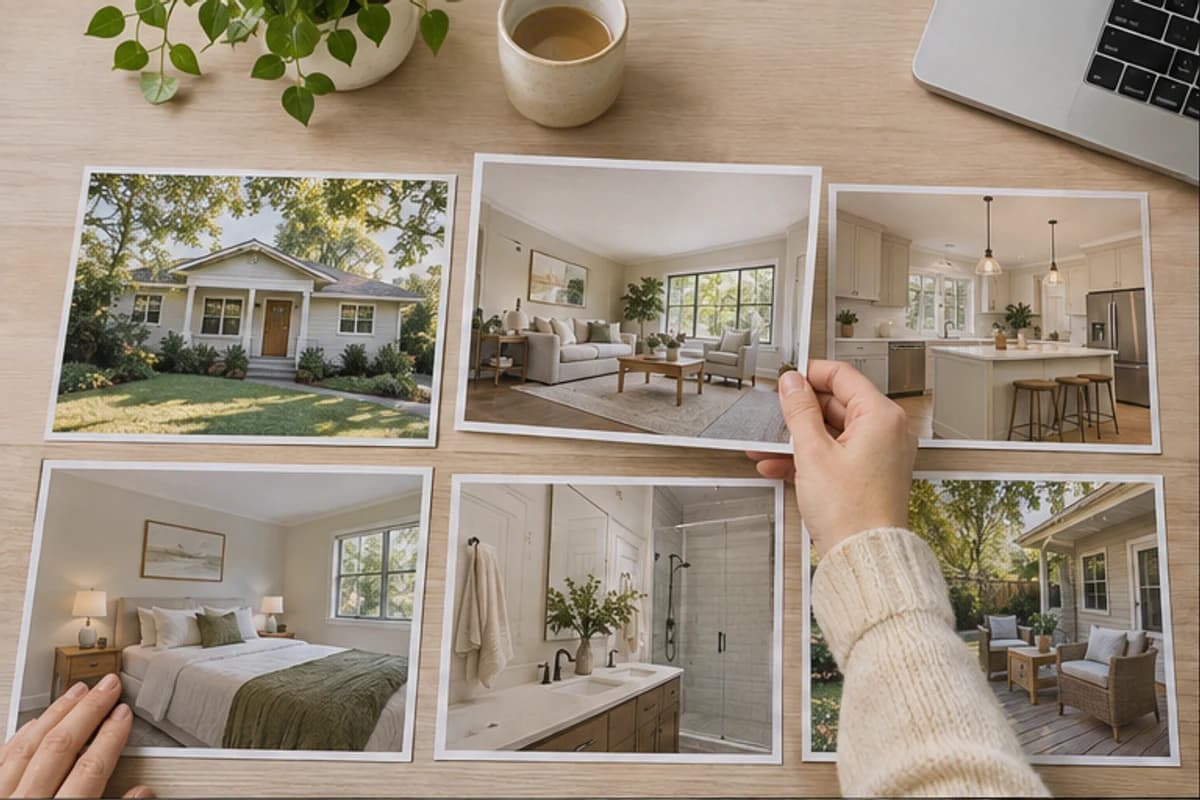
Upload the selected listing images, choose the output settings and music, then generate and watch the MP4.
Choose the listing views to include. Enlarge photos when you need to inspect them, remove duplicates or weak frames, and drag the remaining images into the intended sequence.
Choose 480p, 720p or 1080p; 16:9 or 9:16; and 18 or 30 seconds. Add Aria, Variation 1 or Variation 2 from the included music excerpts.
Generate the video and watch it from beginning to end. Confirm the photo order, crop and music, then download the MP4 when the presentation matches the selected listing views.
Yes. Upload 2–10 property photos, arrange them in the intended order and choose the video settings. Each photo becomes an AI-generated shot, and the clips are combined into one MP4.
Choose 480p, 720p or 1080p; 16:9 landscape or 9:16 vertical; and a total duration of 18 or 30 seconds.
Yes. Select 9:16 for a vertical real estate video. Review the full crop because a vertical frame can exclude details visible in the source photo.
Yes. Choose Aria, Variation 1 or Variation 2 from Kimiko Ishizaka's Open Goldberg Variations. The three included recordings are documented as CC0 1.0; this is not a claim about a broader music catalogue.
Choose Gentle, Natural or Dynamic camera motion. The selected direction and your optional prompt guide each AI-generated shot; clips are joined in your selected photo order.
No. A property video gives you another way to present and share a listing, but Spaceora does not guarantee inquiries, offers, sale price or time on market.
This page does not promise voice-over, captions or MLS compatibility. It covers the confirmed photo-to-video workflow, watching the result and downloading the MP4.