AI Interior Design From Your Photo
Upload a photo of your room and choose a style. In about a minute, this interior design tool previews new furniture, colours and finishes; then compare the result with your original photo.
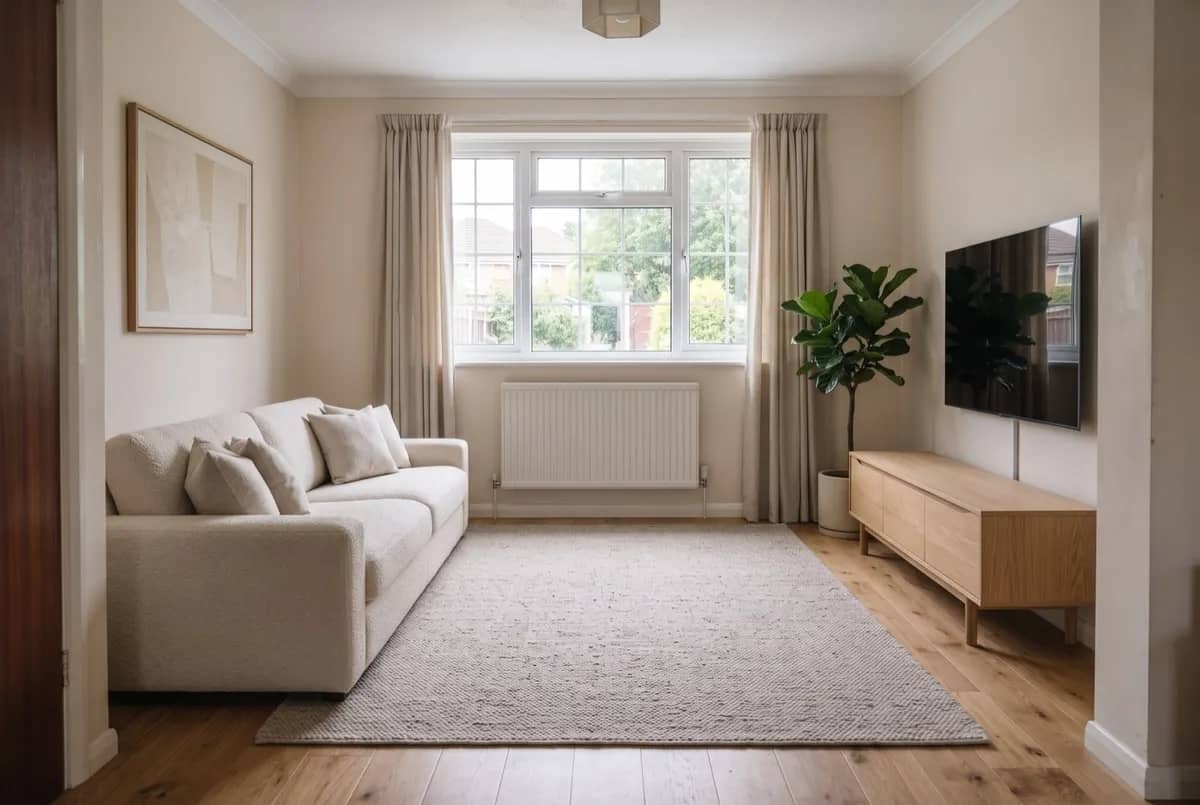
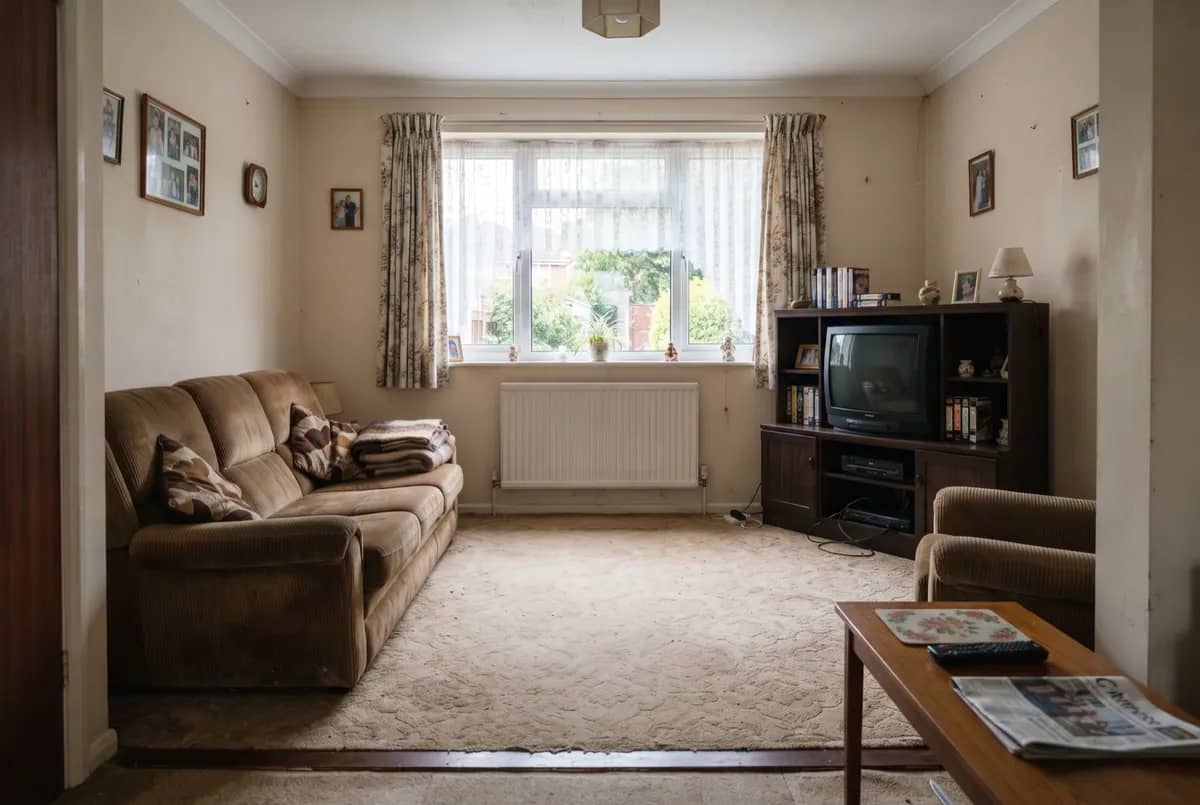
Design
Upload a photo and generate to see your own design here.
Why choose this AI interior design tool
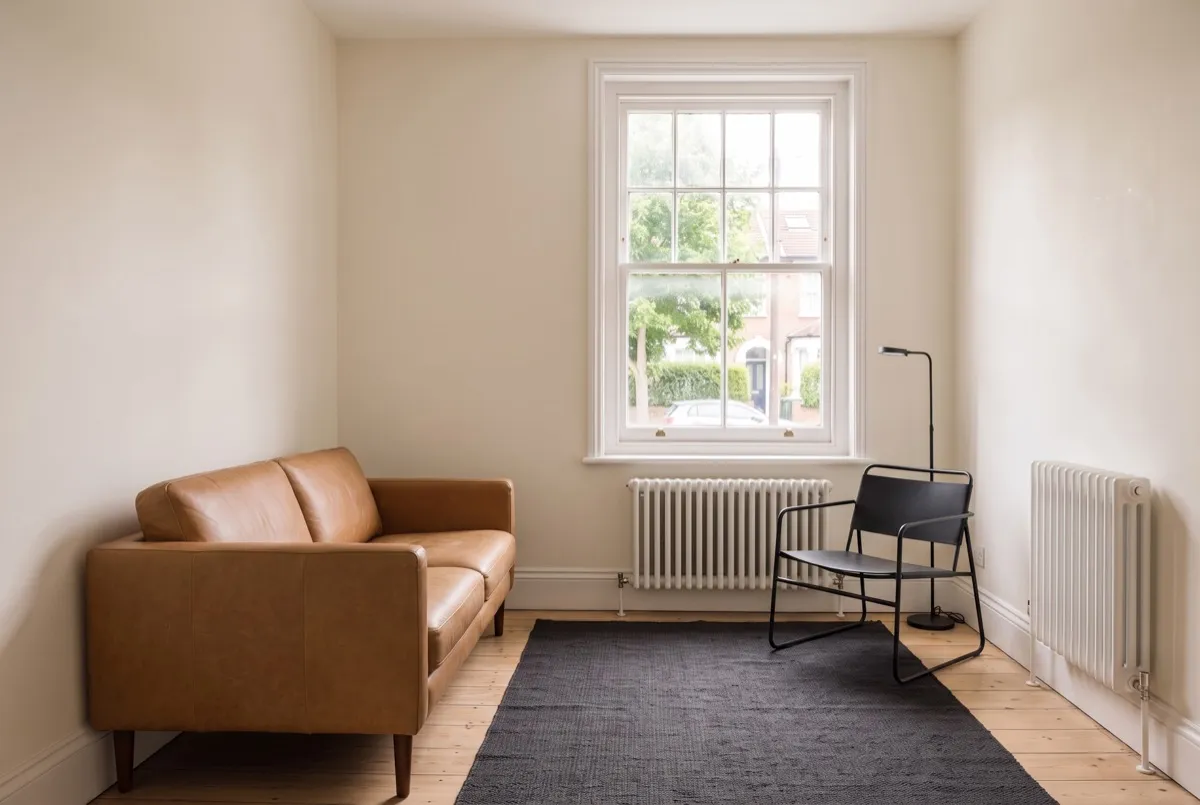
See a new style in your own room
Start with a photo of your space. Explore different furniture, colours and finishes before deciding what to change. AI-generated images can alter details, so check each result against your original photo.
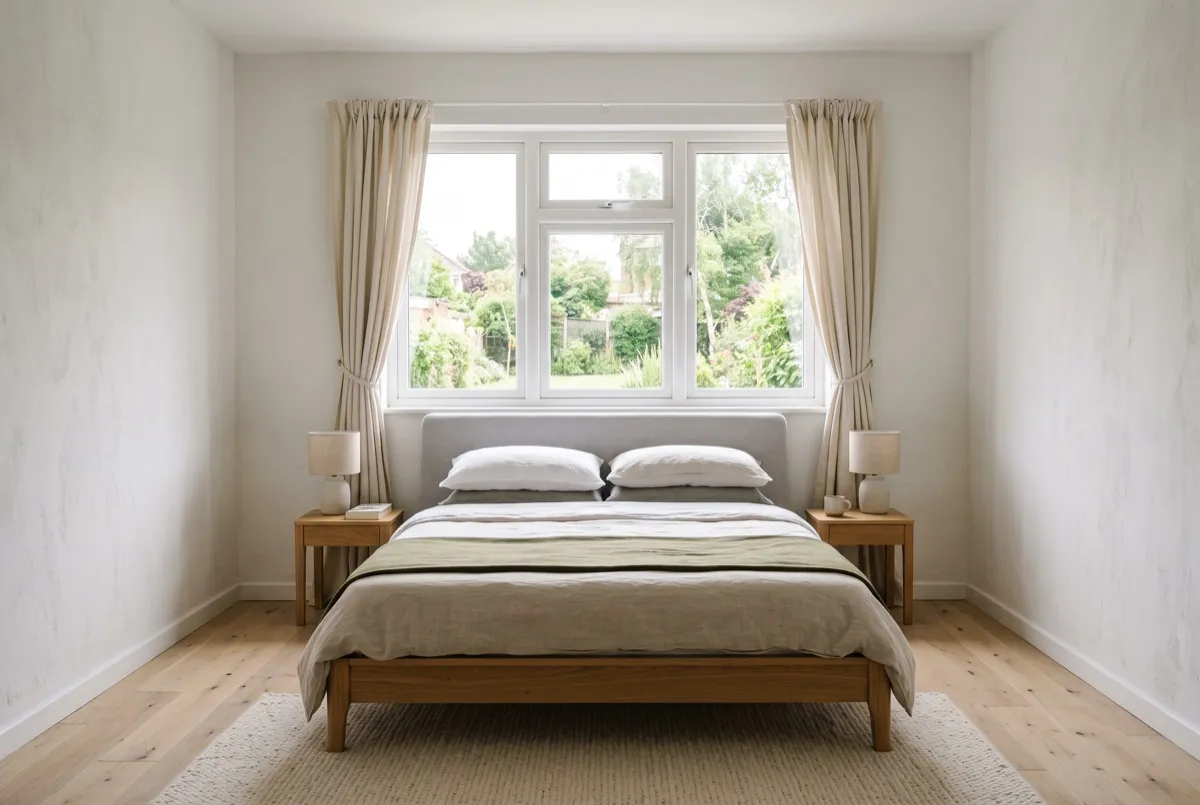
Compare different styles
Try Japandi, modern or coastal with the same photo. Compare the results to see which direction you prefer. Each new generation uses credits.
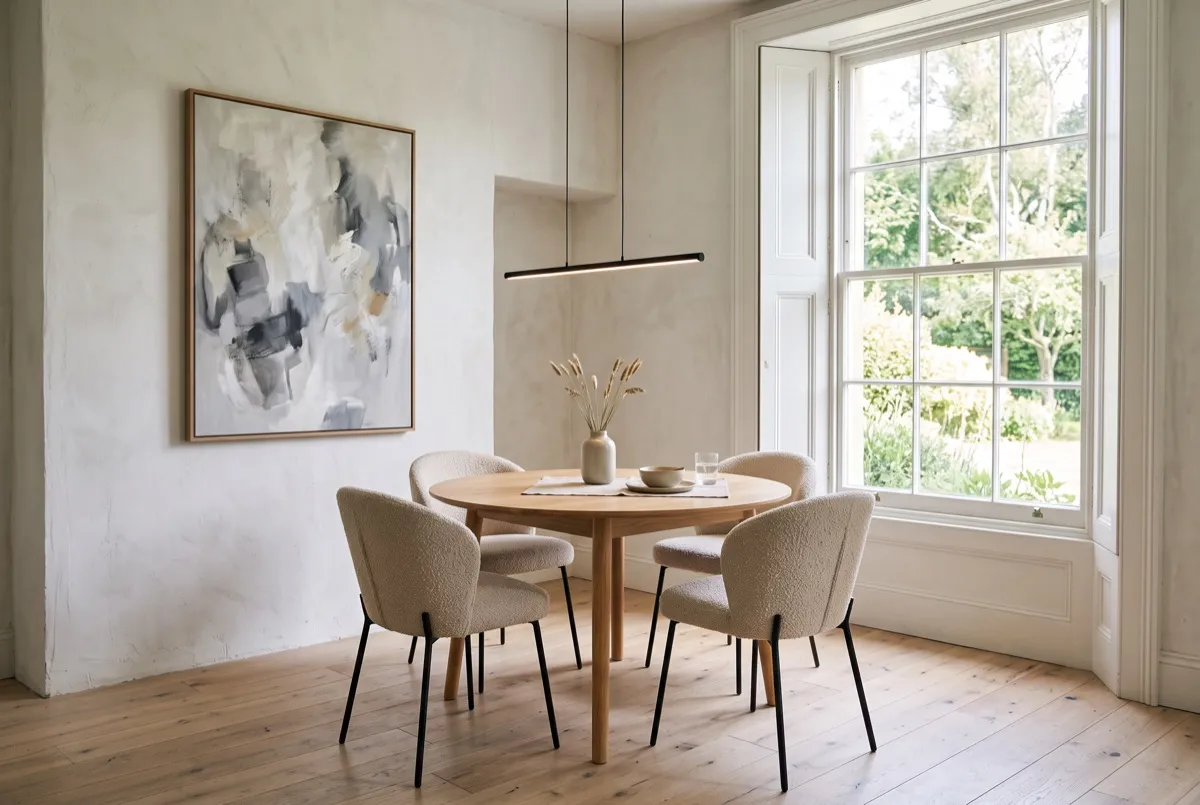
Download and share your design
Save the image and share it with your partner, designer or contractor to explain the look you have in mind. Use it to discuss ideas before choosing furniture or materials.
How to redesign your room with AI interior design
Upload a photo
Use a clear, well-lit photo that shows as much of the room as possible. Include the walls and floor rather than a close-up of one piece of furniture.
Choose a style
Select your room type and a style. Add any preferences, such as warmer colours or more plants. The AI may not follow every detail, so review the result.
Generate and compare
Generate your free watermarked preview. When it is ready, drag the slider to compare it with your original photo, then download the image or try another style.
AI interior design FAQ
How much does it cost?
Try one watermarked interior preview without an account or card. The free allowance is shared across Spaceora tools. A paid plan unlocks the original; further edits and designs use the credits shown.
How do I guide the AI interior designer?
Upload your room photo, choose a style and add notes about colors, materials or furniture you have in mind. Compare the result with your original photo to decide what to explore next.
What kind of photo works best?
Use a clear photo taken in good light, with the walls, floor and main furniture visible. Avoid heavy filters, blurry photos and extreme wide-angle shots.
Can I use virtual interior design to discuss a client project?
You can use the image to discuss styles, colours and furniture ideas. It is a visual concept, not a floor plan, construction drawing or specification. Confirm dimensions and materials separately.
How many styles can I try?
You can generate another version with a different style while you have enough credits. Each generation uses 10 credits, even when you use the same photo.
What happens to my photos?
Your photo is sent to an image-generation provider to create the result. Saved designs are available in your account history, where you can delete them. Provider retention is governed by its own terms. For data-deletion requests, contact contact@spaceora.app.
Want real products instead of a style concept? AI room design with real furniture matches a furniture set to your country and budget, with prices and buying links. Wondering what AI can change in a photo and what it keeps? See can AI change furniture in a photo. Showing the result to a client? The before-and-after photo maker puts both versions side by side.
Start with a bedroom idea
Compare room styles or explore small bedroom storage and layout before trying a look on your own photo.
Other tools you might like
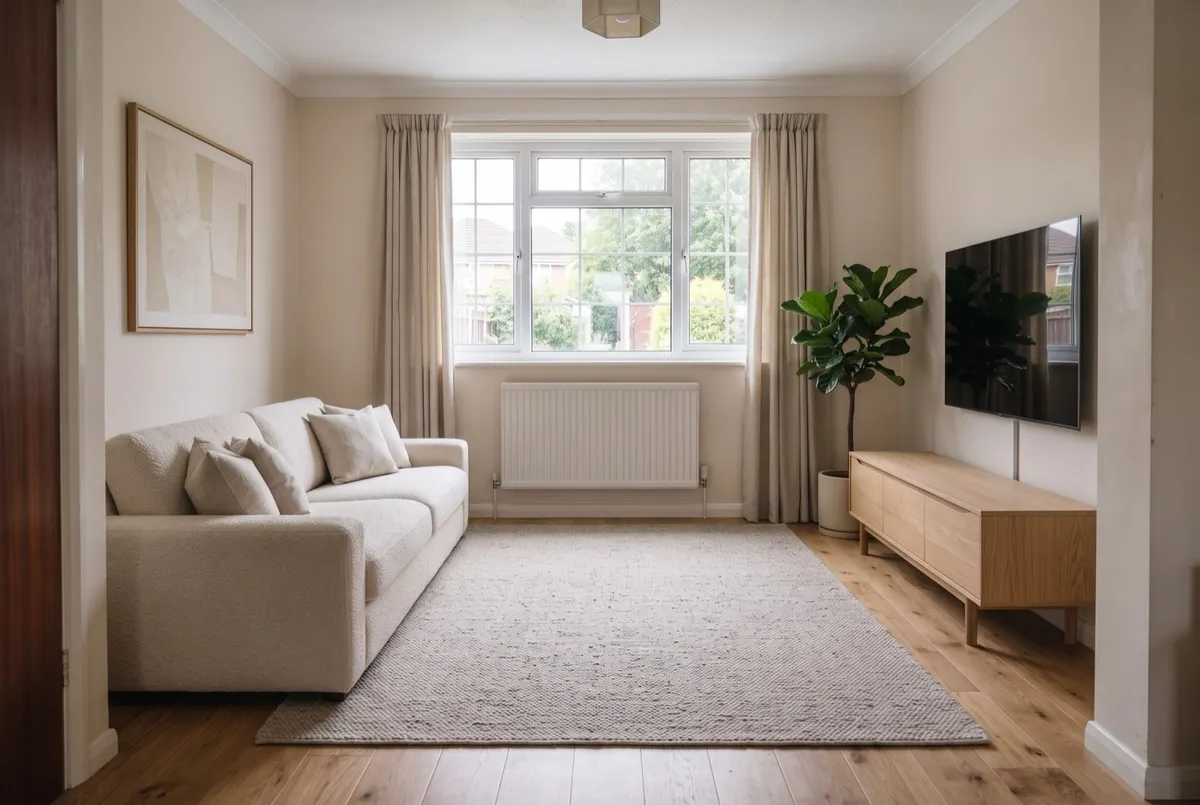
AI Room Design
Upload a photo, get it back redesigned
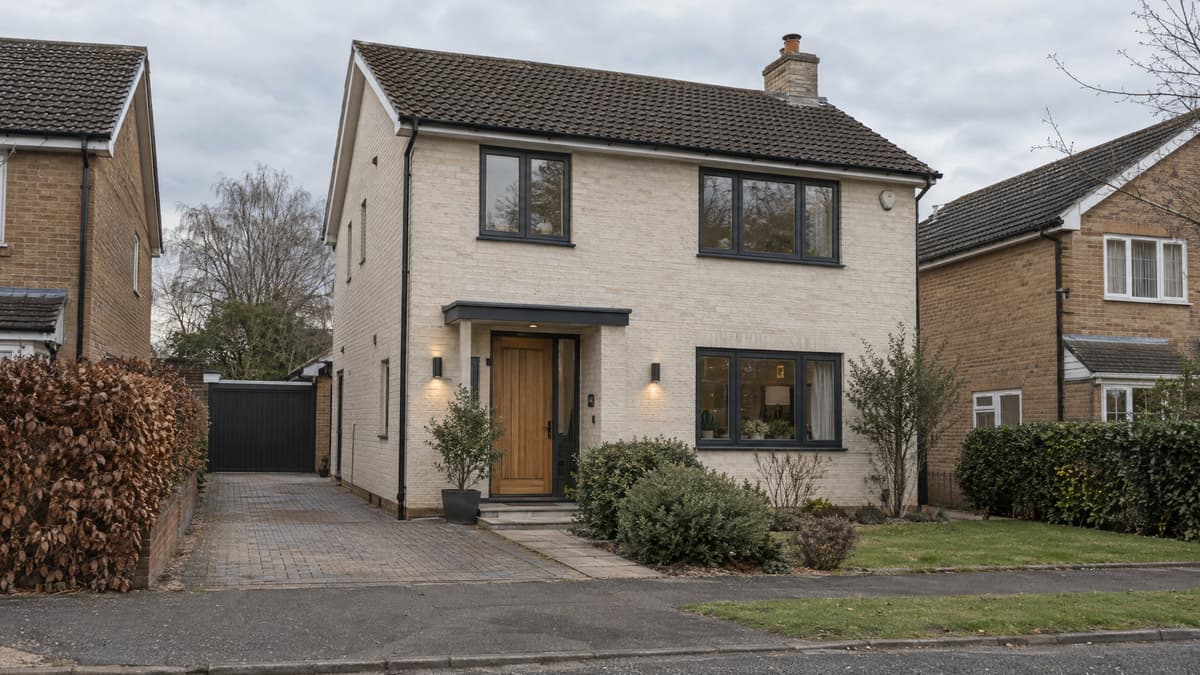
Exterior Renovator
Test a new facade direction from your photo
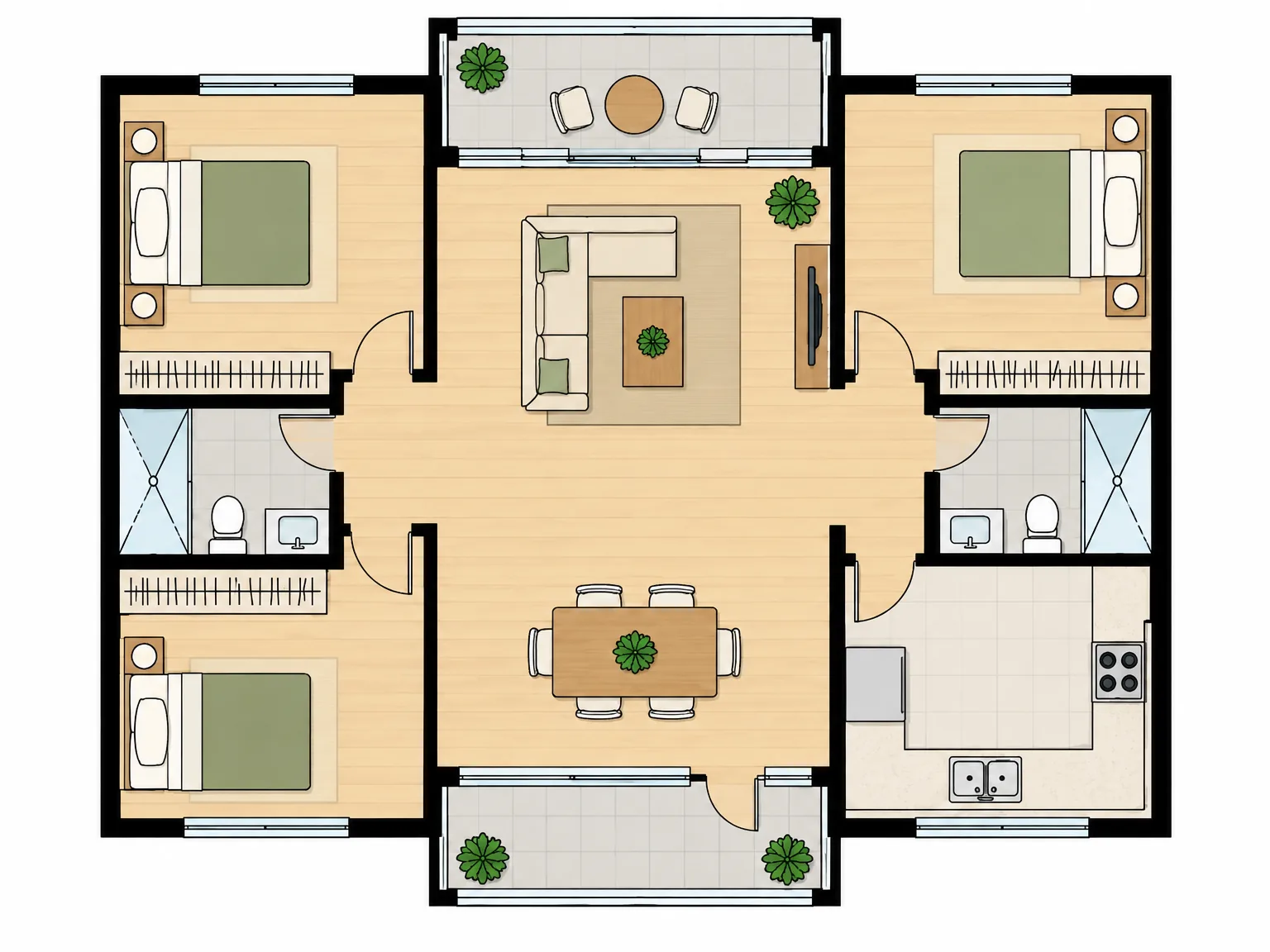
AI Floor Plan
A concept plan from the rooms you need
AI Kitchen Design
Explore kitchen styles from your photo.
Replace Furniture
Explore a replacement for a selected piece in your room photo.
Rug Size Calculator
FREECompare rug sizes with your room and furniture measurements.
Interior Design Style Quiz
FREEFind your style mix from room, color and material preferences.
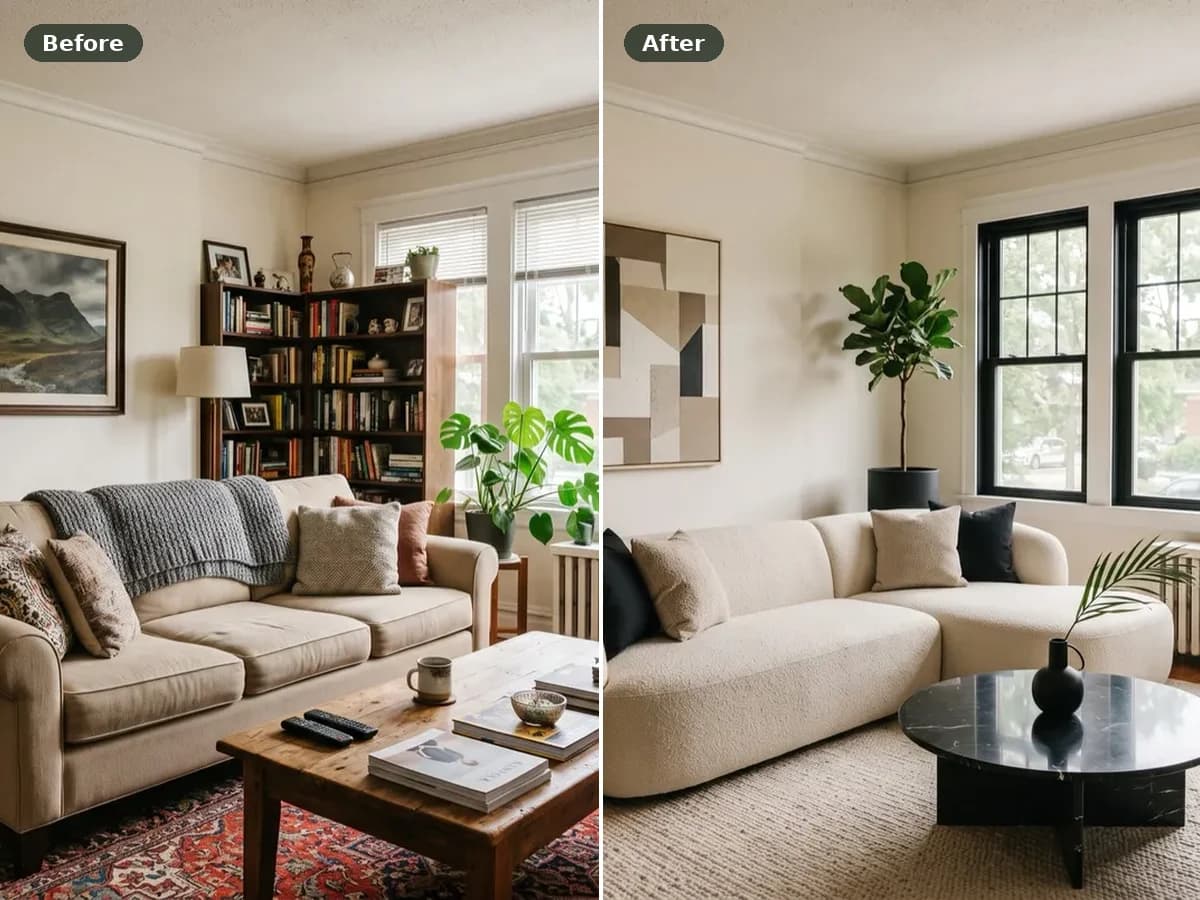
Before and After Photo Maker
FREECombine two photos into a labeled comparison and download it.
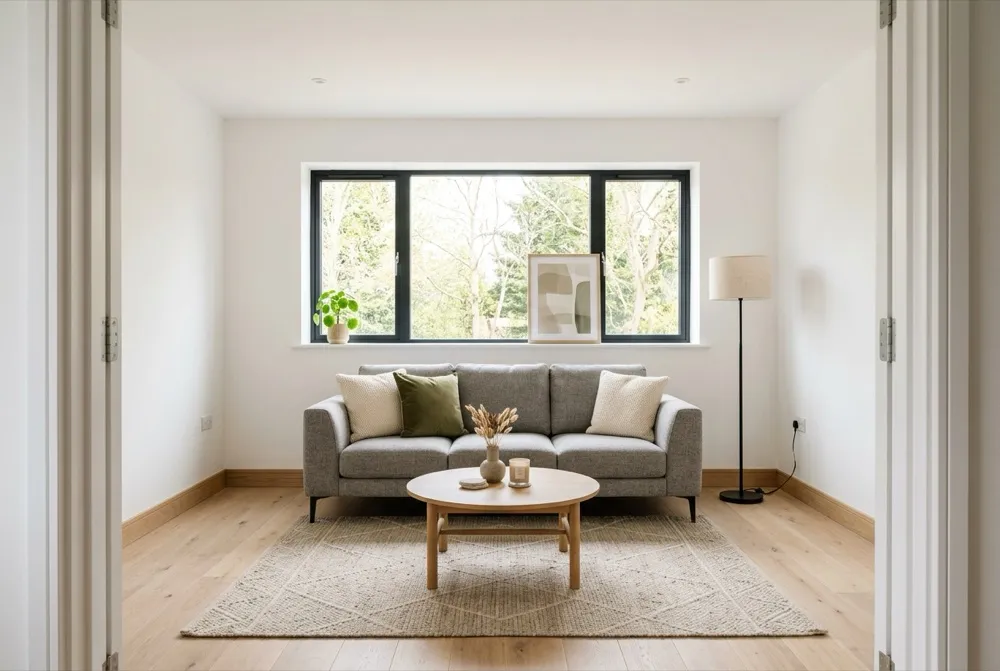
Virtual Staging
Explore furnishing ideas for an empty property photo.
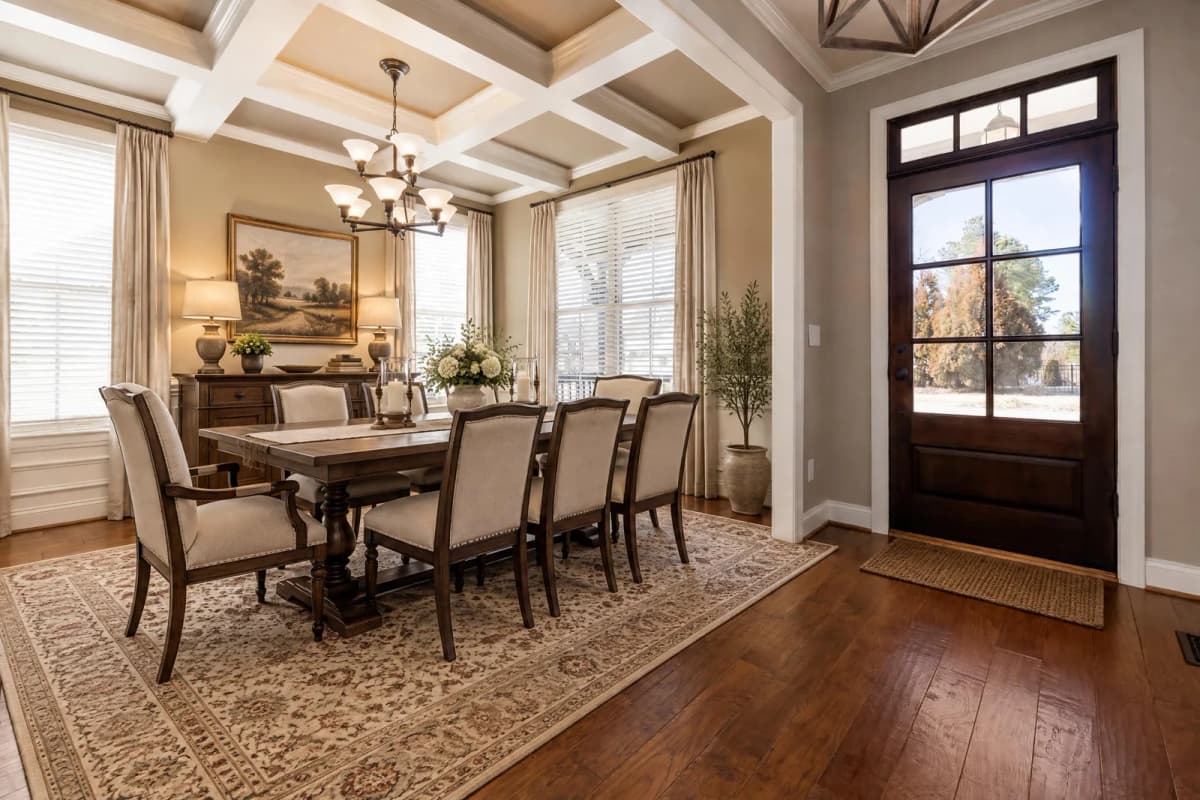
Dining Room Virtual Staging
Furnish an empty dining room photo with a table and chairs.
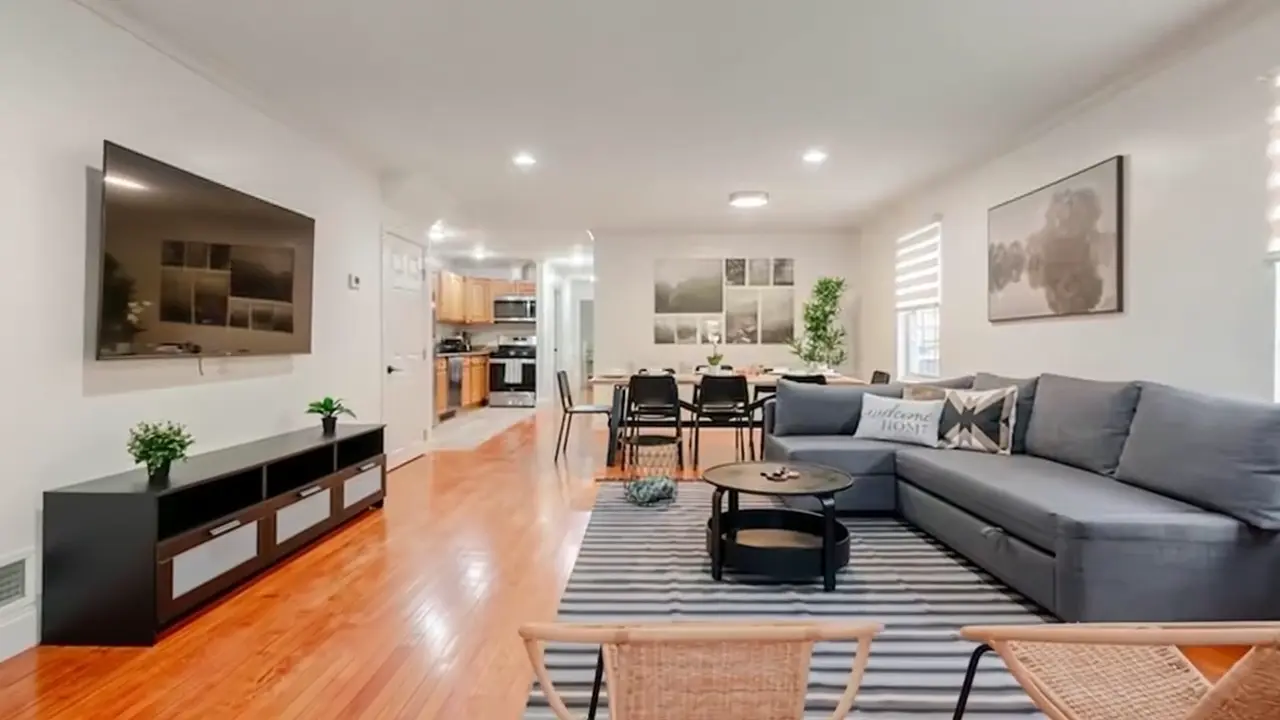
AI Real Estate Video
Turn property photos into an AI video with camera motion and music.
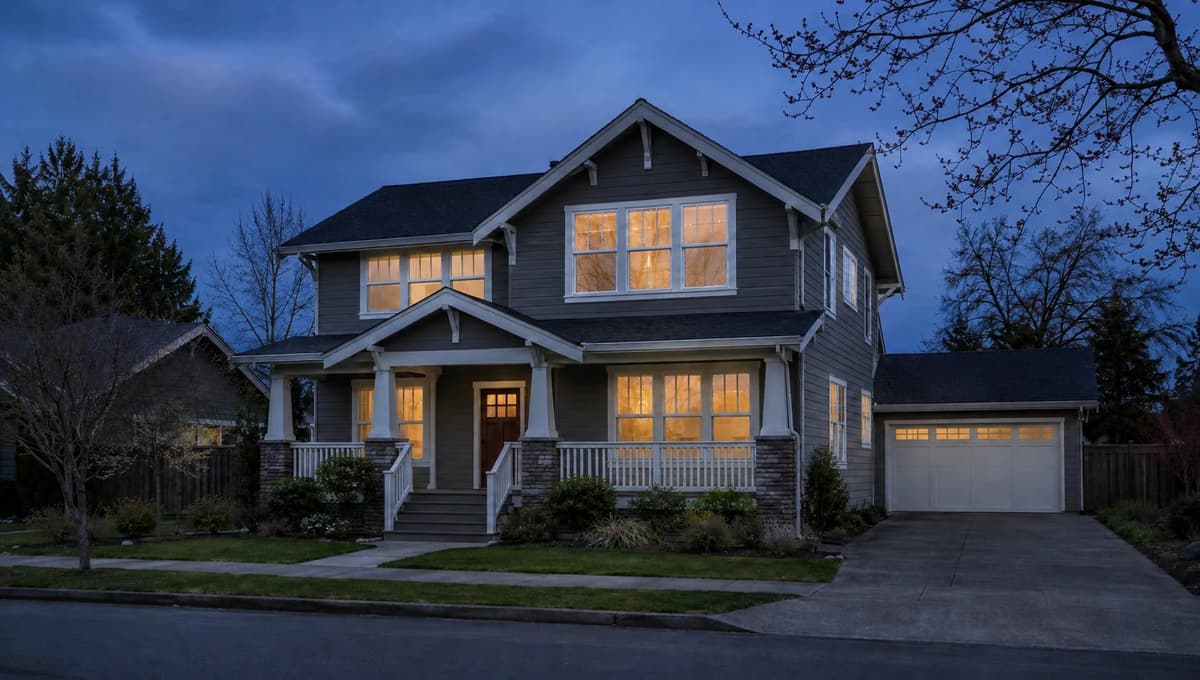
Virtual Twilight
Turn a daytime exterior photo into a twilight image.
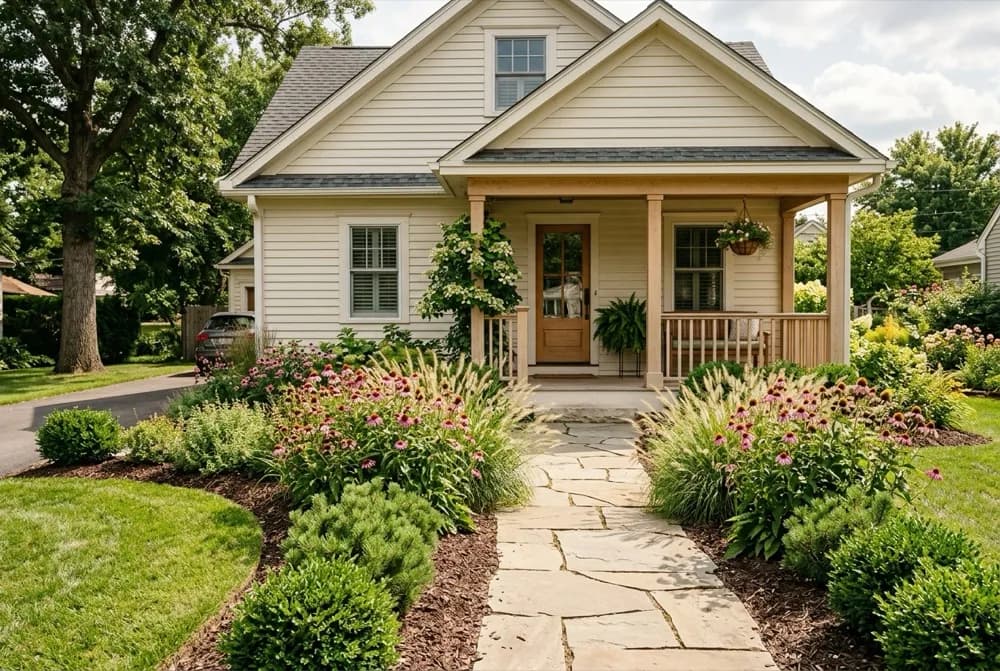
AI Landscape Design
Explore a new direction for your outdoor space.
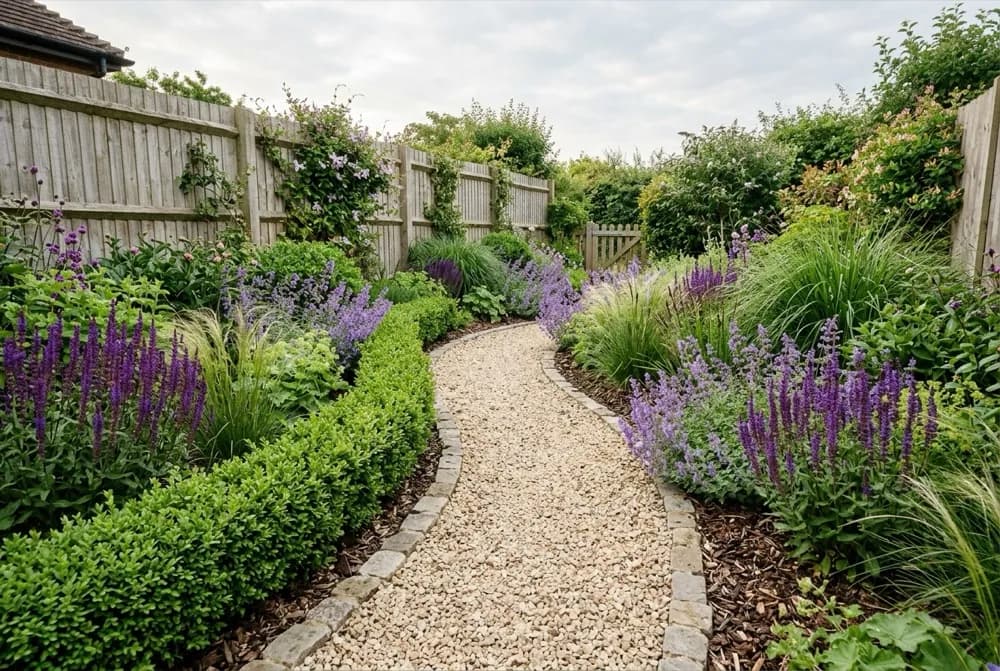
AI Garden Design
Explore planting designs based on your photo and growing conditions.
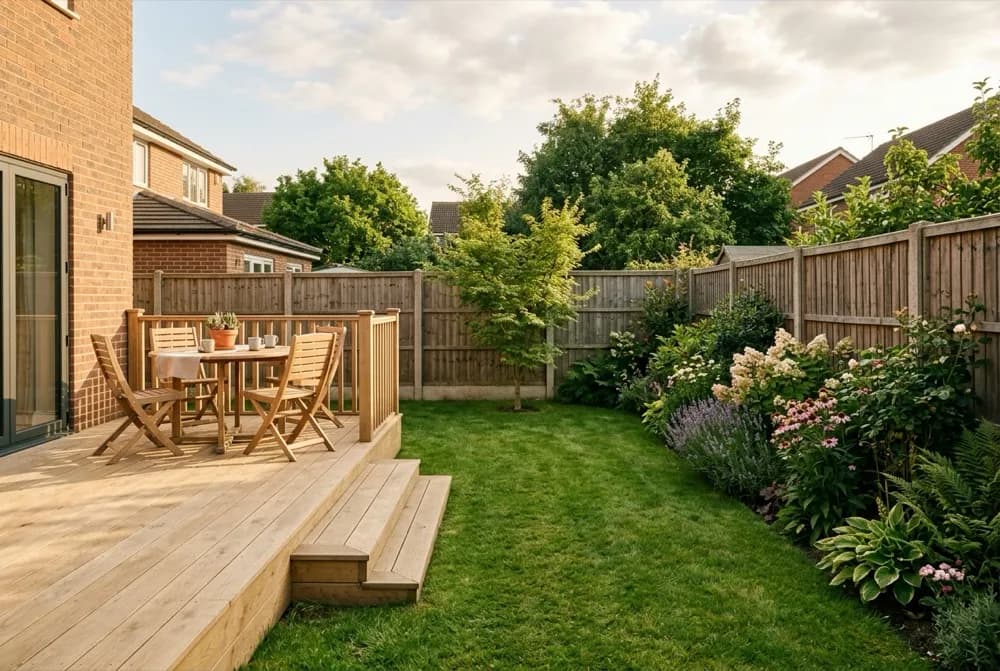
AI Backyard Design
Compare ideas for the backyard you already have.
Hardiness Zone Finder
FREECheck your supported local hardiness zone before choosing plants.