MLS Rules for Virtually Staged Photos, Compared
MLS virtual staging rules compared: label location, original photo, primary-photo limits and banned edits, with links to each MLS's official rule page.
TL;DR
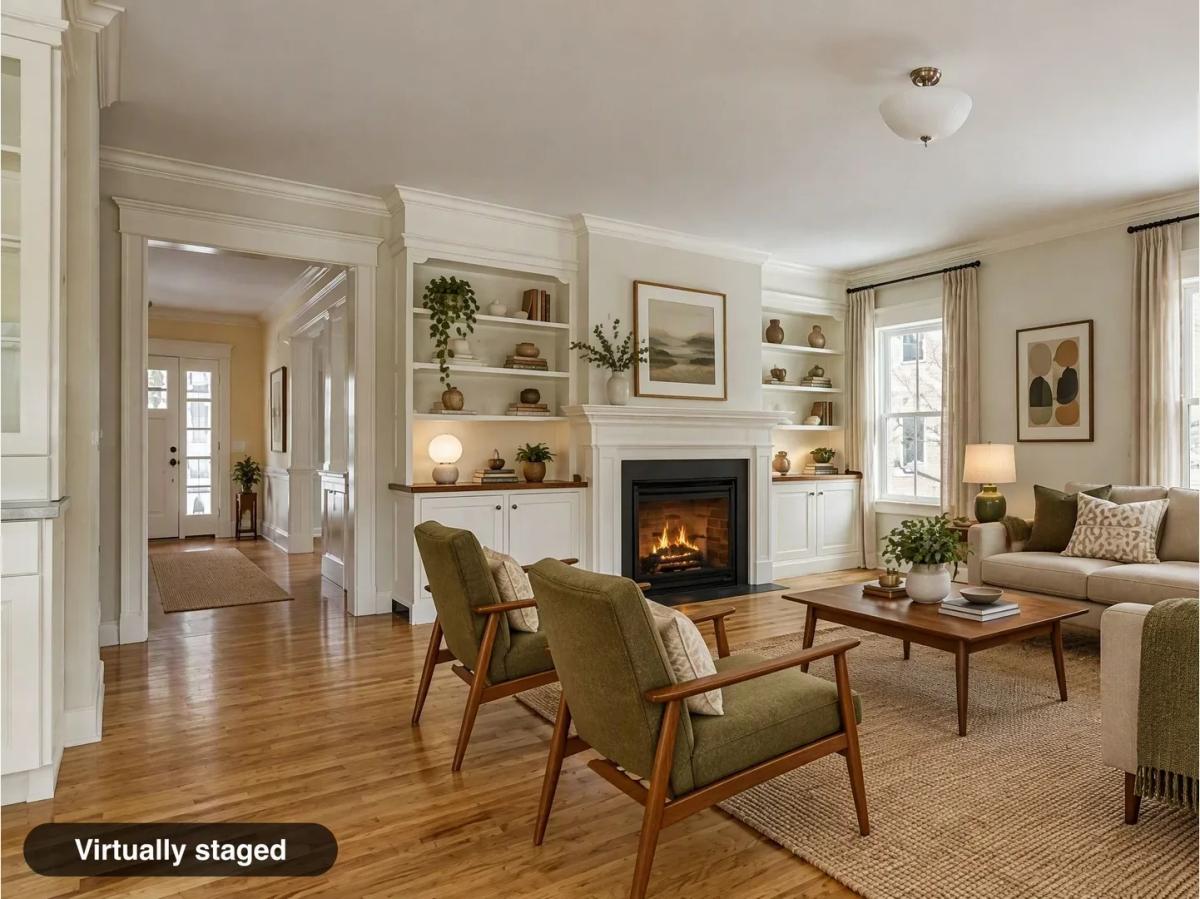
Every MLS on this page allows virtual staging and requires a disclosure. They split on three details: whether the label goes on the photo or in a description field, whether the unstaged original must be uploaded next to it, and whether the main listing photo may be staged. Most ban edits that change permanent features, views or defects.
Direct answer: Yes, virtual staging is allowed on the MLS, but you must label it the way your MLS specifies, and usually upload the original. MLS Now and Metro MLS also require an unaltered primary photo.
Last reviewed: November 9, 2026. Rules change; each section links to the MLS's own page and the date we read it. This is not legal advice.
Virtual staging rules at a glance
These patterns come only from official MLS pages.
| Rule | MLSs that require it |
|---|---|
Disclosure label on the photo, added by you | MLS Now, Canopy MLS, MLSListings, SmartMLS |
Disclosure applied by the MLS (Flexmls "Digitally Altered") | ARMLS, Metro MLS |
Disclosure in a photo description or label field | CRMLS, Bay East, Stellar MLS |
Disclosure in remarks | Bright MLS (private and public), MLSListings (public), Metro MLS, Stellar MLS |
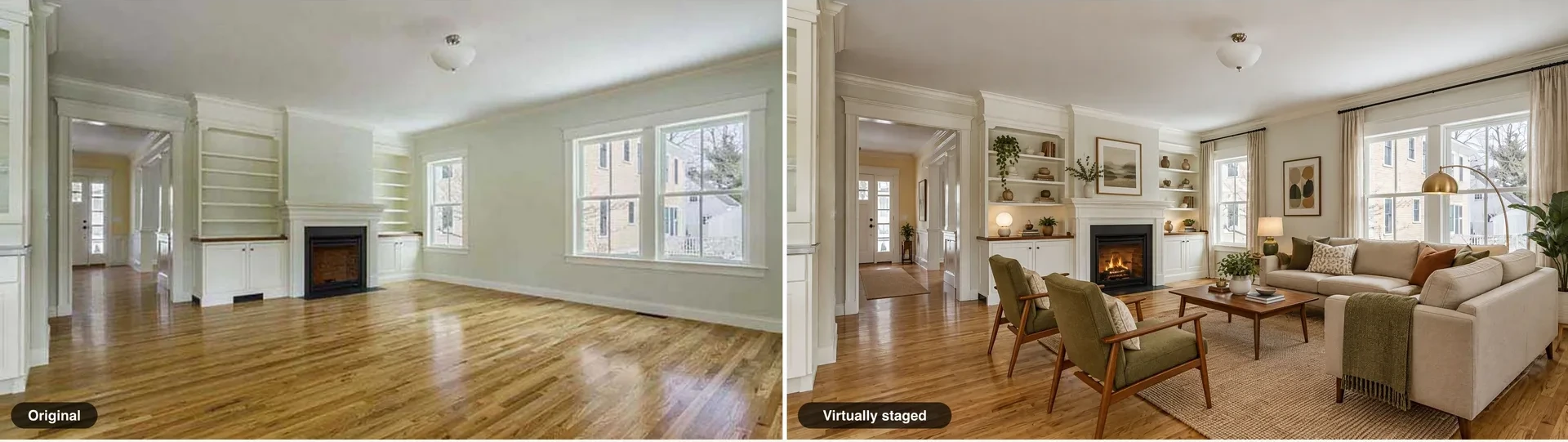
Original photo next to the altered one | CRMLS, Bay East, Canopy MLS, ARMLS, Metro MLS, SmartMLS, MLSListings |
| Primary photo must be unaltered | MLS Now, Metro MLS |
No text, links or overlays on photos beyond what the rule allows | MLSListings (except the disclosure label and property descriptions), Stellar MLS, MLS Now (except the required label) |
| No changing permanent features, views or defects | CRMLS, Bright MLS, Stellar MLS, Canopy MLS, MLS Now |
Notice the conflict in the first two rows. A label you add to the image is required by MLS Now, Canopy and MLSListings, ARMLS and Metro apply their own, Stellar prohibits words on property photos, and MLSListings bans links and QR codes in photos. One file cannot serve every MLS, so keep both a labeled and an unlabeled version.
California MLSs
California listings have to meet AB 723 and the MLS rule. The statute requires a disclosure and access to the original in every ad; see AB 723 and virtual staging.
CRMLS
Label the image in the photo description field with "digitally enhanced", "digitally altered" or "virtually staged"; no watermark is needed. Place the original immediately before or after the altered image. Changing real-property elements such as walls, floors, cabinets, paint, landscaping or the facade is not allowed unless the change will be made by closing, and removing off-site elements such as poles, wires or views is not allowed. AI-generated landscaping is banned even when labeled. A violation brings a warning, then a $250 fine if not corrected. CRMLS guidance, updated October 20, 2026.
SDMLS
SDMLS asks for a clear "digitally altered" disclosure and access to the original, either side by side or by a link or QR code to the original online. Its example page shows ten original-and-altered pairs marked "disclosure needed" or not. AB 723 Made Simple and examples.
Bay East
Enter a factual label such as "Digitally Altered", "Virtually Staged" or "Digital Rendering" in each photo's label field, and upload the original immediately after the altered image. The listing agent and broker are responsible no matter who edited the photo. Digitally Altered MLS Photo Rule.
MLSListings
Mark each altered image on the photo itself, in a reasonably conspicuous way, as "altered", "digitally altered", "AI altered" or a similar accurate term; "Digitally altered" matches the rule's wording exactly. Submit the original, and disclose enhancements such as virtual staging in public remarks. Links and QR codes are not allowed in MLS photos, and any other text overlay must describe the property, such as boundaries or pointers. AB723 Altered Images Overview, Rule 7.11.2.
Other MLSs with published rules
MLS Now (Ohio)
Every altered, staged or rendered image needs an on-image label "in a readable font", stating "Virtually Staged", "Digitally Altered" or "Rendering/AI-Generated", repeated in the caption, with no branding. The primary photo must be an unaltered current photo. Keep the original and provide it on request. MLS Now Rules, Section 3, effective August 3, 2026.
Bright MLS (Mid-Atlantic)
Staging is allowed if it shows "a true picture of the property", and it must be disclosed in both the private and public remarks. Adding or removing furniture is fine; removing things outside the owner's control, such as power lines or nearby roads, is not. Virtual Staging, updated July 27, 2026.
Stellar MLS (Florida)
Write "Virtually staged" in the photo description, tick the virtually staged box, and start the remarks with "One or more photo(s) was virtually staged." Exterior staging, changing permanent fixtures, adding views that are not possible from the property, hiding defects, and adding people, text or branding are prohibited. Article 4.4, updated September 27, 2026.
Canopy MLS (Carolinas)
The disclosure must be on the image or in the virtual tour; captions or remarks alone are not acceptable. The original goes immediately before or after. Digital Images and Virtual Staging, updated February 27, 2026.
ARMLS (Arizona)
Rule 8.23 requires a "Digitally Altered" disclosure on the photo, applied through Flexmls, with the original directly before or after. ARMLS says its own older "Virtually Staged" watermark is no longer ARMLS-approved, and that copyright or other companies' watermarks are still prohibited. Upload staged photos without your own label, then apply the Flexmls "Digitally Altered" disclosure. ARMLS also says changing the sky color does not count as digitally altered, which is narrower than California law. Fines of $200 per violation apply from December 2026. Digitally Altered Media.
Metro MLS (Wisconsin)
The original must be the primary photo and each original is followed by its altered version, which carries the Flexmls watermark. Use the Flexmls watermark rather than your own label. Public remarks must say "Photos are Digitally Altered." Metro lists sanctions of $10 and $10 per day. Photo upload requirements.
SmartMLS (Connecticut)
Staged photos need a stamp or watermark, and an accurate as-is image must come immediately before an altered one; a caption alone is not enough because captions may not reach IDX feeds. Virtually staged and altered photos, updated February 24, 2023; check for a newer version before relying on it.
What about Zillow and Realtor.com?
Neither publishes its own virtual staging rule for agent listings that we could find. Both display photos received from MLS feeds, so your MLS rule and your state law are what apply. If you post directly to a portal, keep the label on the image and the disclosure in the description.
Pre-upload checklist
- Read your MLS rule page and note the date.
- Label every altered photo the way your MLS asks: on the image, in the field, or both.
- Put the disclosure in remarks if your MLS or state requires it.
- Upload the original next to each altered photo where required.
- Keep the primary photo unaltered.
- Remove any logo, phone number, link or QR code from the image.
- Check the staged photo against the original with the staged photo review.
For label wording and size, see virtual staging disclaimer examples.
Preparing MLS-ready files with Spaceora
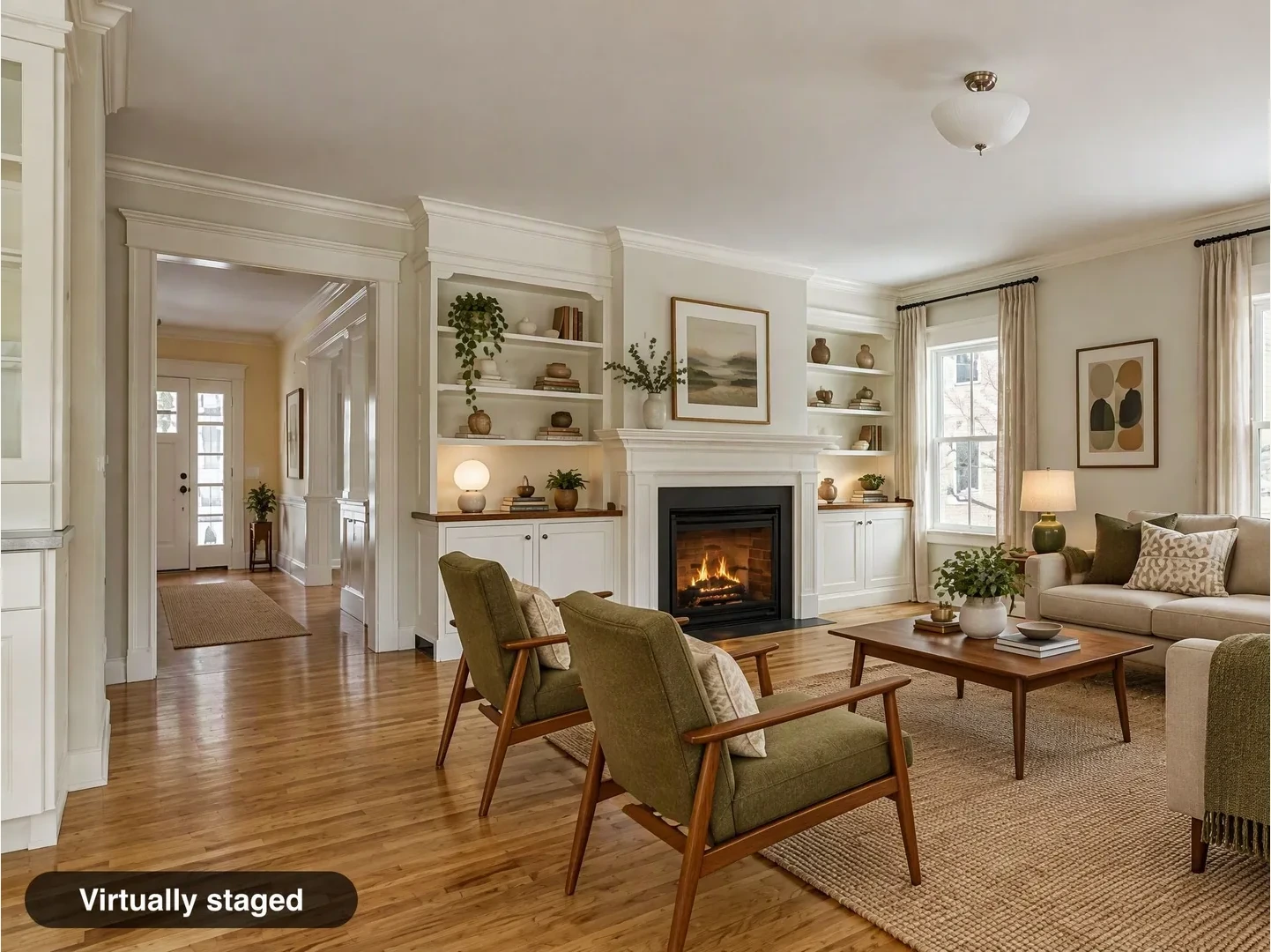
Virtual Staging downloads come with an unbranded "Virtually staged" label by default, and you can switch it off where your MLS wants the disclosure only in a field or applies its own, for example Stellar MLS, Metro MLS and ARMLS. You can also download the original you uploaded and a labeled side-by-side pair. Photographers who deliver to agents can start at Spaceora for photographers. Free-plan downloads also carry a tiled Spaceora watermark, which conflicts with MLS rules that ban branding on photos, such as MLS Now and Stellar MLS. Use a paid download for listing photos. Garden and floor-plan outputs get no label and are not meant for listing photos. Some MLS rules go further than a label: CRMLS bans AI-generated landscaping even when labeled, and Bright MLS prohibits removing things outside the owner's control, such as power lines or nearby roads.
Bottom line
Virtual staging is welcome on the MLS when it is labeled and honest. The label location, the original photo and the cover photo rule are where MLSs differ, so check yours before every upload. This page is general information, not legal advice.
Frequently asked questions
Is virtual staging allowed on the MLS?
Yes, at every MLS listed here, as long as the photos are disclosed and do not misrepresent permanent features, views or condition.
Can a virtually staged photo be the main listing photo?
Not at MLS Now or Metro MLS, which require an unaltered primary photo. Other MLSs vary, so check your rule; keeping the cover photo unaltered is the safe default.
Do I have to upload the original photo too?
At most MLSs here, yes: CRMLS, Bay East, Canopy MLS, ARMLS, Metro MLS, SmartMLS and MLSListings ask for it. MLS Now asks you to keep it and provide it on request.
What are Zillow's rules for virtual staging?
Zillow has no separate published rule for agent listing photos that we could find. Photos usually arrive through the MLS feed, so your MLS rule applies.
Can I add my logo to staged photos on the MLS?
No. The MLS rules that address it ban branding on listing photos, including inside the disclosure label.
Sources
All accessed November 9, 2026.
- CRMLS: Digitally Altered Image Guidance & FAQs
- SDMLS: AB 723 Made Simple
- Bay East: Digitally Altered MLS Photo Rule
- MLSListings: AB723 Altered Images Overview
- MLS Now Rules, Section 3
- Bright MLS: Virtual Staging
- Stellar MLS: Article 4.4
- Canopy MLS: Digital Images and Virtual Staging
- ARMLS: Digitally Altered Media
- Metro MLS: Photo upload requirements
- SmartMLS: Virtually staged and altered photos