AB 723 and Virtual Staging: What California Agents Must Do
California AB 723 still allows virtual staging, but altered listing photos need a disclosure and a link to the original. What counts and the penalties.
TL;DR
Virtual staging is still legal in California. Since January 1, 2026, AB 723 (Business and Professions Code §10140.8) requires a licensee who uses a digitally altered photo in an ad to say the image was altered, on or next to the image, and to point buyers to the original by link, URL or QR code. On a website you control, show the original in the posting or link to it.
Direct answer: Keep staging, but label every altered photo and give buyers a way to see the unaltered original in every ad, print included.
Last reviewed: November 9, 2026. This page explains the statute and public MLS guidance. It is not legal advice; ask your broker or a California real estate attorney about a specific listing.
What AB 723 requires
AB 723 adds two duties. Most guides cover the label but skip the sentence that tells buyers where the originals are. The full text is short; read it at the California Legislative Information site.
Disclose the alteration, and say where the original is
Any advertisement or promotional material, print included, that includes a digitally altered image must carry a statement that the image was altered. The statement must be "reasonably conspicuous" and sit on or adjacent to the image.
The same ad must also include a link, URL or QR code to a publicly accessible website that shows and clearly identifies the original, unaltered image. The statement itself has to tell people the originals can be accessed there. A corner label that only says "Virtually staged" covers the first half, not the second.
Show the original on websites you control
If the ad is posted on a website the agent or broker controls, such as a team site or a single-property site, the posting must include the unaltered version of the image. Linking to a public page that clearly identifies the original also satisfies this, as long as the disclosure says the originals are at that link.
Who it applies to
The duty covers a real estate broker or salesperson "or person acting on their behalf." That reaches photographers, editors and assistants who prepare listing images for an agent. If you shoot or edit for agents, build the label and the original file into your delivery. See virtual staging for real estate photographers.
What counts as a "digitally altered image"
The test is whether the edit changes how the property is represented. The statute defines an altered image as one changed with photo-editing software or AI to add, remove or change elements, and it lists far more than furniture.
| Needs disclosure | Usually does not |
|---|---|
| Virtual staging: adding or removing furniture and decor | Exposure and brightness |
| Changing flooring, walls or paint color | White balance and color correction |
| Changing hardscape, landscape or the facade | Cropping, straightening, angle correction |
| Editing floor plans | Sharpening |
| Replacing the sky or the view through a window | Other common adjustments that do not change how the property is represented |
| Removing streetlights, utility poles or neighboring buildings | |
| Virtual twilight, when it replaces the sky or changes the view |
Gray areas
Window pulls, removing a power cord, hiding a trash bin or a car, and heavy HDR are not named in the statute. Apply the statute's own test: the exclusion covers only adjustments "that do not change the representation of the real property". If an edit changes how the property is represented, or you are unsure, label it.
How to follow AB 723, step by step
Six steps cover a typical listing.
- Keep the untouched original. Save it before any edit, at full resolution, with the same file name stem as the edited version.
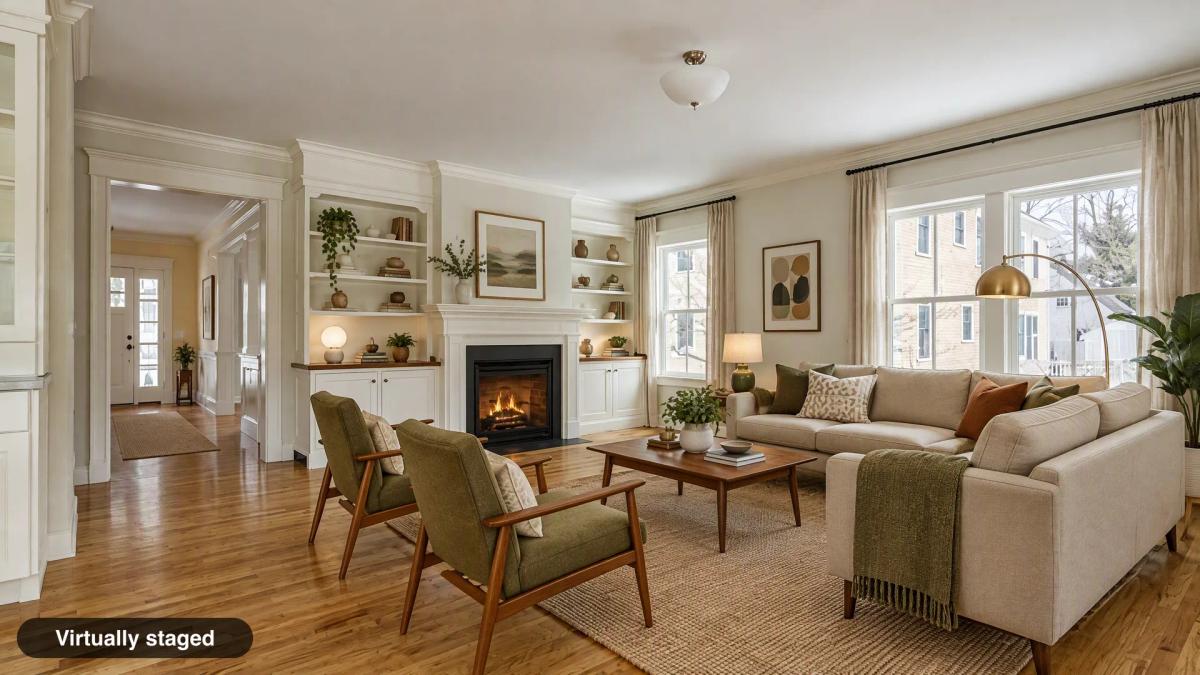
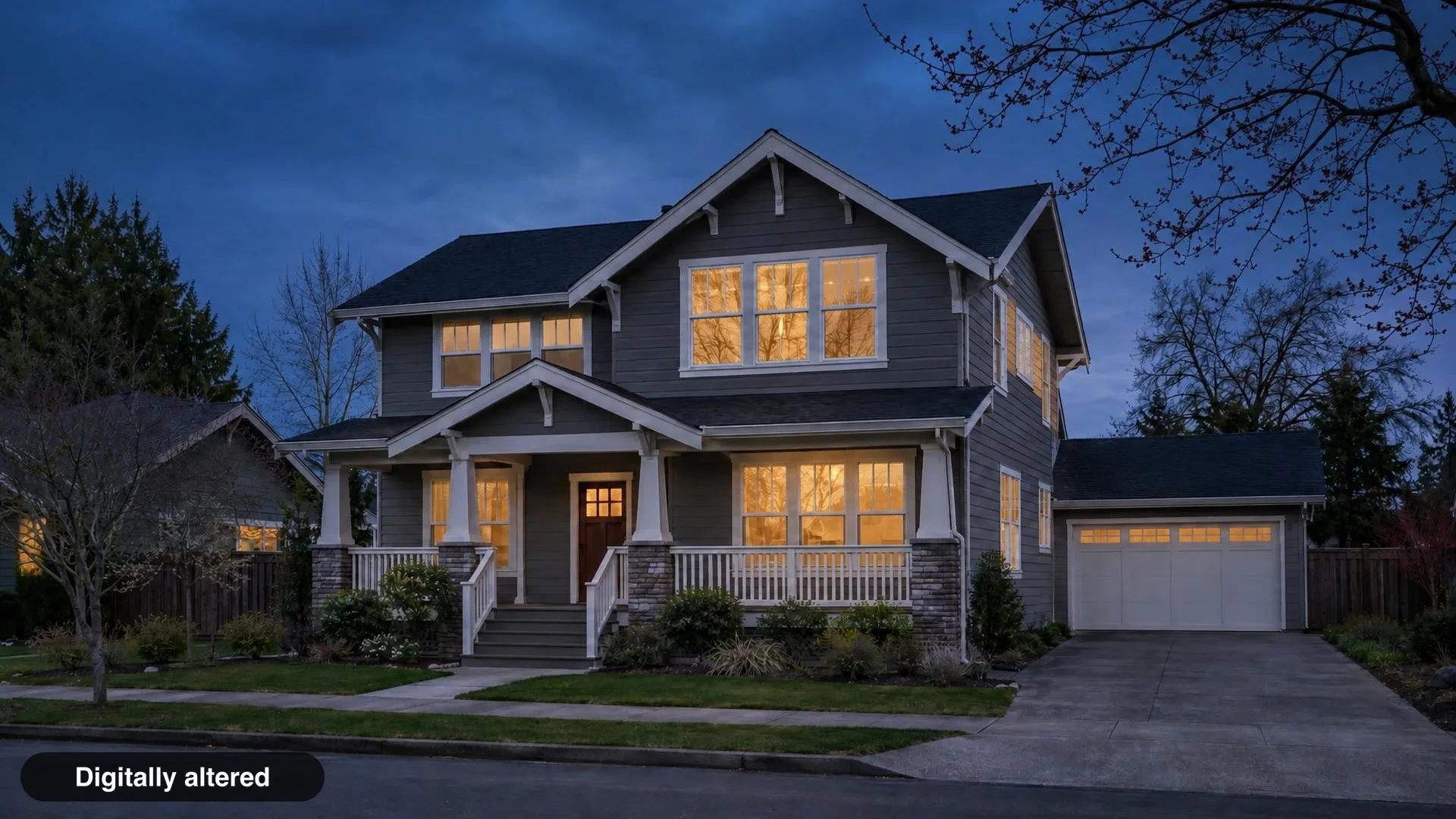
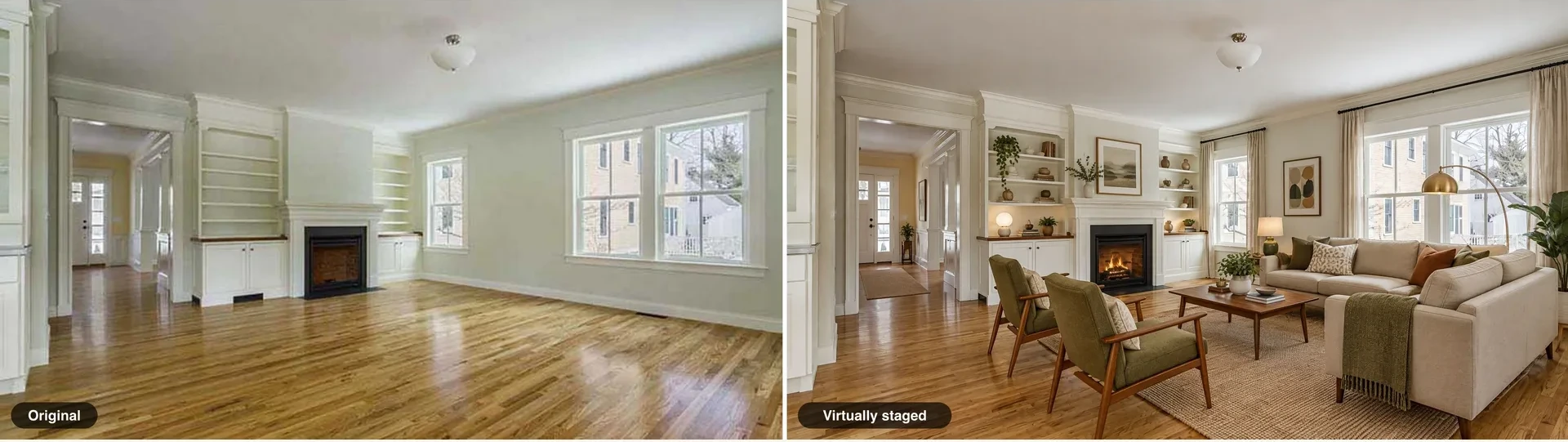
- Label every altered image. Use "Virtually staged" for furniture and decor, "Digitally altered" for anything else. Exact wording and placement: virtual staging disclosure label wording.
- Publish the originals somewhere public. A page on your website or a gallery link works. That URL is what your disclosure points to.
- Add the originals sentence to every ad. For example: "One or more photos have been virtually staged. Unaltered originals can be viewed at: [your link]". On flyers and mailers, add a QR code to the same page.
- Check your MLS's own rules. Several California MLSs added their own labeling and photo-order rules. See MLS rules for virtually staged photos.
- Review the staged image against the original before it goes live, so the edit does not hide defects or change fixed features. Use the staged photo review checklist.
Third-party sites and syndication
The "show the original in the posting" duty applies to websites you control. Zillow, Realtor.com and IDX sites usually receive your photos through the MLS feed, which you do not control. The statute's disclosure-and-link requirement covers every ad, so a label on the image and the originals sentence in your remarks travel better than a note only on your own site.
The California Association of Realtors raised syndication and scraping in its opposition to the bill, according to the Senate Judiciary Committee analysis. The statute does not spell out how syndicated copies are treated. If a listing will syndicate widely, ask your broker how your office handles it.
What happens if you don't disclose
Willful violations can be a crime, and MLS penalties are separate. §10140.8 has no penalty clause of its own, but it sits inside the Real Estate Law, and Business and Professions Code §10185 makes a willful violation of that law a misdemeanor.
| Source | What can happen |
|---|---|
| State law (§10185) | Willful violation: misdemeanor, fine up to $10,000, up to six months in county jail, or both |
| Department of Real Estate | Discipline of the license under the Real Estate Law |
| Your MLS | Separate MLS rules and fines. CRMLS, for example, issues a warning and then a $250 fine if not corrected (CRMLS guidance, updated October 20, 2026) |
You may see "$250" described as the AB 723 fine. It is not; that figure comes from CRMLS's own rule.
Rentals: a separate law from 2027
Rental ads get their own rule. A follow-up bill, AB 2025 (Chapter 572, approved September 27, 2026), adds Civil Code §1940.11 for rental ads. It applies to any person, including landlords who are not licensees, and it also covers images fully generated by AI. It takes effect January 1, 2027, and the same bill adds §10140.8(c), which takes leases longer than one year out of the sales rule.
How Spaceora handles the label
Spaceora adds the label for you; hosting the originals stays with you. When you download from Virtual Staging or the twilight and exterior tools, a "Virtually staged" (staging) or "Digitally altered" (twilight, exterior) label is placed in the bottom-left corner by default. You can turn it off. Room redesign and replace-furniture downloads start with the label off, so switch it on if you use those images in a listing.
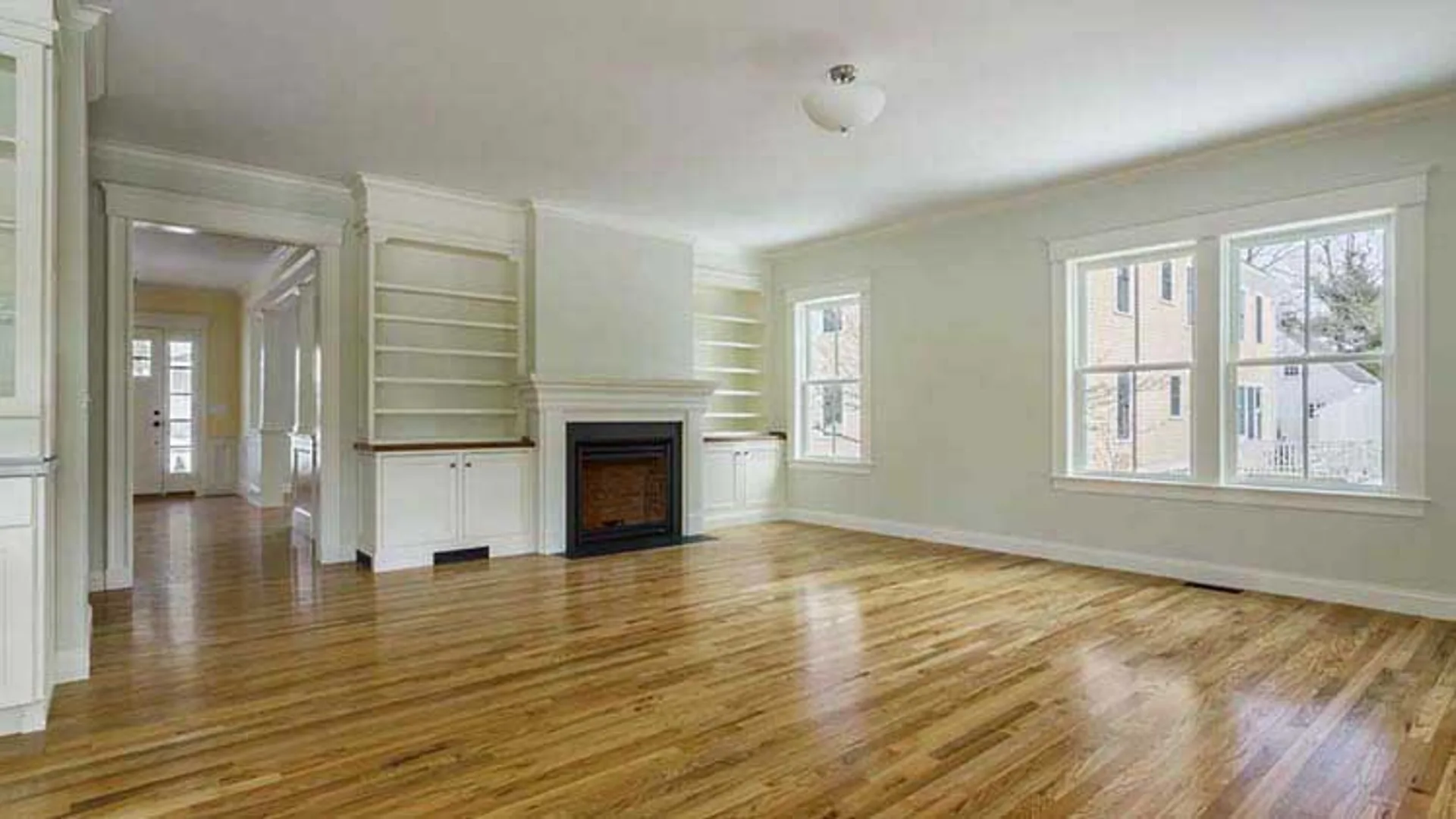
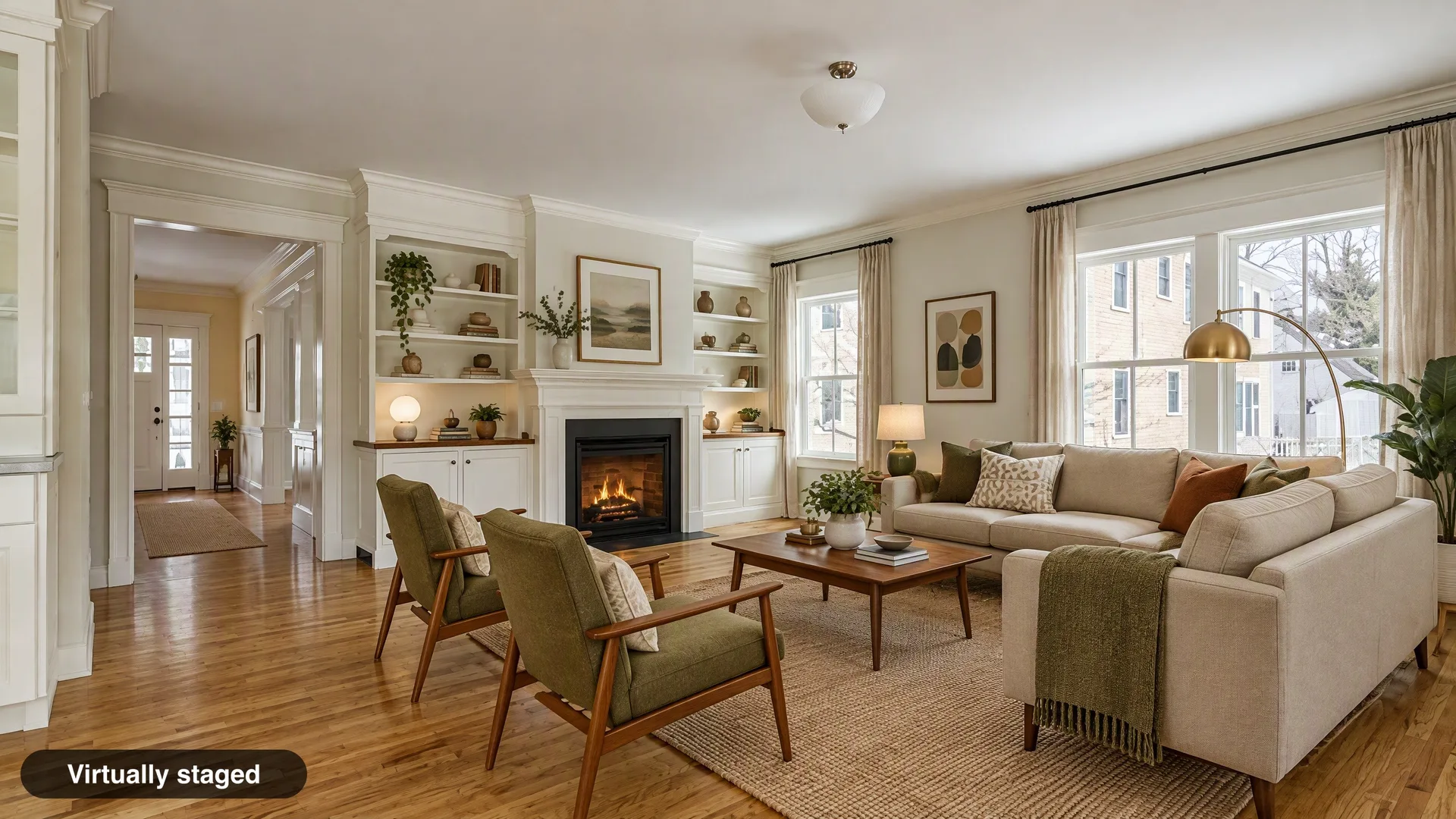
You can also download the original photo you uploaded, or a labeled side-by-side pair. When the label is on, Spaceora shows copy-ready remarks: "One or more photos have been virtually staged. Unaltered originals can be viewed at: [your link]". You host the originals on your own site and paste that link. Spaceora does not host public originals or generate the link or QR code. Free-plan downloads also carry a tiled Spaceora watermark, which conflicts with MLS rules that ban branding on photos, such as MLS Now and Stellar MLS. Use a paid download for listing photos.
Garden and floor-plan outputs get no label and are not meant for listing photos. Some MLS rules go further than a label: CRMLS bans AI-generated landscaping even when labeled, and Bright MLS prohibits removing things outside the owner's control, such as power lines or nearby roads.
The short version
Stage freely, label every altered photo, publish the originals and point to them in every ad. Then check your MLS rule, because it may ask for more than the statute does. If a listing raises a question this page does not answer, take it to your broker.
This page is general information, not legal advice.
Frequently asked questions
Is virtual staging legal in California?
Yes. AB 723 does not ban virtual staging. It requires a disclosure on or next to each altered image and access to the unaltered original.
When did AB 723 take effect?
January 1, 2026. It added Business and Professions Code §10140.8 (Statutes of 2025, Chapter 497).
Does AB 723 apply to photographers or only agents?
Both. It covers brokers, salespeople and any person acting on their behalf, which includes photographers and editors who prepare listing images for an agent.
Do I need to disclose color correction or HDR?
Not for lighting, exposure, white balance, color correction, cropping, straightening or sharpening that do not change how the property is represented. Heavy edits that change what the property looks like do need a label.
Does virtual twilight or sky replacement need a disclosure?
In most cases, yes. The statute's definition covers landscape and views through windows, and replacing the sky or the view changes how the property is represented.
Is a "Virtually staged" label on the photo enough?
No. Each ad also needs a link, URL or QR code to the unaltered originals, and the disclosure must say the originals can be accessed there.
Do I have to post the original photo or just link it?
On a website you control, either works: show the original in the posting, or link to a public page that clearly identifies it and say so in the disclosure.
Does AB 723 apply to rentals?
Not from 2027. Starting January 1, 2027, AB 2025 takes leases longer than one year out of §10140.8, and rental ads fall under Civil Code §1940.11, which applies to landlords too.
Sources
- Business and Professions Code §10140.8, accessed November 9, 2026
- Business and Professions Code §10185, accessed November 9, 2026
- AB 2025, Chapter 572 (2026), accessed November 9, 2026
- Senate Judiciary Committee analysis of AB 723, accessed November 9, 2026
- SDMLS: AB 723 Made Simple, accessed November 9, 2026
- CRMLS: Digitally Altered Image Guidance & FAQs, accessed November 9, 2026